


Solve App Testing Headaches for Good: Full Workflow Guide + High-Efficiency Cloud Testing Solutions

In today’s fast-paced product iteration cycles and fragmented end-user environments, the quality of testing directly determines whether an app can be launched smoothly, run stably, and earn positive feedback. Apps that load slowly, crash often, or suffer from poor compatibility are quickly eliminated by the market.
That’s why mobile app testing is no longer a one-off task before launch—it’s a continuous quality assurance mechanism throughout the entire development cycle.
This article explores the essence of mobile testing, popular tools, real-world challenges, and platform-based solutions—with a spotlight on an efficient, cost-effective approach: testing powered by*UgPhone Cloud Phone*.
1. What is Mobile App Testing?
Mobile app testing involves verifying the functionality, interface, performance, and security of mobile applications—across different devices, operating systems, screen resolutions, and networks—using either manual or automated methods. The goal is to ensure real-world stability and usability.
Key types of mobile testing include:
- Functional Testing: Verifies core features like login, payments, push notifications, etc.
- Compatibility Testing: Ensures the app performs consistently across brands, OS versions, languages, and resolutions.
- Performance Testing: Evaluates smoothness, loading speed, memory usage, battery drain, and heat generation.
- UI/UX Testing: Checks interface layout, interactive consistency, and responsiveness.
- Automated Regression Testing: Uses scripts to ensure existing functions are unaffected by updates.
- Weak Network Testing: Simulates app performance under unstable or slow network conditions.
- Security Testing: Prevents issues like data leaks or unauthorized access.
2. Popular Mobile Testing Tools
There’s a wide range of mobile testing tools available, each suited for specific tech stacks and use cases. Below are some of the most commonly used:
1. Appium
- A cross-platform automated testing tool based on the WebDriver protocol.
- Supports both iOS and Android; great for UI automation.
- Integrates well with Selenium, Robot Framework, etc.
2. Airtest + Poco - Combines image recognition with UI element control.
- Supports visual script recording, breakpoint debugging, screenshot comparison, and more.
3. Firebase Test Lab - Google’s official test platform offering real devices and emulators.
- Seamlessly integrates with Android Studio for automated and CI testing.
4. Espresso(Android)/XCUITest (iOS) - Native automation frameworks developed by Google and Apple.
- Deeply integrated into the app lifecycle; efficient for unit and integration testing.
5. Detox - A fast automation tool tailored for React Native.
- Supports concurrent testing and is ideal for frontend teams.
3. Key Challenges in Mobile App Testing
Despite the abundance of tools, testing teams often face the “last mile” challenges in real-world deployment:
- Limited device access, making it hard to cover all brand/OS combinations.
- Fragmented workflows, with repetitive steps from deployment to execution.
- Complex environment setup, especially for weak networks, permission popups, and localization.
- Resource waste, with high costs and low utilization of physical devices.
Traditionally, teams could only solve these issues by adding more devices and people—a costly and inefficient route. The real solution lies in cloud-based, virtualized, and automated testing environments.
4. UgPhone Cloud Phone: Lighter, Faster, More Stable Testing
UgPhone Cloud Phone is a high-performance Android virtual device hosted in the cloud. It supports remote operations and automation—perfectly aligned with today’s testing demands.

Compared to traditional testing setups, UgPhone offers clear advantages:
- Wider Device Coverage: No need to buy physical devices. Simulate multiple Android versions, resolutions, and languages to match real user environments.
- Data Isolation & Security: Each cloud phone runs in an independent container with access controls and full log tracking—preventing data leakage or crossover.
- Seamless Automation Integration: Compatible with Appium, Airtest, Python scripts, and more—easy to plug into your existing test workflows.
5. How to Run App Tests Using UgPhone Cloud Phone
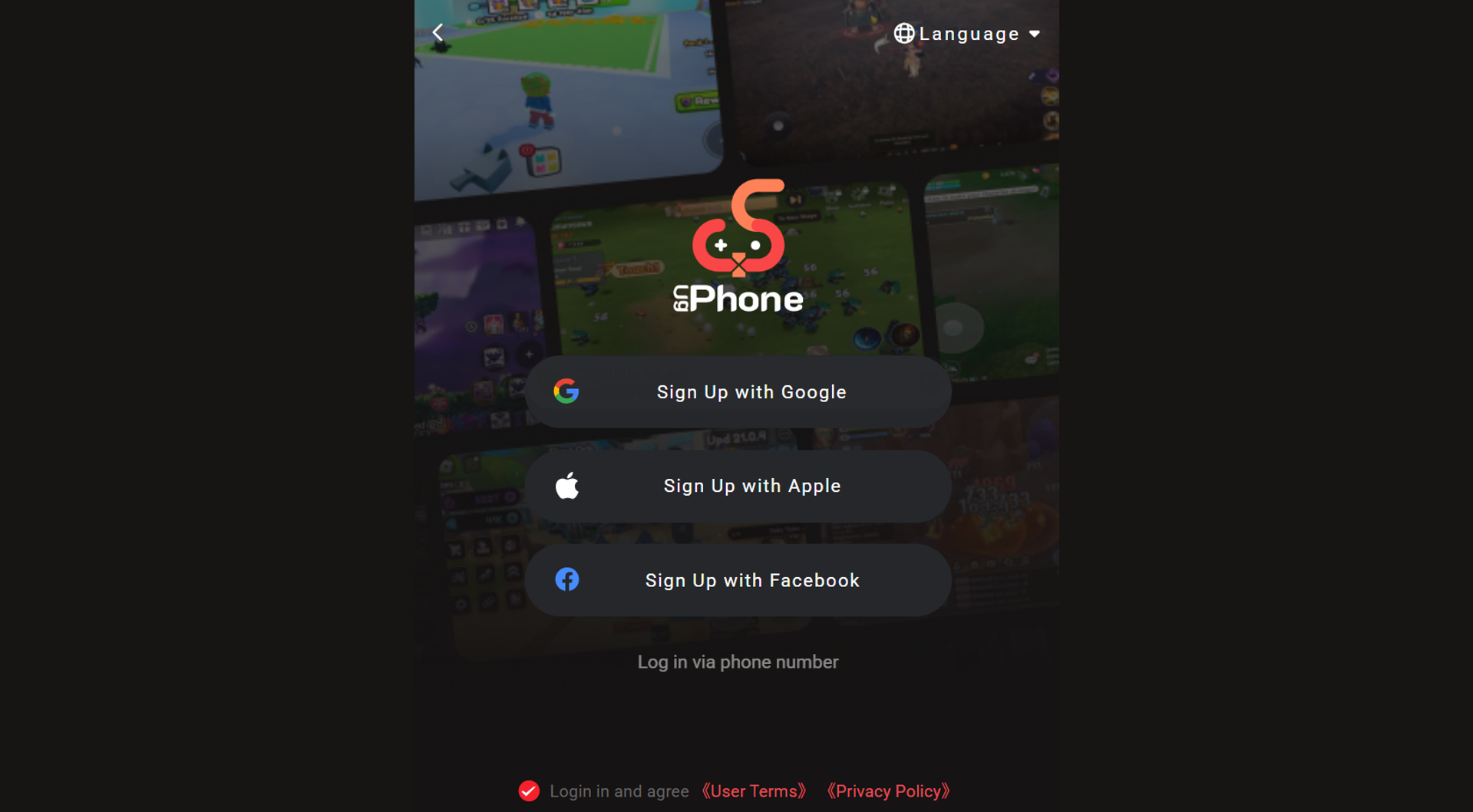
1. Register and Sign In
Go to *UgPhone Cloud Phone*and choose the version for your OS, or log in via the web. Multiple registration methods are supported. First-time users can contact support to request a trial.
2. Configure Your Test Device
Once logged in, head to the dashboard and choose the specs that match your test needs—Android version, CPU/RAM, data center region, and more.

3. Launch Devices and Run Tests
Select your devices and click Group Control to install apps or execute operations across multiple cloud phones at once.

4. Integrate with Automation Frameworks
UgPhone supports integration with leading automation tools. Just open the built-in Chrome browser, search and install your preferred scripts—then run them directly.

No matter how powerful your test tools are, they’re limited without scalable environments and manageable devices. UgPhone Cloud Phone makes testing lighter, faster, and more flexible. For teams focused on quality, efficiency, and cost control, UgPhone is a smart choice to boost delivery performance.
👉 Take your first step today—visit *UgPhone Cloud Phone*now!









