


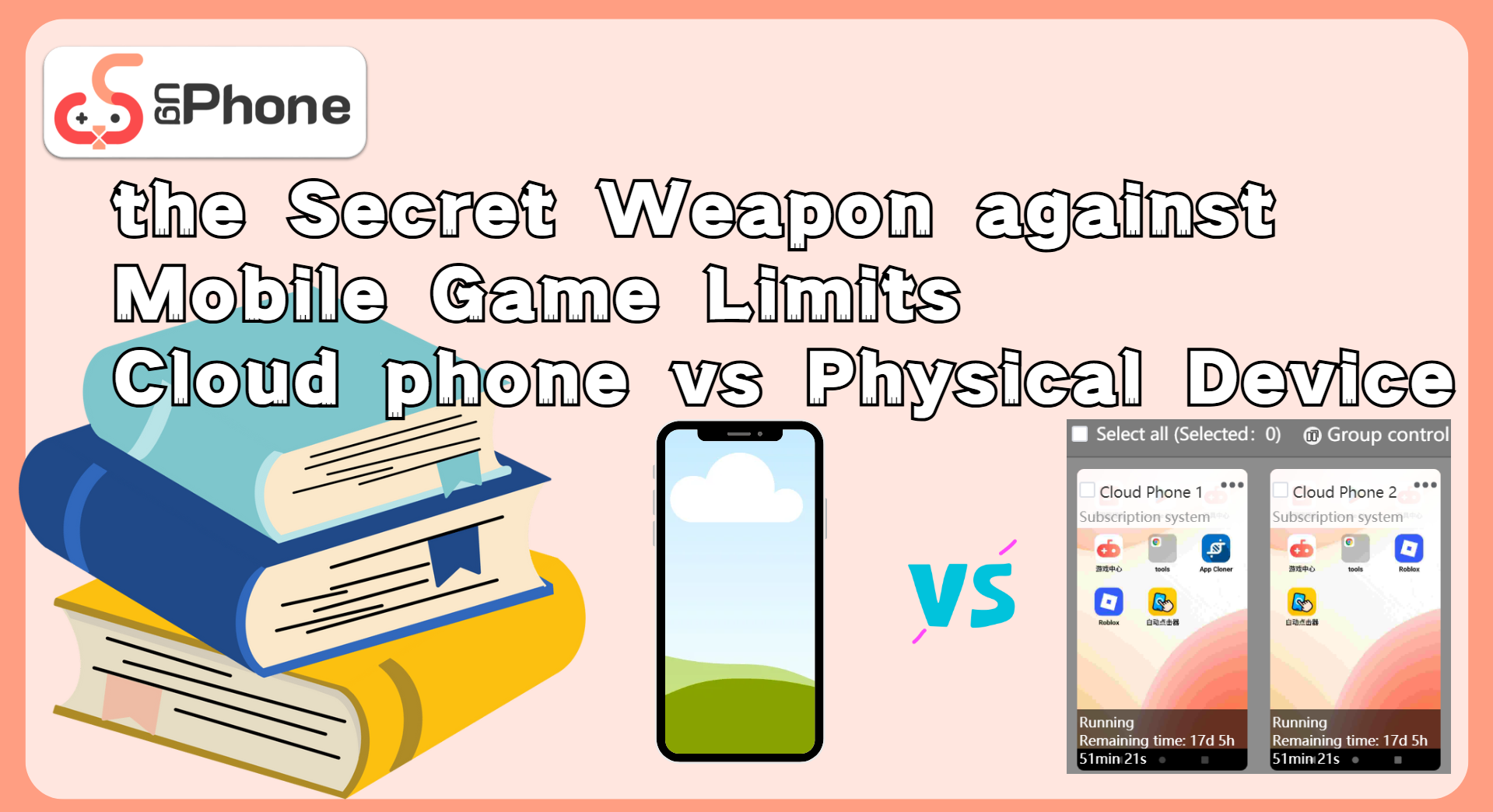
the Secret Weapon against Mobile Game Limits: Cloud phone vs Physical Device

As mobile games become increasingly popular, more gamers, developers, and operators are turning their attention to a rising trend—cloud phones. These devices don’t rely on physical hardware but can run mobile games 24/7, making them the new favorite in the mobile gaming scene.
Still, many are left wondering: What exactly is a cloud phone? How does it compare to the phone in your hand? In this article, we’ll break down what a cloud phone really is, explore its pros and cons versus physical devices, and show you why*UgPhone Cloud Phone* is the ultimate platform mobile gamers shouldn’t miss.
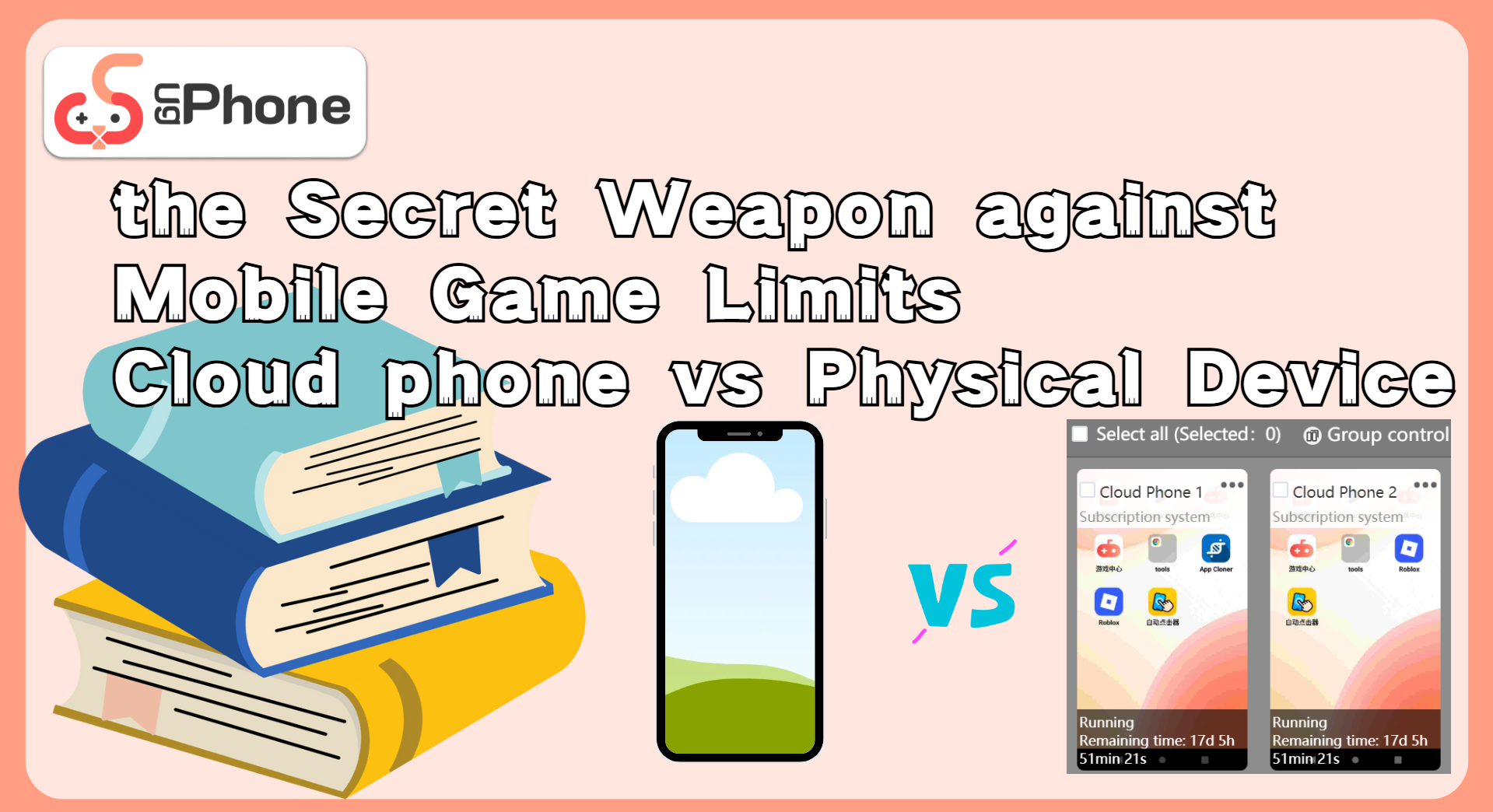
1. what is a cloud phone?
In simple terms, a cloud phone is a virtual Android device hosted on remote cloud servers—typically using ARM-based infrastructure. You can control this virtual phone remotely from your own device using a client app, giving you full Android functionality anytime, anywhere.
2. cloud phone vs physical phone: full gaming experience comparison
advantages:
- 1. free up local space – no storage issues
Mobile games often take up several GBs and require constant updates. A cloud phone installs and runs apps in the cloud, freeing up your physical device’s memory entirely.
2. 24/7 stable auto-play – no power drain
Running games on a real phone drains battery and causes overheating. Cloud phones keep your game running remotely—even if your device is turned off or disconnected from the internet.
3. automation + multi-device management
Cloud platforms allow bulk operations, device cloning, and group controls. No more managing dozens of phones—perfect for game studios or players with multiple accounts.
4. safer with data isolation
Your data stays in the cloud with encrypted transmission. If your phone is lost or data is deleted, you can easily restore everything via the cloud. - 5. no root needed for advanced controls
Some platforms support ADB access and even Xposed framework without requiring root—ideal for deep customization.
disadvantages:
- higher cost: Cloud phones require ongoing subscriptions, unlike physical phones with one-time costs.
- dependent on provider quality: Poorly built platforms may have compatibility issues or trigger anti-cheat systems.
- slight interface lag: Since the UI is streamed, minor latency may occur depending on network and platform quality.
Despite a few downsides, cloud phones are still the best option for high-resource, always-on, or large-scale gaming needs.
3. why ugphone? a cloud platform made for gamers
Among various cloud phone services, UgPhone stands out with its performance, stability, and low latency—quickly becoming a favorite for serious mobile gamers.
Key features include:
- game-optimized support – works seamlessly with Roblox, Ragnarok, Genshin Impact, and more.
- multi-device, multi-account control – perfect for farming games or bot-based setups.
- built-in automation tools – comes with native auto-clickers and script support—no third-party tools needed.
- one-click reflash – reset your cloud phone instantly if you get banned from high-risk operations.
- group control panel – run daily tasks across multiple cloud phones with a single action.
- cross-platform access – continue gaming from both PC and mobile anytime.
Compared to managing physical “phone walls,” UgPhone is lighter, simpler, and much more efficient.
4. quick start guide: how to game with ugphone
Just follow these 5 easy steps to enter your own cloud-based gaming space:
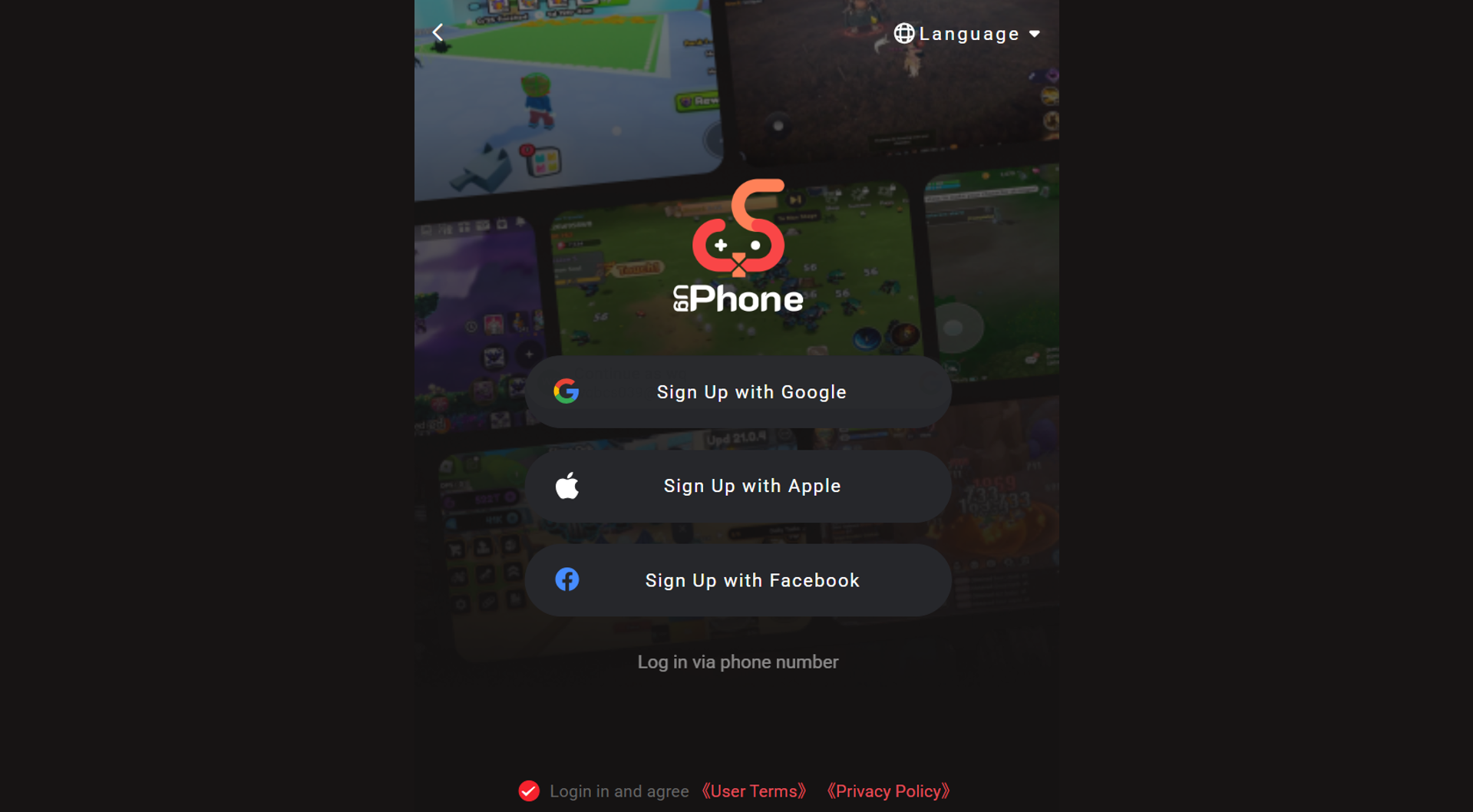
1. go to UgPhone Cloud Phone and sign up
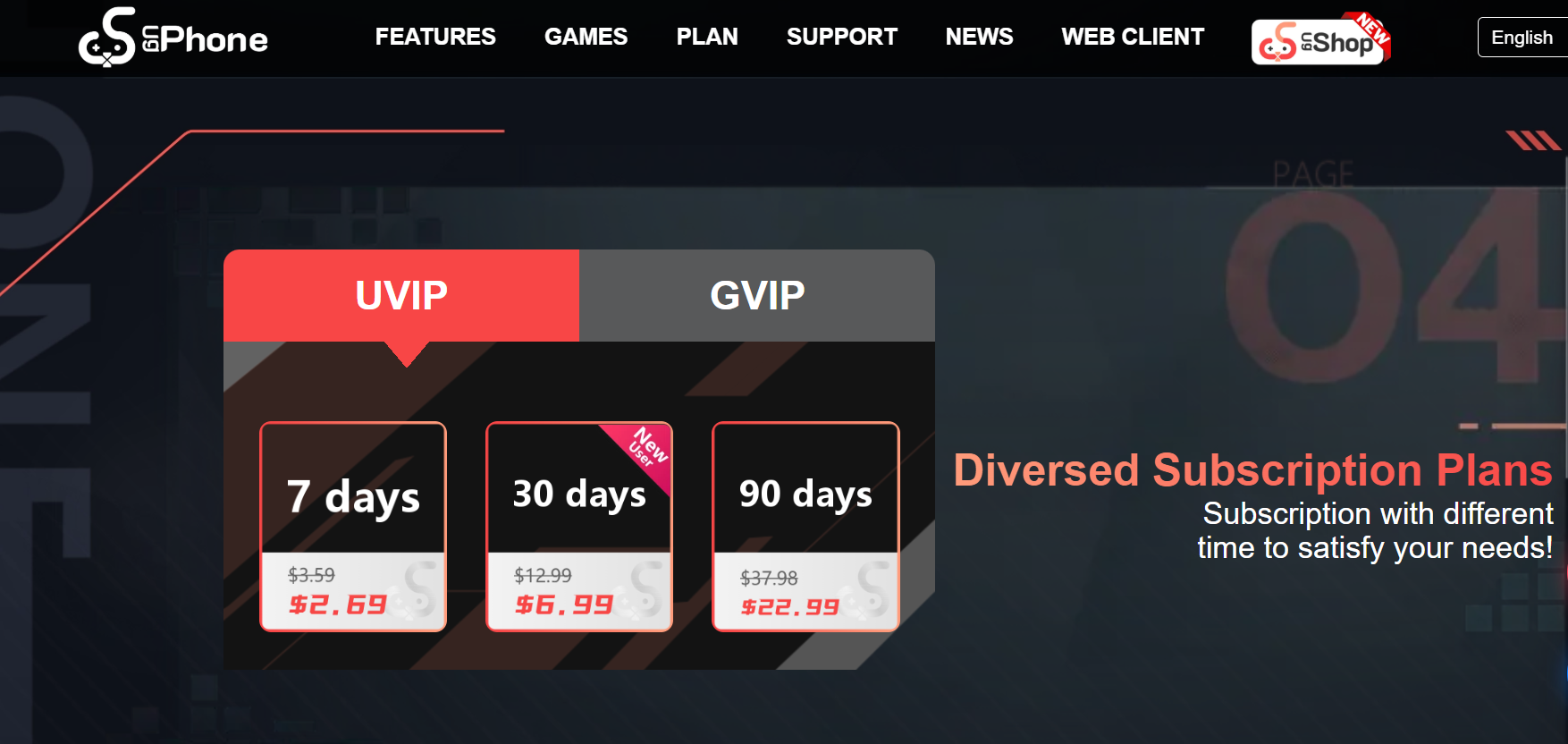
2. download and install the UgPhone client, then create a new cloud phone
3. install your favorite mobile game – Roblox, Genshin Impact, Ragnarok, etc.
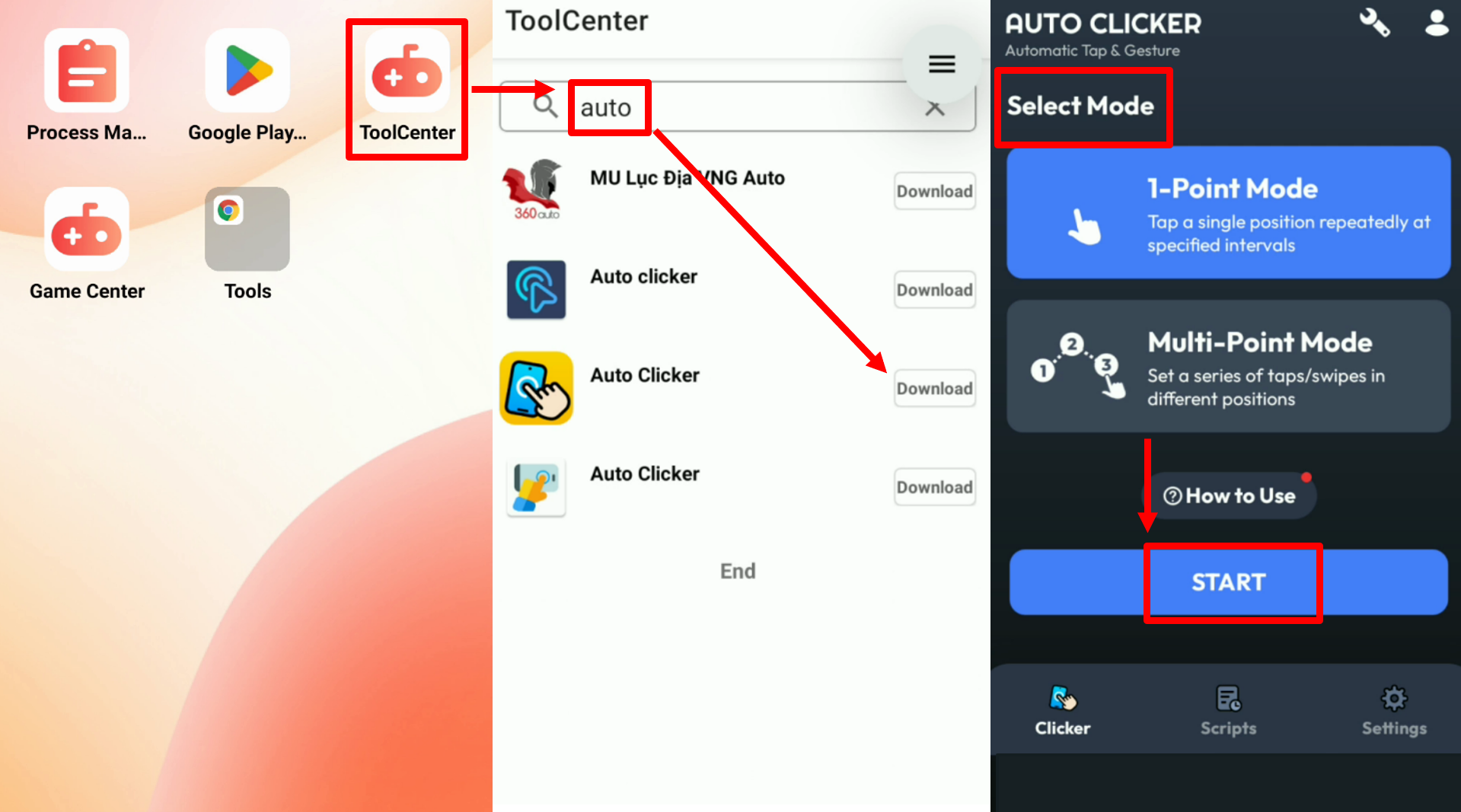
4. set up automation scripts or workflows, and start background running mode
Now, even if your physical phone shuts down or disconnects, your cloud phone keeps grinding—true unattended auto-play.
From freeing storage to managing multiple accounts and ensuring data security, cloud phones are becoming the go-to tool for mobile gamers, farming teams, and script developers. UgPhone leads the pack with the perfect mix of performance, stability, and full-feature integration for all gaming use cases.
👉 Visit*UgPhone Cloud Phone* now and claim your cloud device to enter the era of round-the-clock gaming automation!
Bonus: Watch the tutorial video below and get a free 30-day UgPhone GVIP trial:









