


The Ultimate Solution for Managing Multiple Telegram Accounts: Why UgPhone Stand Out

In global social marketing, Telegram has become an essential platform thanks to its strong privacy features and active community ecosystem. As marketing demands grow, safely and efficiently managing multiple Telegram accounts has become a major challenge. This guide breaks down the core needs of multi-account operations and explains how*UgPhone Cloud Phone* provide a superior solution.
I. Why Multiple Telegram Accounts Matter
●Boost Marketing Efficiency
Running several accounts lets businesses distribute content, engage users, and run A/B tests more effectively, increasing exposure and conversions.
●Operate Across Regions
For international brands, localized accounts help tailor content to different markets and improve user engagement.
●Reduce Operational Risks
If a single account gets banned, operations can halt. Multi-account strategies spread risk and keep marketing efforts stable.
II. The Limitations of Traditional Multi-Account Methods
1.High Ban Risk
Switching accounts on the same device or using basic cloning apps can trigger Telegram’s security checks, leading to mass bans.
2.Device Performance Issues
Running multiple Telegram instances on a regular phone or computer causes lag, overheating, and reduced efficiency.
3.Difficult to Manage
Manually switching accounts, tracking login details, and handling content separately increases workload and complexity.
III. UgPhone Cloud Phones: The Best Solution for Telegram Multi-Account Management
UgPhone offers major advantages:
1.Real Device Simulation
Each Telegram account runs in an isolated, fully simulated mobile environment, greatly reducing ban risks.
2.High-Quality Native IPs
UgPhone provides clean, region-specific IP addresses from global data centers, avoiding restrictions caused by low-quality IPs.
3.One-Click Bulk Operations
You can batch-create virtual phones, install apps, and execute tasks, saving huge amounts of time.
4.24/7 Cloud Operation
UgPhone runs continuously in the cloud. Even when you’re offline, scheduled tasks and automation keep your accounts active.
IV. How to Use UgPhone for Telegram Multi-Account Management
1.Download, Installation, and Registration
Visit the*UgPhone Cloud Phone* official website or app store, download and install the client, and complete account registration. Supports multiple platforms and is easy to use.
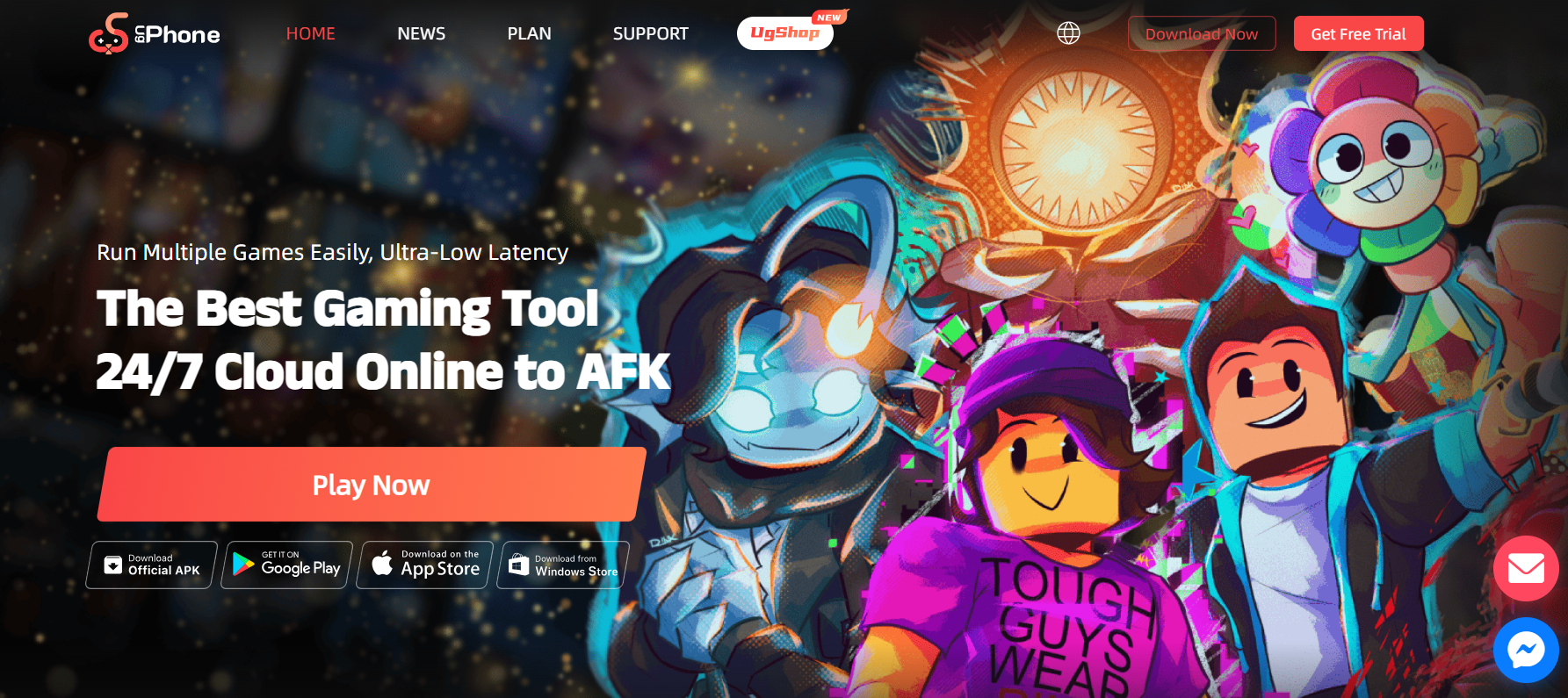
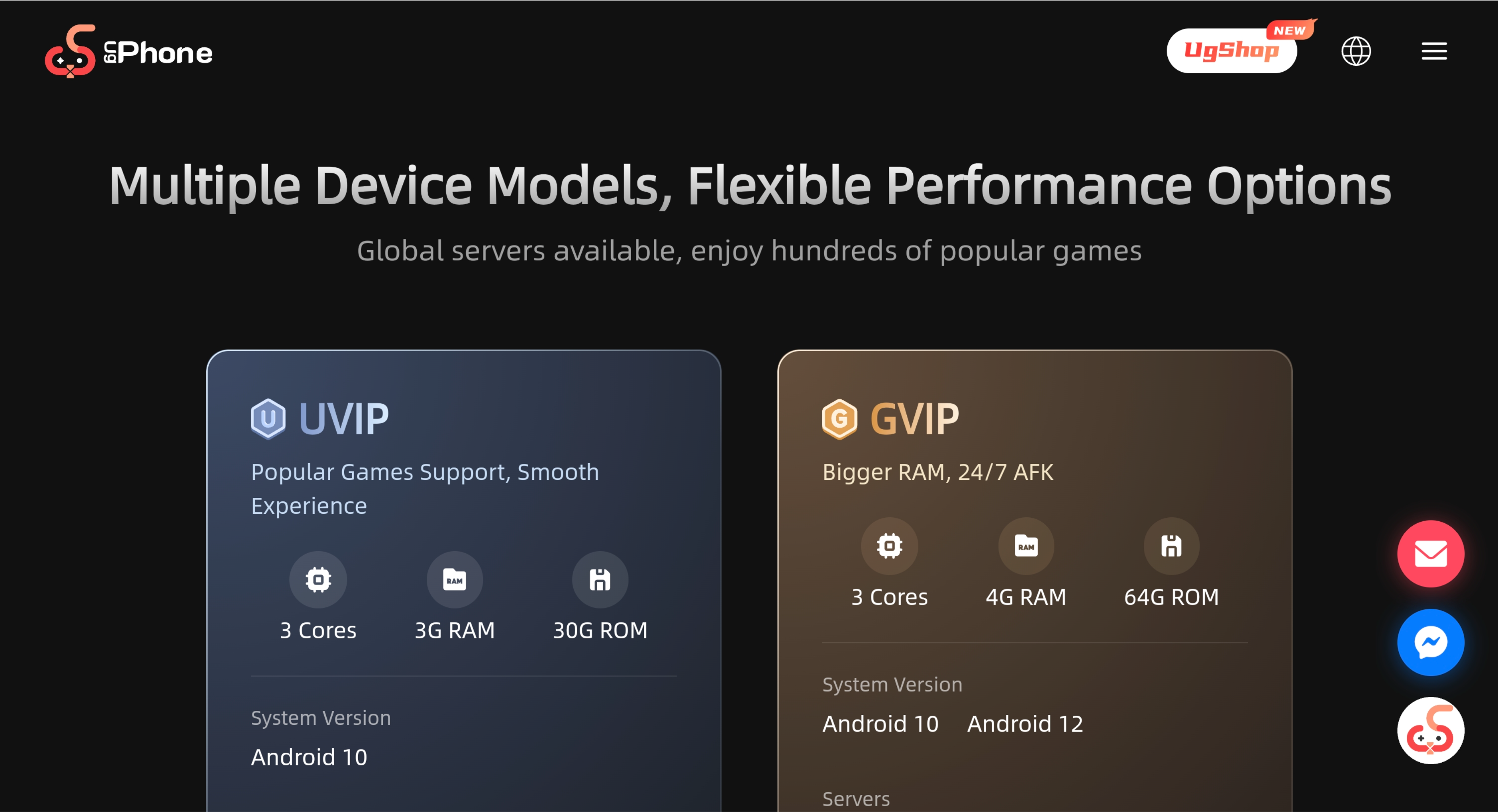
2.Purchase the corresponding configuration on the UgPhone platform.
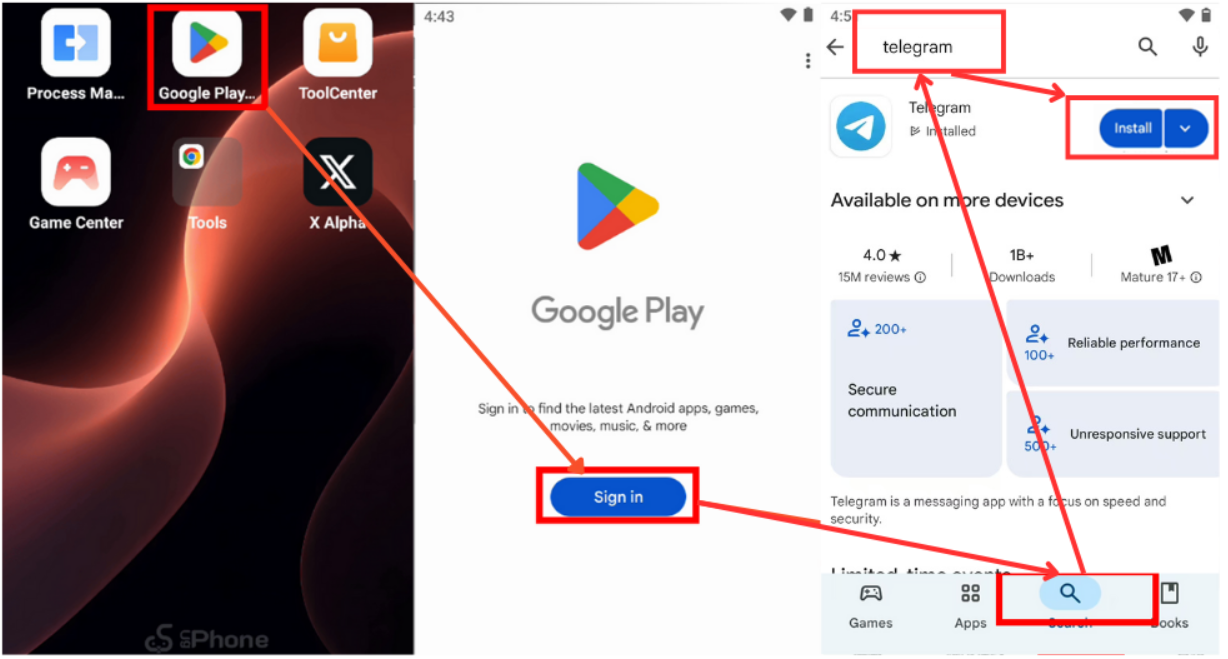
3.Search for and download Telegram from the Google Play Store.
4.Automated Task Flow Configuration
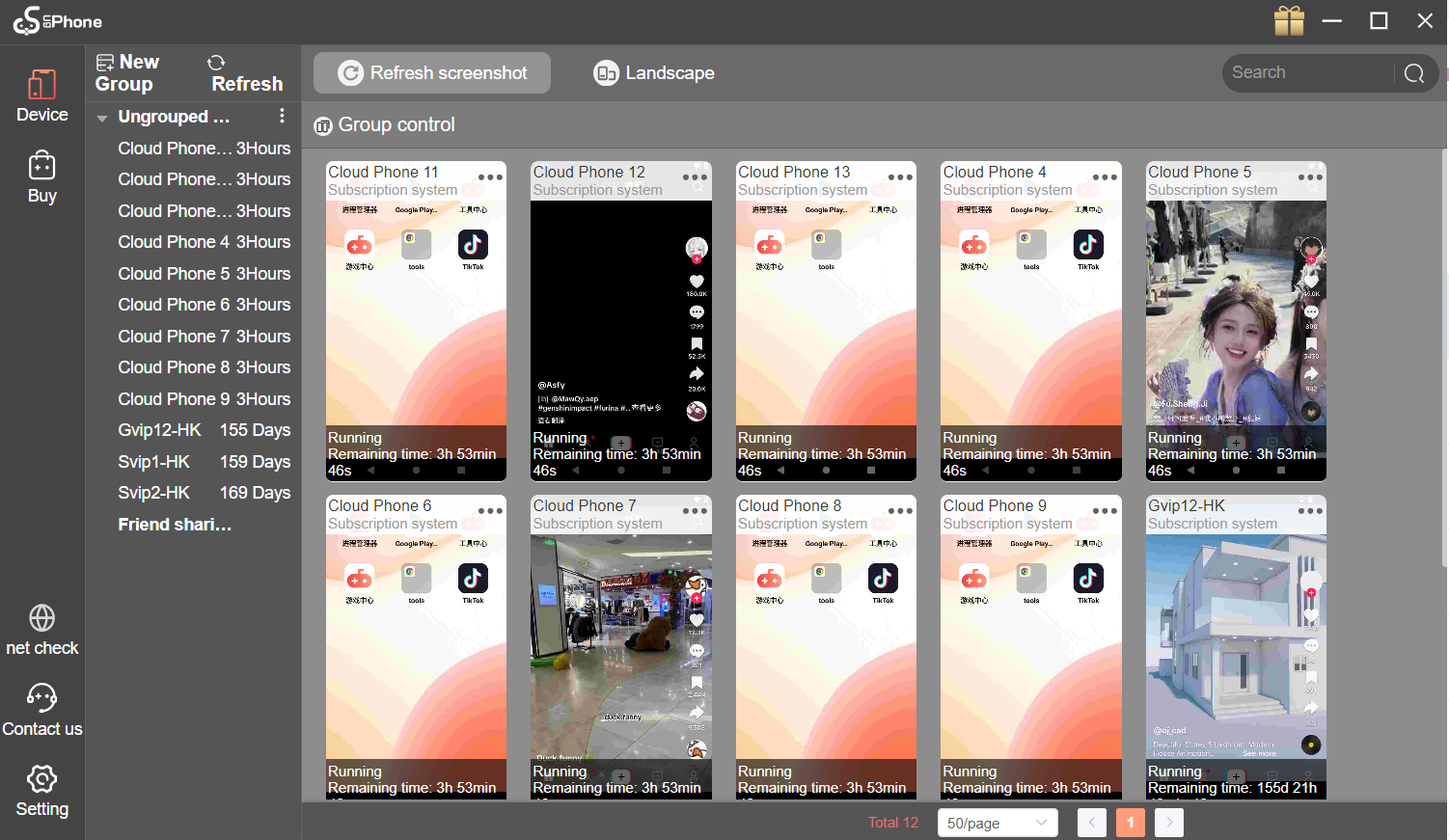
●Batch Content Posting: Upload materials and set scheduled posting times to ensure content is posted at the optimal time, increasing exposure.
●Smart Interactive Tasks: Use preset scripts to set parameters that mimic real user behavior, such as random scrolling time and a 5-8 second pause before liking, reducing the risk of account suspension due to frequent operations.
UgPhone offers an enterprise-level solution for running multiple Telegram accounts. With its real device simulation, high-quality IPs, bulk operations, and automation tools, it delivers a safer, more stable, and more efficient platform for both individuals and businesses.
For users who need large-scale Telegram operations, choosing*UgPhone Cloud Phone* isn’t just a technical upgrade—it’s a strategic advantage that can significantly boost your marketing results while minimizing account risks.









