


UgPhone: A Smarter Way to Run Multiple Shopee Stores

With the continued rise of cross-border e-commerce, Shopee has become a key platform for sellers expanding into Southeast Asia and Taiwan. To maximize market coverage, operating multiple Shopee stores has become a common strategy. However, challenges such as account security, IP isolation, and management efficiency also increase.
This article explains how*UgPhone Cloud Phone* helps sellers manage Shopee multi-store operations safely and efficiently.
I.Core Strategies for Multi-Store Shopee Operations
1.Precise Market Positioning & Store Matrix Planning
Successful multi-store operations begin with accurate market insights. Sellers should design differentiated store matrices based on consumer habits, cultural preferences, and competition in each market.
2.Systematic Operational Workflow
Standardized workflows are essential, including unified listing procedures, order handling rules, and customer service guidelines.
3.Data-Driven Decision Making
Use analytics tools to monitor key store metrics such as traffic sources, conversion rate, AOV, and repurchase rate.
4.Risk Diversification & Compliance Management
Operating multiple stores spreads operational risk. To avoid chain-reaction failures, stores should remain independent in logistics, inventory, and daily operations.
II.Challenges of Multi-Store Shopee Operations
Main Challenges
●Higher Operational Complexity: More stores require stronger workflows and better tools.
●Difficult Resource Allocation: Balancing budget, manpower, and ad spend across stores is a constant challenge.
●Data Integration Issues: Fragmented data must be unified for effective decision-making.
●Team Training & Management: Skills and manpower must grow with the scale of operations.
III.Unique Advantages of UgPhone for Shopee Multi-Store Management
1.Complete Environment Isolation
Each store runs in an independent virtual device, solving account-linking risks.
2.Smart Management for Higher Efficiency
Remote control enables managing multiple stores from a single device.
3.Flexible Scaling
Cloud phone instances can be expanded as store numbers grow.
4.Lower Operational Costs
Compared with physical devices, UgPhone significantly reduces hardware and maintenance expenses.
5.Data Security & Business Continuity
Enterprise-grade protection and automatic backups ensure data safety. Even if a local device fails, sellers can access cloud phones from any terminal to keep operations uninterrupted.
IV.Getting Started with UgPhone
1.Download, Installation, and Registration
Visit the*UgPhone official websiteor app store, download and install the client, and complete account registration. Supports multiple platforms and is easy to use.

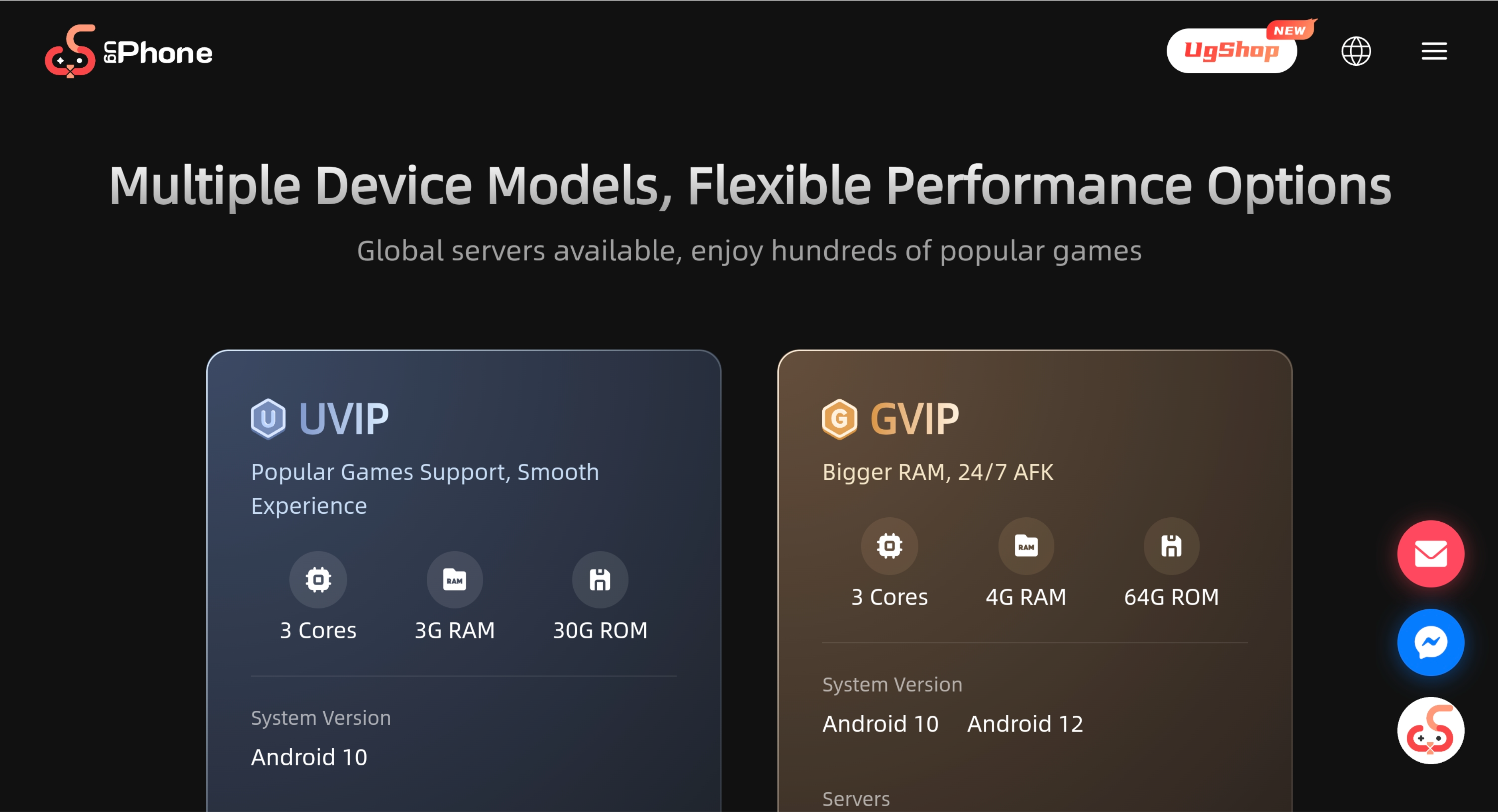
2. Purchase the corresponding configuration on the UgPhone platform.
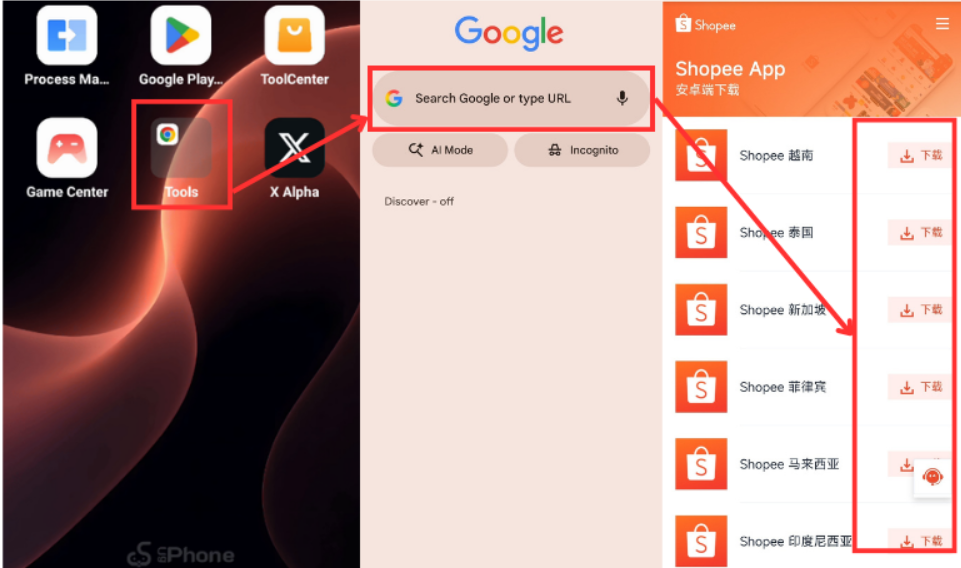
3.Use Google Chrome to download the correct APK fromShopee’s official website*.
4.Automated Task Flow Configuration
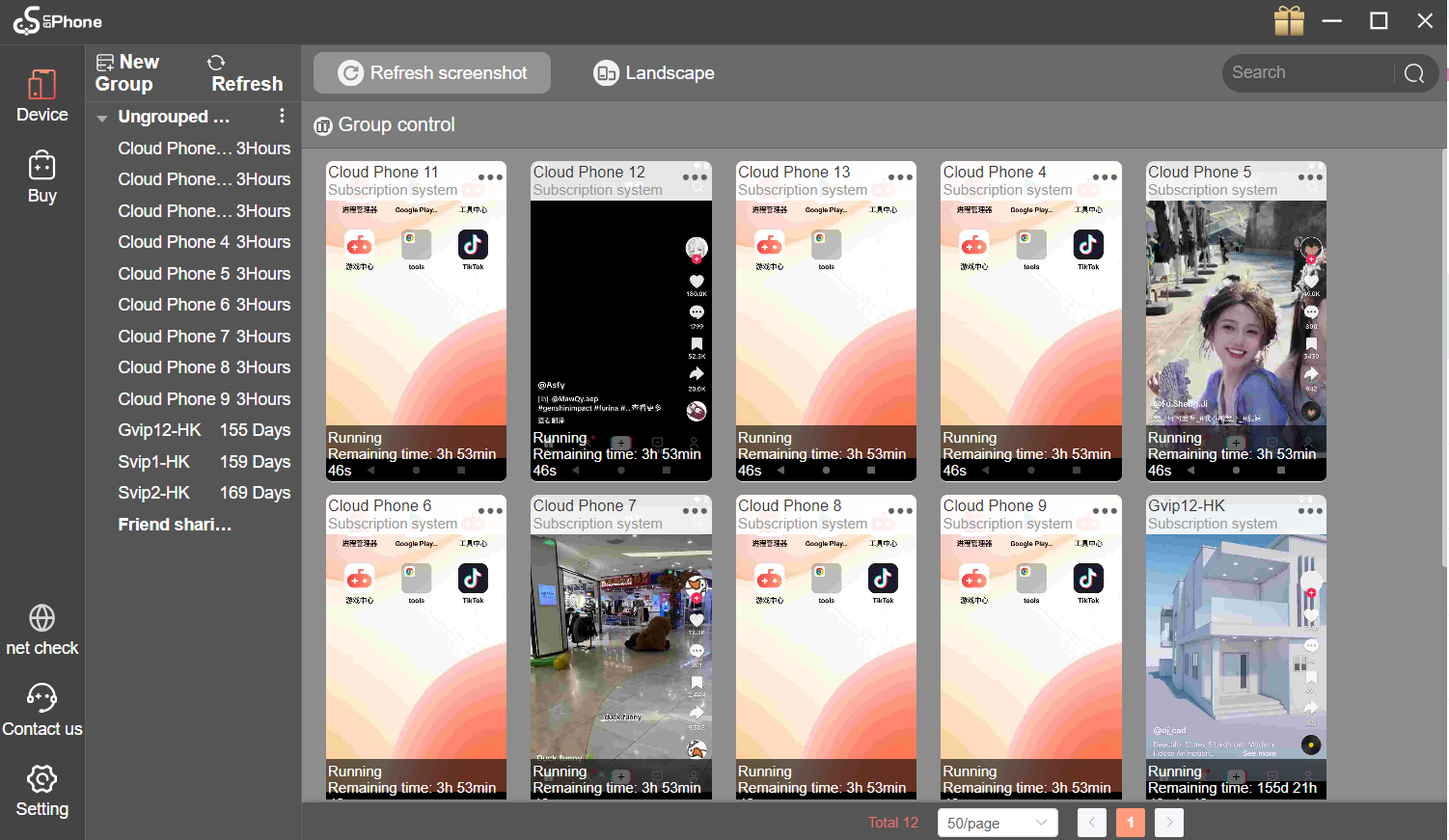
●Batch Content Posting: Upload materials and set scheduled posting times to ensure content is posted at the optimal time, increasing exposure.
●Smart Interactive Tasks: Use preset scripts to set parameters that mimic real user behavior, such as random scrolling time and a 5-8 second pause before liking, reducing the risk of account suspension due to frequent operations.
As cross-border e-commerce becomes more specialized and refined, multi-store operations will remain a key competitive strategy. By embracing technological innovation and optimizing management models, sellers can stay ahead in the evolving market.
*UgPhone*will continue to advance its solutions to provide Shopee sellers with more secure, efficient, and scalable multi-store management—opening new opportunities in the global e-commerce landscape.









