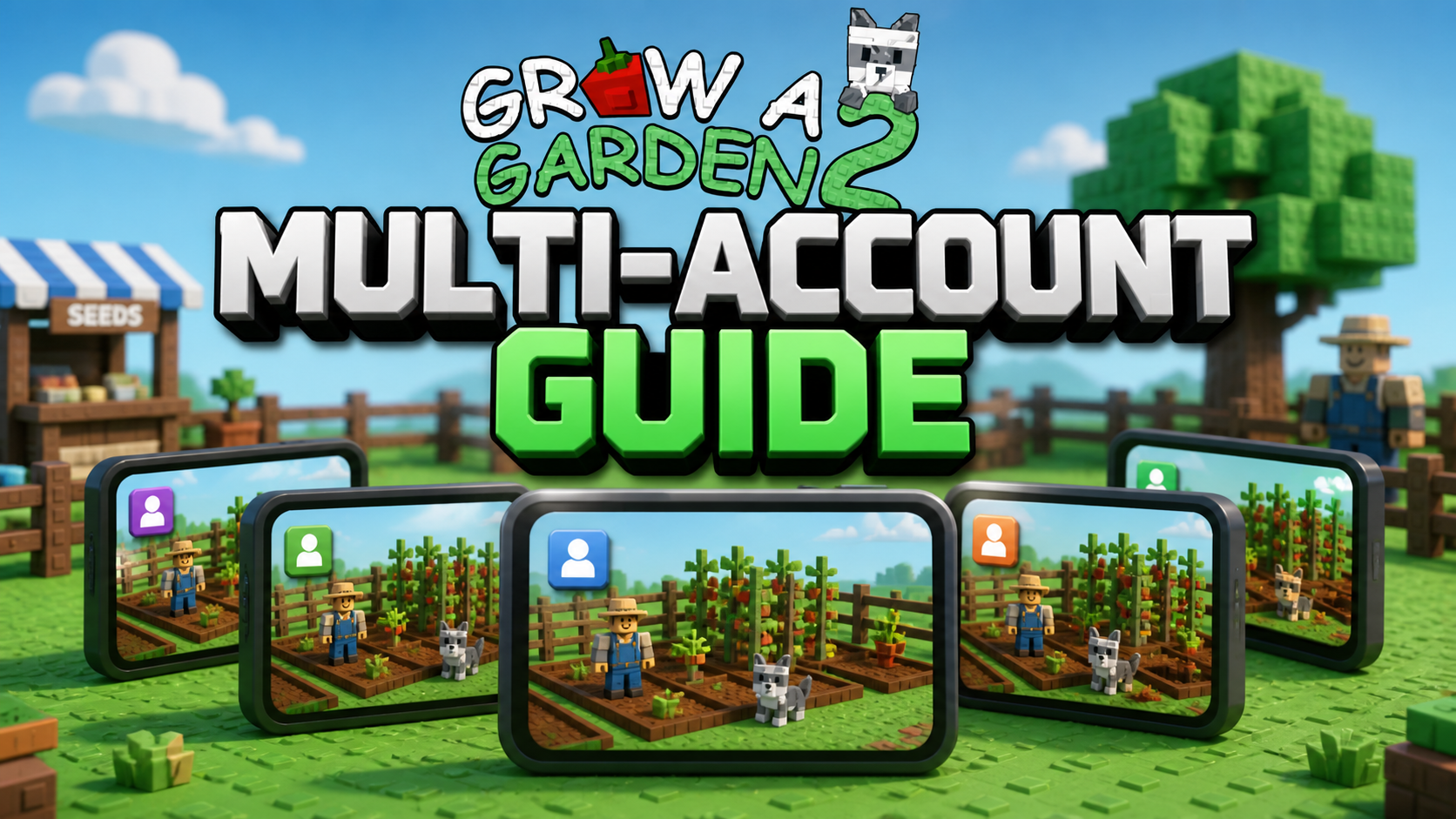
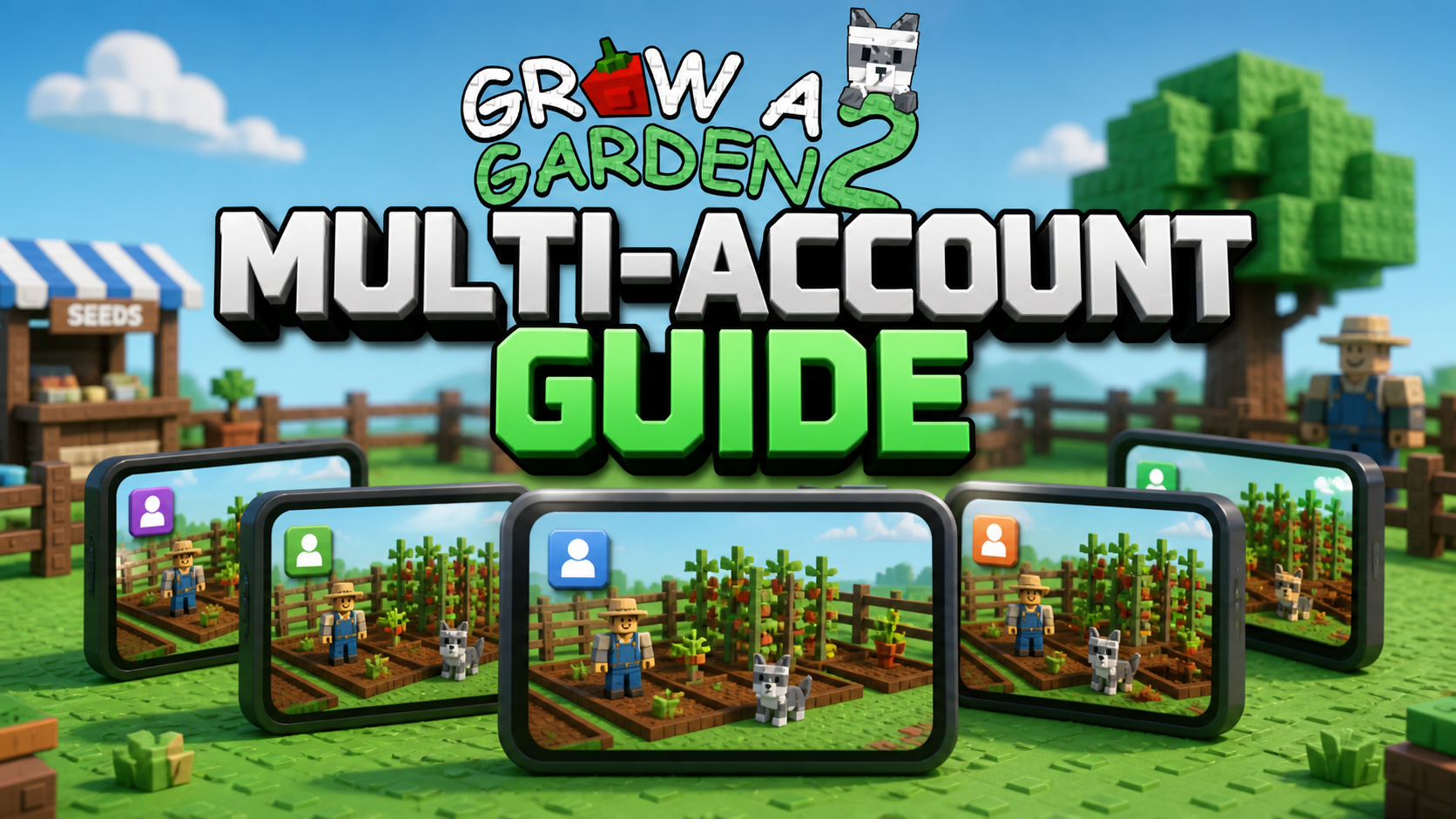
Grow a Garden 2 Multi-Account Guide: Using UgPhone Group Control for Multiple Roblox Accounts to Wait for Rare Events on the Same Server
The gameplay of Grow a Garden 2 is not just about planting, harvesting, and selling. Seed Shop restock, weather events, a mutated crop, nighttime risks, and multiplayer server environments all affect the long-term revenue of the garden.
Especially during rare events like the Gold Moon event and Rainbow Moon event, some player communities believe: A higher player count in the server may increase Gold Seed or Rainbow Seed spawn opportunities.
This mechanism is not an officially public fixed probability formula, and it may be adjusted with version updates. Whether multiple accounts will be fully counted towards the player count in the server also needs to be confirmed through actual testing in the current version.
But for players who want to test multiplayer server mechanics, camp for a rare seed, or observe event patterns long-term, keeping multiple Roblox accounts in the same server is still a strategy worth trying.
The practical problem is: An ordinary main phone can hardly run multiple Roblox sessions at the same time. Frequently switching accounts, logging back in, and rejoining servers is not only cumbersome but also brings heating, battery drain, and memory usage problems.
At this time, UgPhone can help you run multi-instance Roblox in the cloud and manage multiple accounts more efficiently through the Synchronous Control feature.
I. Why are multiplayer servers worth trying?
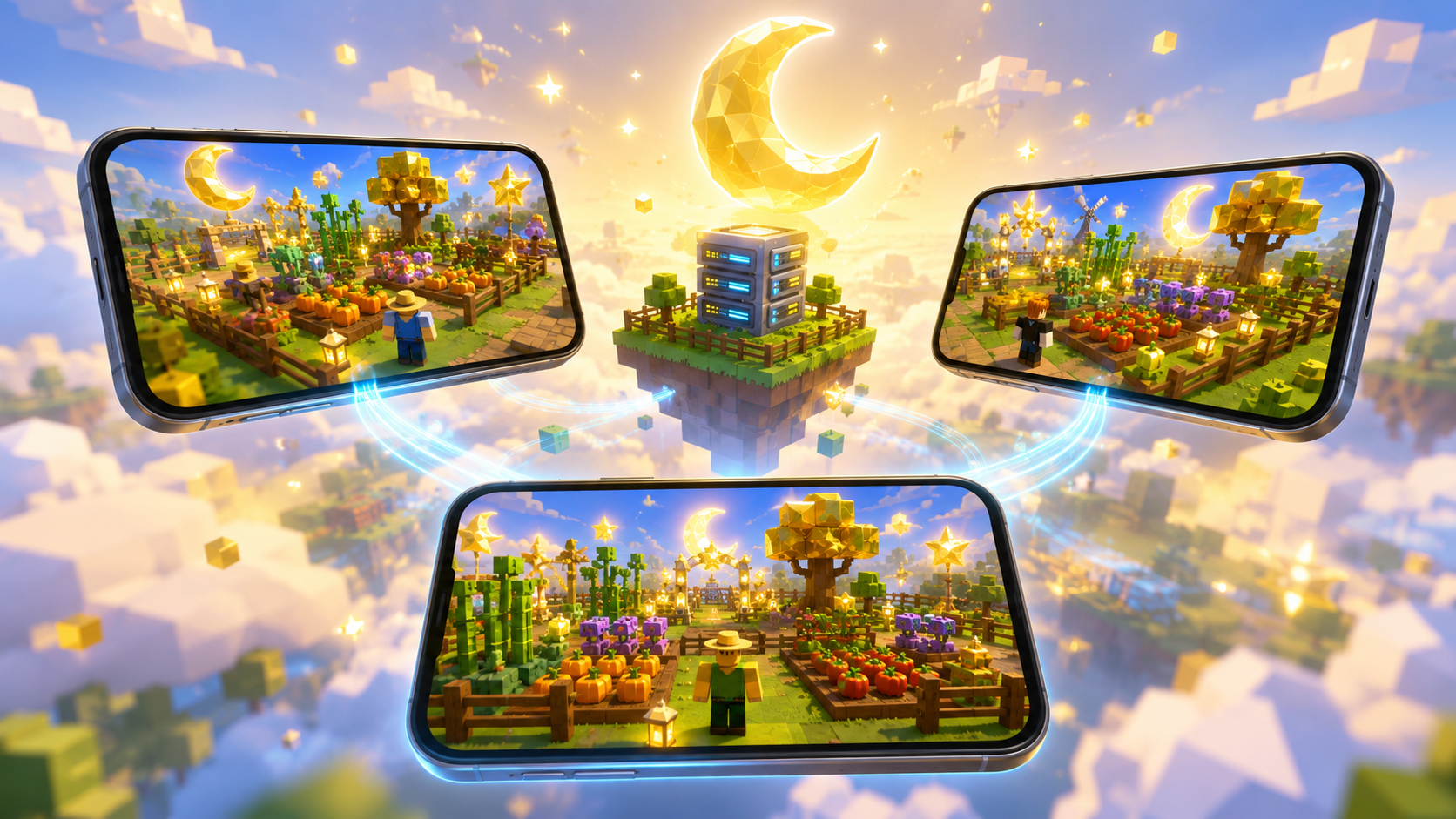
A single-player private server is safe and stable, suitable for peaceful planting and protecting a high-value crop. But if your goal is to wait for events like the Gold Moon event and Rainbow Moon event, the limited number of players in a single-player server is not conducive to testing the potential relationship between the player count in the server and rare seed generation chances.
The value of being in the same server with multiple players mainly includes:
- Testing player count mechanics: Try to observe whether changes in the player count in the server are related to the appearance chances of a Gold Seed or Rainbow Seed;
- Waiting for special events: Observe weather events, moon phases, and seed refreshes in a multiplayer environment;
- Dividing account management: The main account is responsible for buying, harvesting, and selling, while the alt account is responsible for maintaining online status;
- Reducing device costs: You don’t need to prepare multiple physical phones to run multiple Roblox sessions;
- Keeping your server spot: Multiple accounts staying in the same server can reduce the trouble of repeatedly looking for the target server.
II. Why use UgPhone for Grow a Garden 2 multi-instance?
1. Multiple cloud phones, multiple independent Roblox sessions
In UgPhone, you can use multiple cloud devices and log into different Roblox accounts on each device.
The recommended basic setup is:
- 1 main account: Responsible for buying target seeds, collecting rare items, handling a mutated crop, participating in events, and managing the core garden;
- 2 alt accounts: Responsible for joining the same server, maintaining online status, and observing server status;
- Add devices later as needed: Confirm the server mechanics first, then decide whether to expand the number of accounts.
This division of labor is clearer than letting one account handle all tasks, and it also makes it easier for you to test different server environments.
2. Synchronous Control reduces repetitive operations
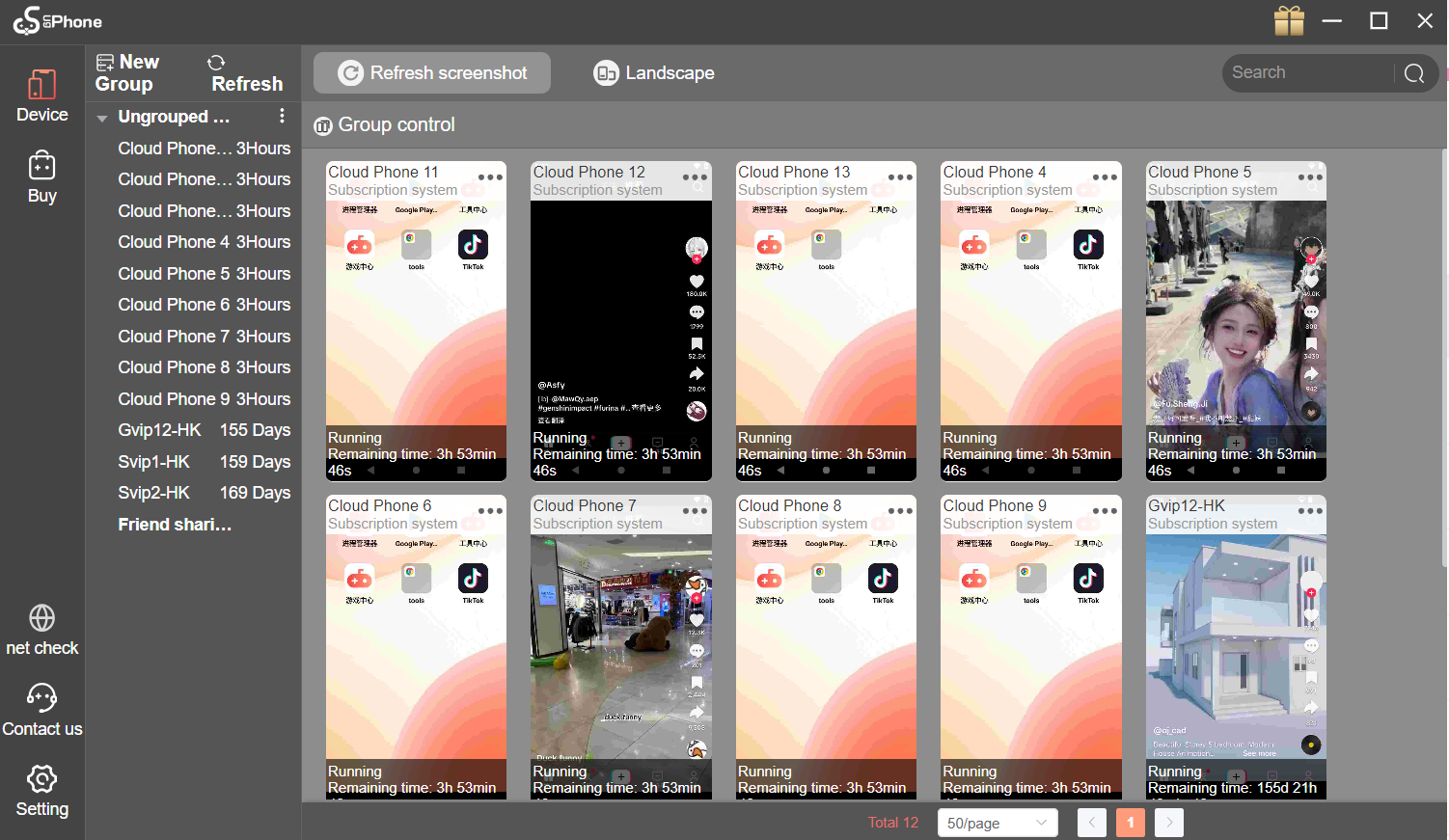
When multiple cloud phones are running Roblox at the same time, UgPhone’s Synchronous Control feature can help you complete basic repetitive operations, such as:
- Batch starting cloud phones;
- Batch opening Roblox;
- Batch returning to the game foreground;
- Centrally viewing the running status of multiple devices;
- Batch entering the basic standby process.
It should be noted that Synchronous Control is best suited for handling repetitive steps, rather than completely replacing key steps. For example, rare seed purchases, crop sales, garden layout, and event selection are still recommended to be done manually by the main account. This not only reduces repetitive labor but also avoids accidental touches synchronized across multiple accounts leading to mistaken purchases, mistaken sales, or characters running around.
III. How to set up a GAG2 multi-account same server plan?
Step 1: Create cloud phone instances
For the first attempt, it is recommended to start with 3 cloud phones:
- 1 main account device;
- 2 alt account devices.
Three devices are enough to help you initially test the effect of multiple players on the same server, and will not make multi-account management too complicated.
Step 2: Install Roblox and log into different accounts
After entering each UgPhone cloud phone:
- Open Game Center or the app store;
- Search for and install the international version of Roblox;
- Log into different Roblox accounts respectively;
- Complete necessary security verifications;
- Confirm that each account can normally enter Grow a Garden 2.
It is recommended that each cloud phone uses an independent Roblox account. Avoid logging into the same account on multiple devices at the same time, otherwise, they may kick each other out or cause a session interruption.
Step 3: Let multiple accounts enter the same server
Let the main account enter the target server first, and then let the alt accounts join sequentially through the Roblox friends list, invitation links, or server entrances.
After entering, focus on confirming:
- Whether all accounts are in the same server;
- Whether the main account can normally return to its own garden area;
- Whether the alt accounts will interfere with the main account’s operations;
- Whether the current player count in the server meets your expectations;
- Whether multiple accounts all maintain a normal connection.
Players can test two environments and wait for the Gold Moon event, Rainbow Moon event, and fruit mutations:
Public server: Suitable for observing natural player counts, special events, and random refresh chances. But nighttime risks are higher, and the main account should pay attention to protecting a high-value crop.
Private server: Suitable for testing whether multiple accounts will affect the server player count determination, event performance, or seed refreshes.
Step 4: Use Synchronous Control to complete basic standby
After all multiple accounts have entered the game, you can use the PC version of UgPhone for Synchronous Control to complete basic management.
It is recommended that the main account stays in the garden or event area, while the alt accounts are placed in positions that will not affect the main account’s operations, just to maintain online status.
Do not perform complex clicks synchronously on multiple accounts. The character positions, garden layouts, and UI statuses of different accounts may be different, and synchronous operations can easily cause alt accounts to mistakenly buy, sell, or touch teleports.
IV. How should the main account and alt accounts divide the work?
To make multi-instance truly effective, it is recommended not to let every account do exactly the same thing.
The main account focuses on:
- Buying a rare seed;
- Handling a mutated crop;
- Harvesting and selling high-value resources;
- Participating in weather events, moon phases, and events;
- Managing high-value gardens at night.
The alt accounts focus on:
- Joining the same server to increase the player count;
- Maintaining online status;
- Assisting in observing the player count in the server;
- Testing event performance under different player counts;
- Acting as backup observation accounts when necessary.
The core logic of doing this is:
The main account is responsible for real revenue decisions, and the alt accounts are responsible for reducing waiting, switching, and server management costs.
If you are still unclear about how to use UgPhone for AFK farming in Grow a Garden 2, see this article: Grow a Garden 2 AFK Guide: Using UgPhone for AFK Farming and Night Garden Protection
Are you still troubled by repeatedly switching multiple Roblox accounts, your main phone heating up and draining battery, or finding it difficult to stay in the target server during events? Download UgPhone now and claim your free trial benefits! Run multi-instance Grow a Garden 2 in the cloud, manage multiple Roblox sessions through Synchronous Control, let the main account focus on seed, crop, and event decisions, and let the alt accounts help you continuously observe rare opportunities in multiplayer servers.