Architect Land of Exiles AFK Guide: Auto Battle and UgPhone

Introduction
Architect Land of Exiles is built around steady character growth, so routine tasks can take more time than decisions. A reliable setup is more valuable than a rushed one. Test the basics before trusting a longer unattended routine. A short test prevents surprises during longer runs. This Architect Land of Exiles AFK Guide explains the built-in automation and how to use UgPhone for longer sessions without leaving your phone running all day.

What Is Architect Land of Exiles?
It is a progression-focused game with character customization, guided quests, automated combat, rewards, and offline growth. The systems work well together, but each has a limit worth checking before you leave a session unattended.
Start With Character Creation and Guided Progression
The opening character creator lets you customize your appearance before entering the world. After that, the beginner tutorial is indexed automatically, and later objectives can be followed through automatic quest tracking. This reduces the chance of losing the next destination while you are learning the interface.

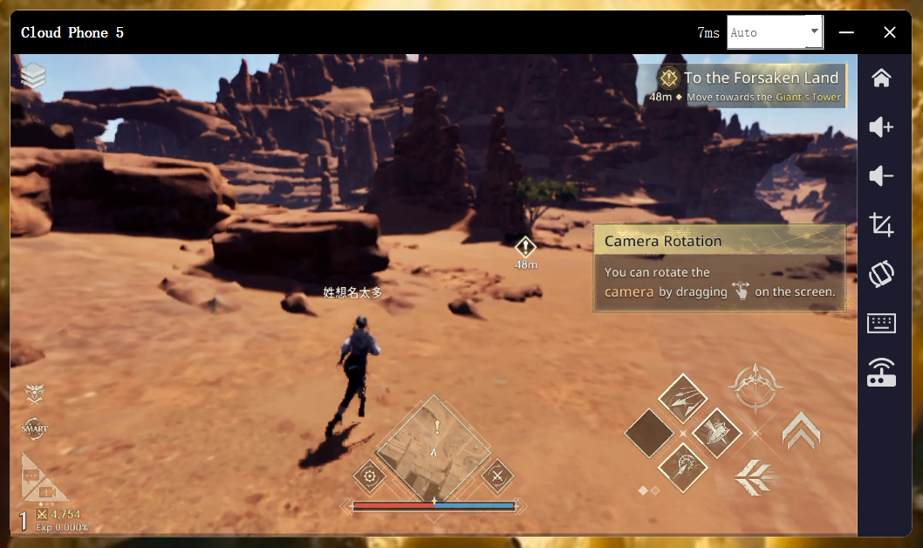
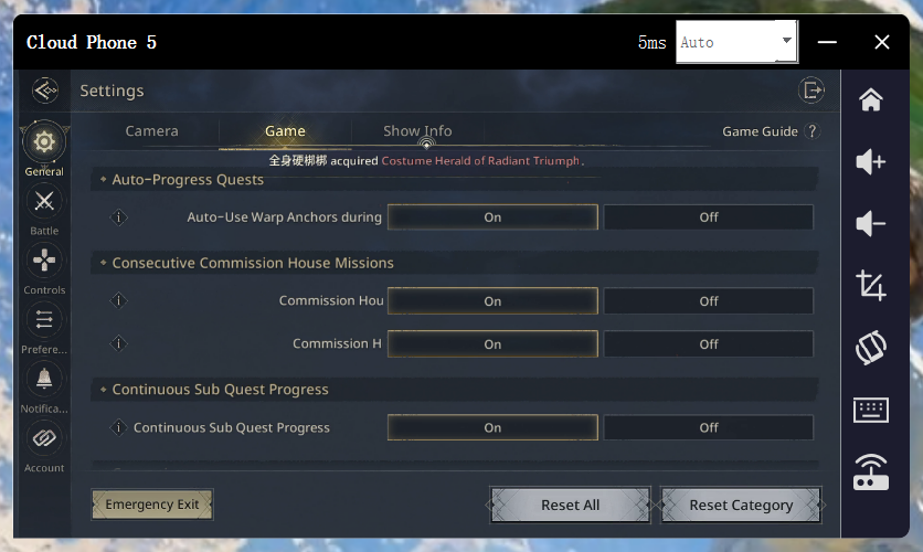
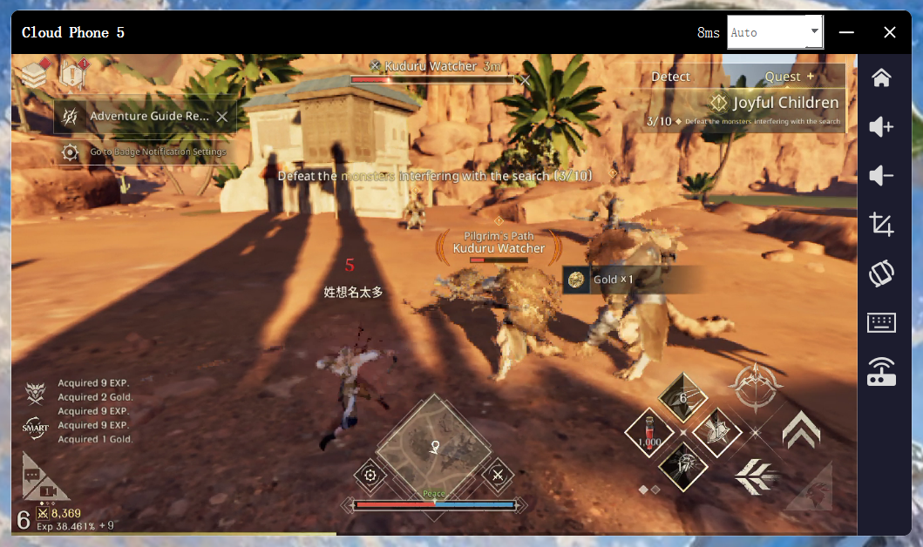
Automatic quest progress is enabled by default. During a quest, the character can move through encounters and defeat enemies as the story advances, making the early game feel like a guided route.
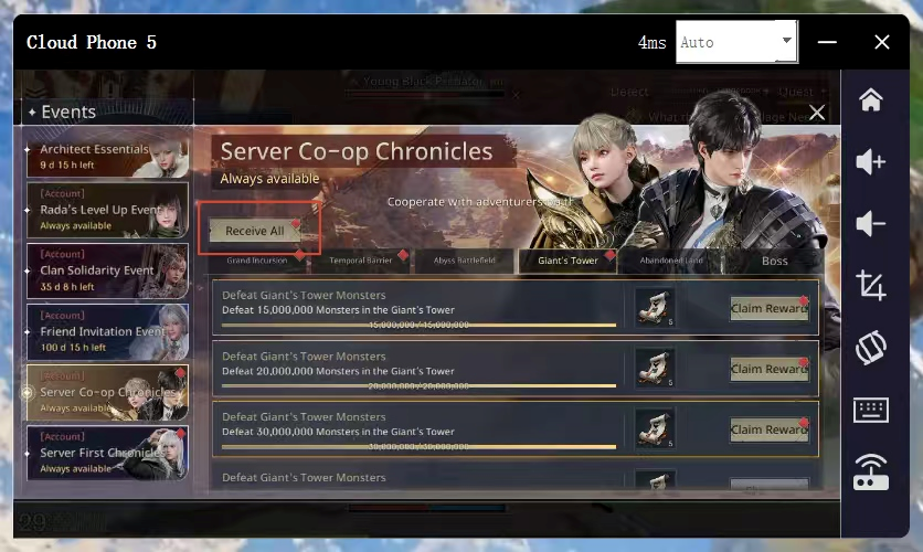
Rewards are separate. Event prizes and achievement bonuses usually include a Claim All button, but you still need to open the panel and tap it.
How Auto Battle and Auto Use Work
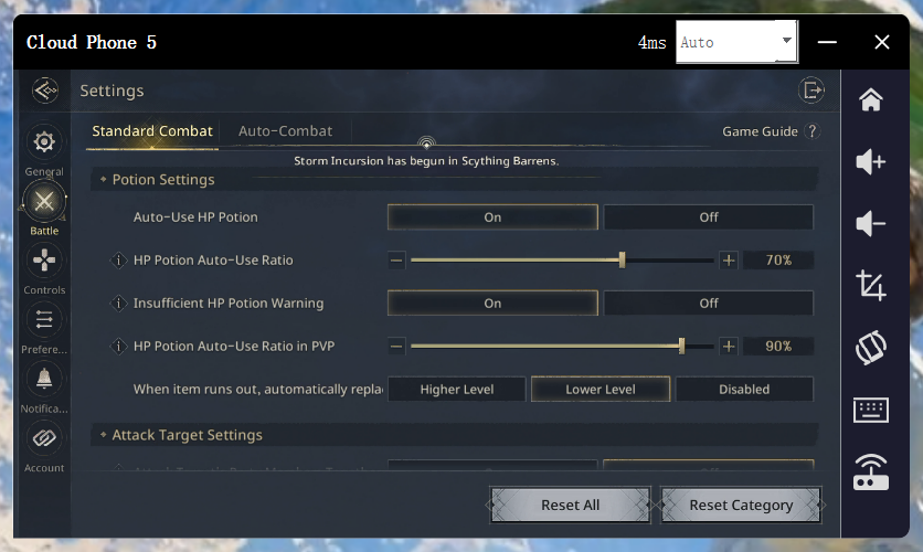
The main convenience feature is Auto Battle, which scans for nearby enemies and reduces direct input. Auto Use can activate potions or skills when conditions are met. Test both in a safe area first. Check survival and respawn behavior first.
Power Saving and Offline Mode Limits
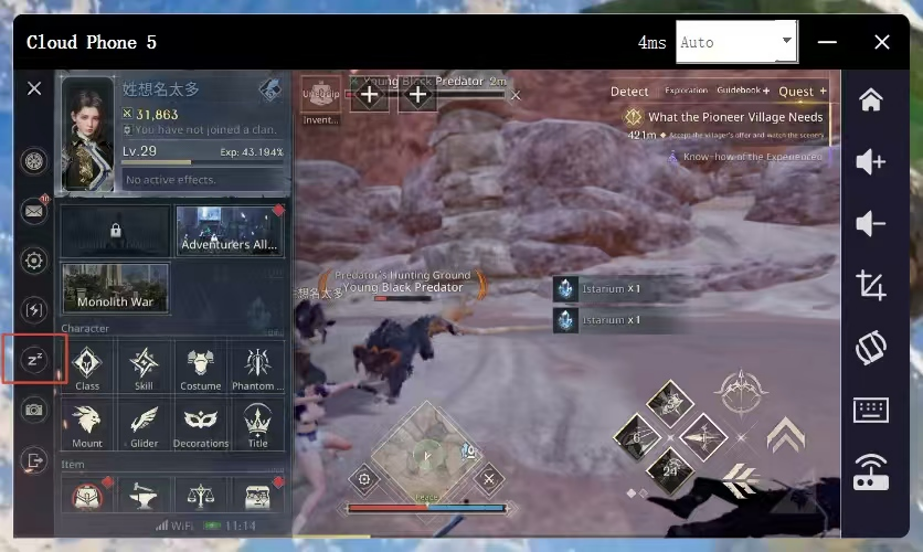
Power Saving Mode keeps the game state intact while reducing battery drain and heat. Switch it on from the menu, or set it to activate after a period without input. When you turn it off, the game summarizes character and item changes.
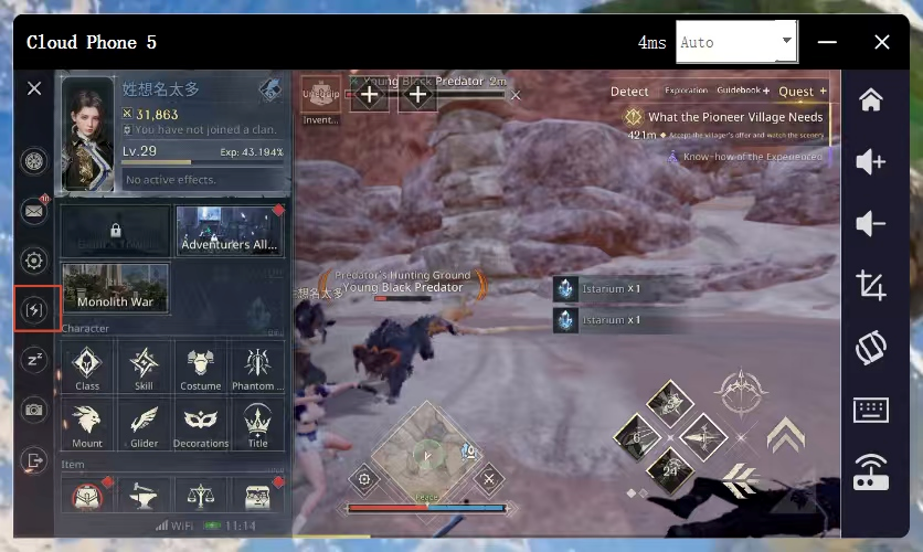
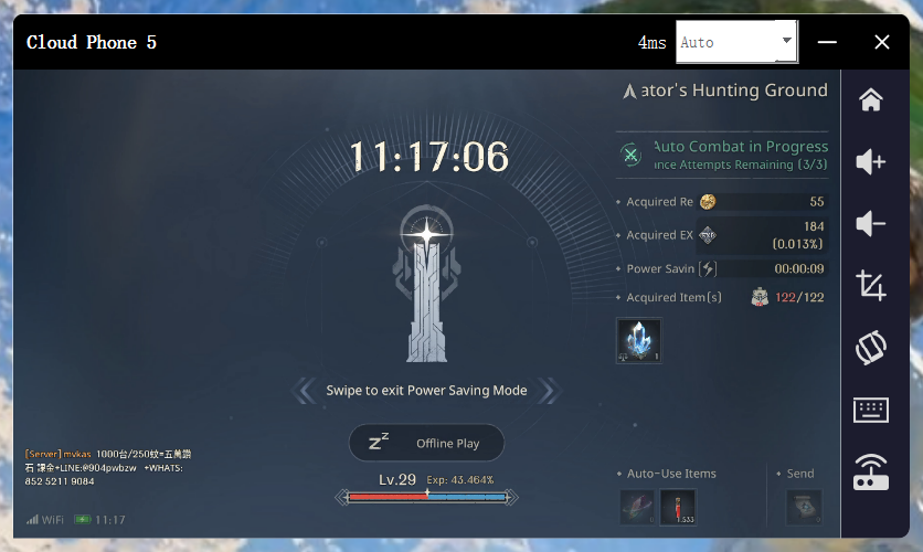
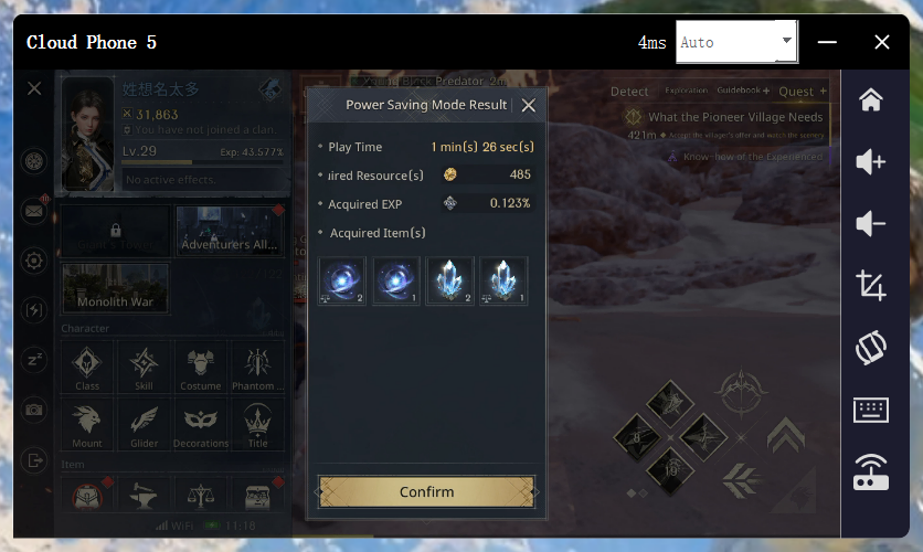
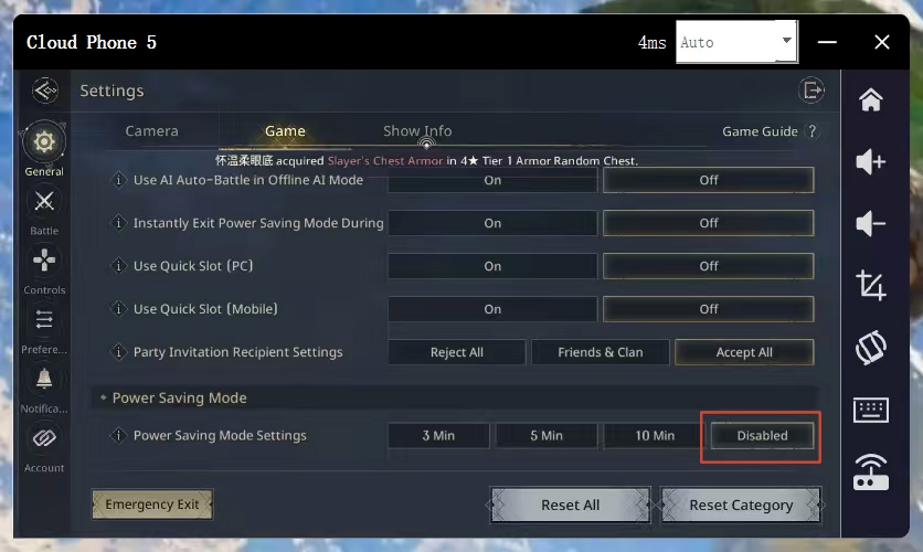
This mode is useful on a phone, but leave it disabled when UgPhone needs to maintain an active session.
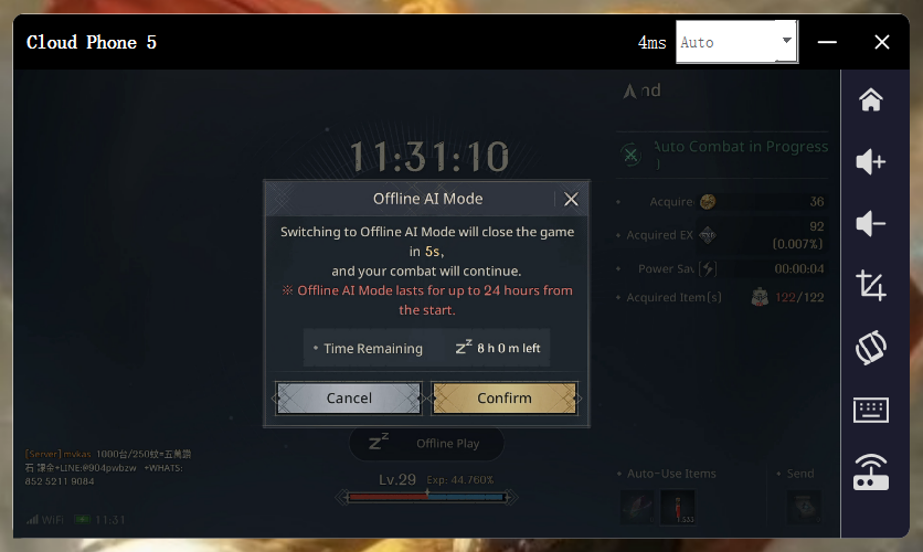
Offline Mode lets the character fight and grow while the game is closed. The basic allowance is eight hours per day. Heir Privilege and Giant’s Blessing can add another eight hours, with a maximum extension of 24 hours.
Setting Up UgPhone for Longer Sessions
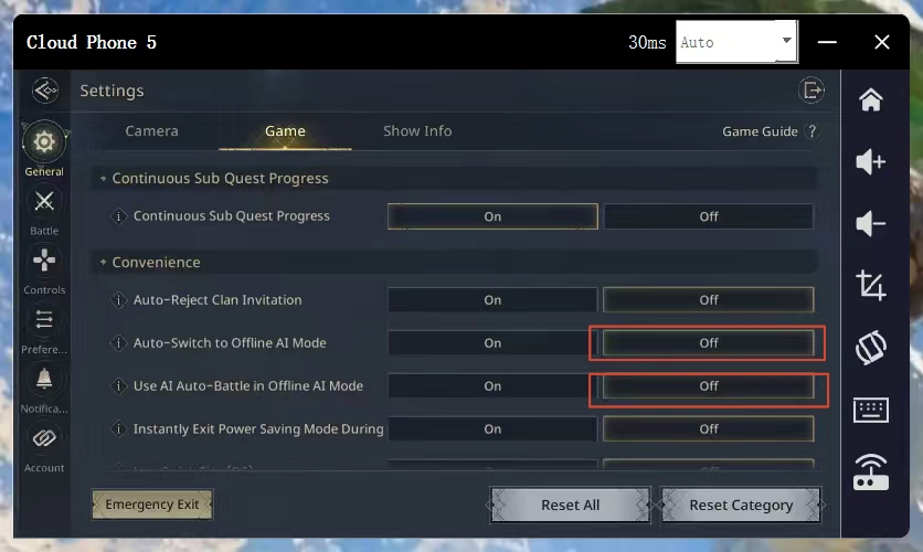
UgPhone can keep the game running beyond the offline timer, but two settings need attention. Disable Automatically Enter Offline AI Mode and Use AI Battle in Offline Mode. Otherwise, the game may switch to limited offline behavior.
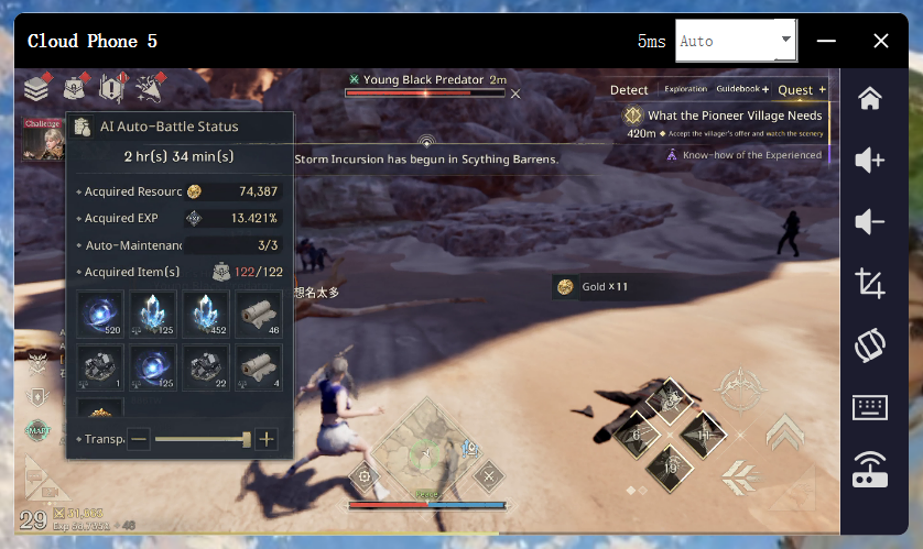
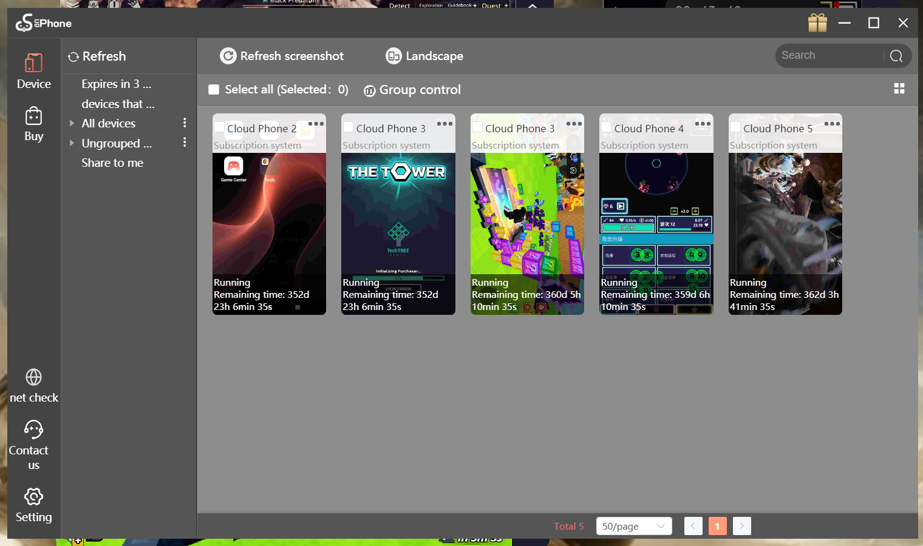
UgPhone supports an always-on setup without relying on Power Saving Mode or the daily Offline Mode limit. It also lets you run multiple games and manage them with group controls.
Conclusion
Architect Land of Exiles handles repetitive work through quest tracking, auto battle, auto use, and offline progression. Check one short combat loop, claim rewards manually, and confirm the active mode. For longer permitted sessions, download UgPhone and start a free trial. Turn off the two offline-AI options and keep Power Saving Mode disabled. Review the character, inventory, and connection after the first run so you can adjust the setup before extending it.
Want more rewards, game guides, and the latest updates? 👉 Join our Discord!
Useful tips and exclusive community benefits are updated only in our server.
🔗 Invitation link: https://discord.gg/Agkk96vcfA