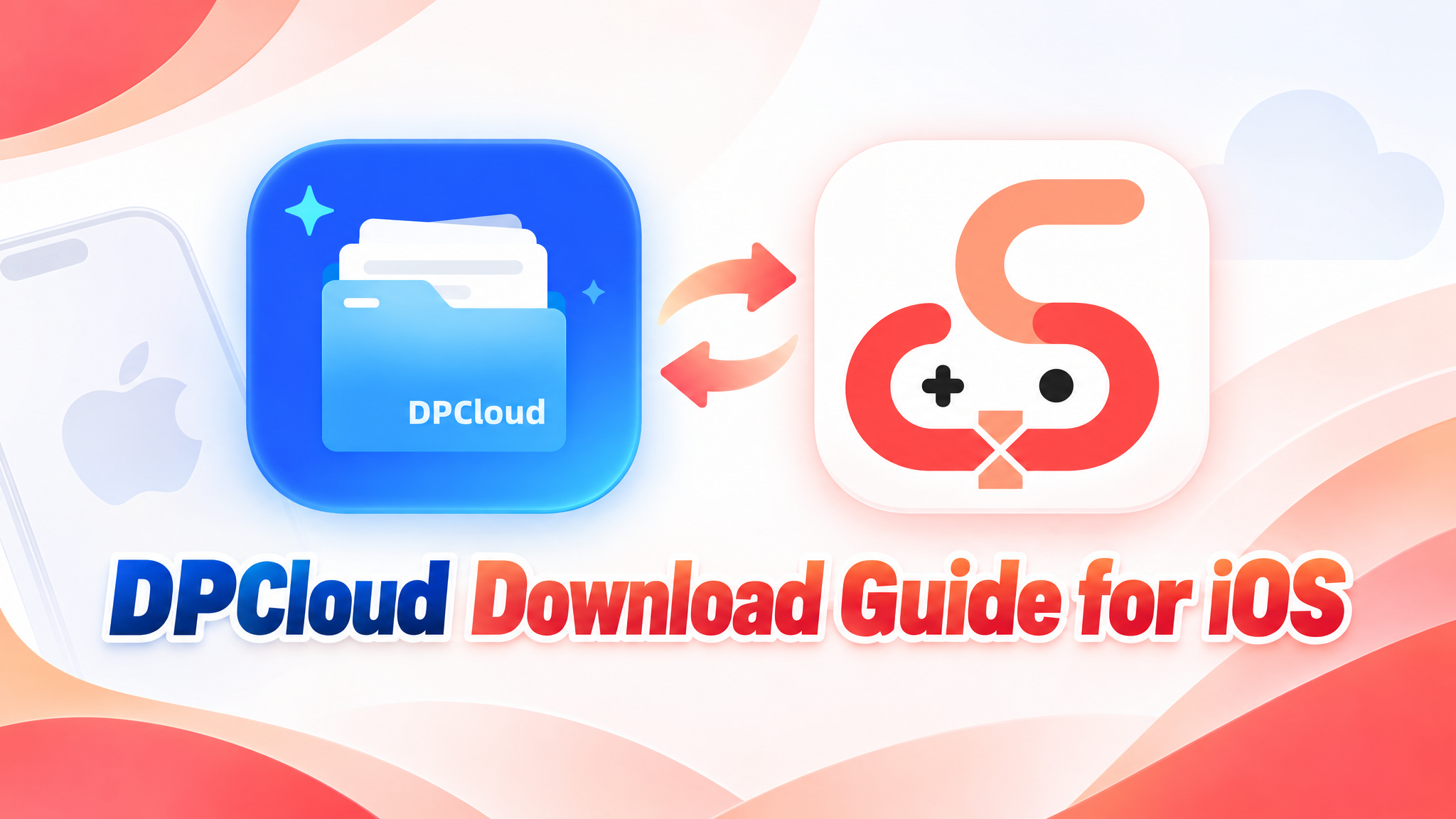
DPCloud Download Guide for iOS

Introduction
What Is DPCloud?
The UgPhone iOS app is listed as DPCloud to meet App Store requirements. Downloading the app is only the first step: a UgPhone account cannot sign in to DPCloud directly, and DPCloud cannot be used until the support team links your DPCloud ID with your UgPhone account.
Step-by-Step Setup
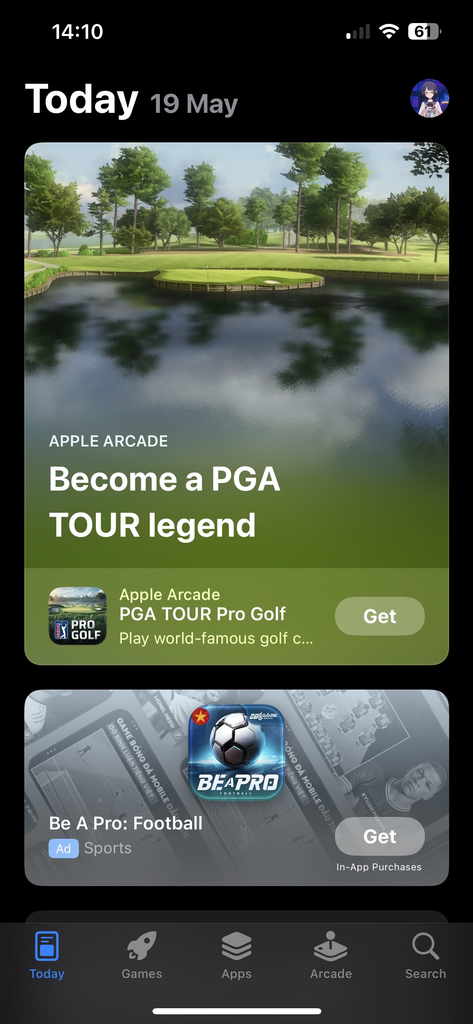
Open the App Store on your iPhone or iPad.
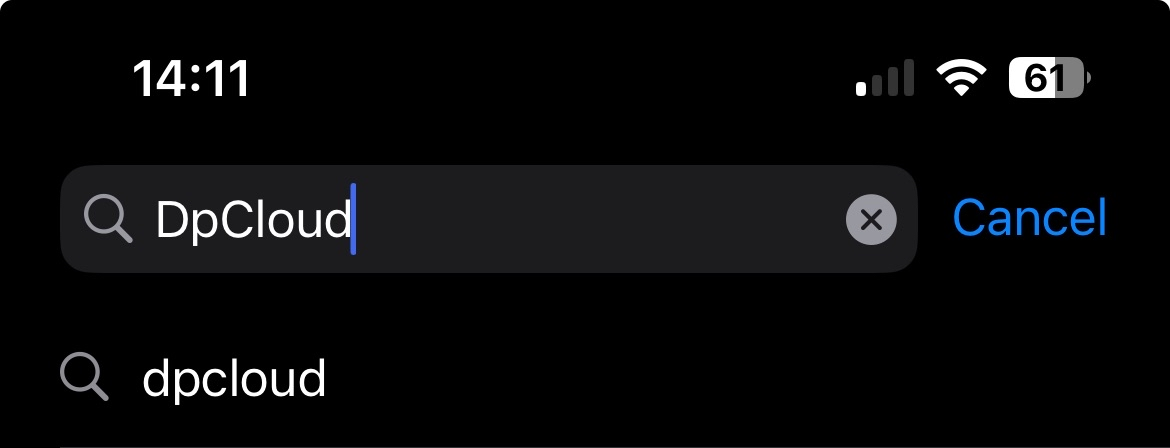
Tap Search, enter “DPCloud,” and check the app name in the results.
Tap Get or Download. When installation finishes, open the app.
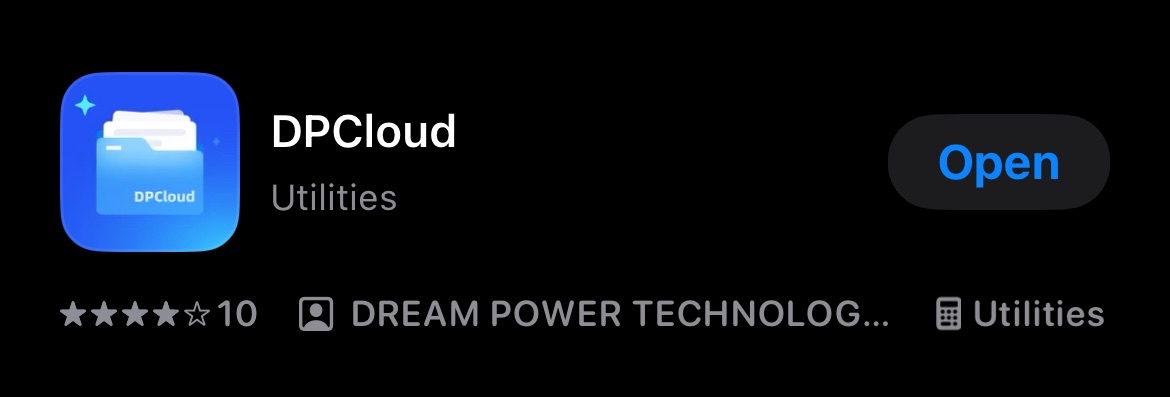
Open DPCloud. The app cannot be used until the support team links your DPCloud ID with your UgPhone account.
Link DPCloud with Your UgPhone Account
Tap Me at the bottom of the screen and copy your DPCloud ID.
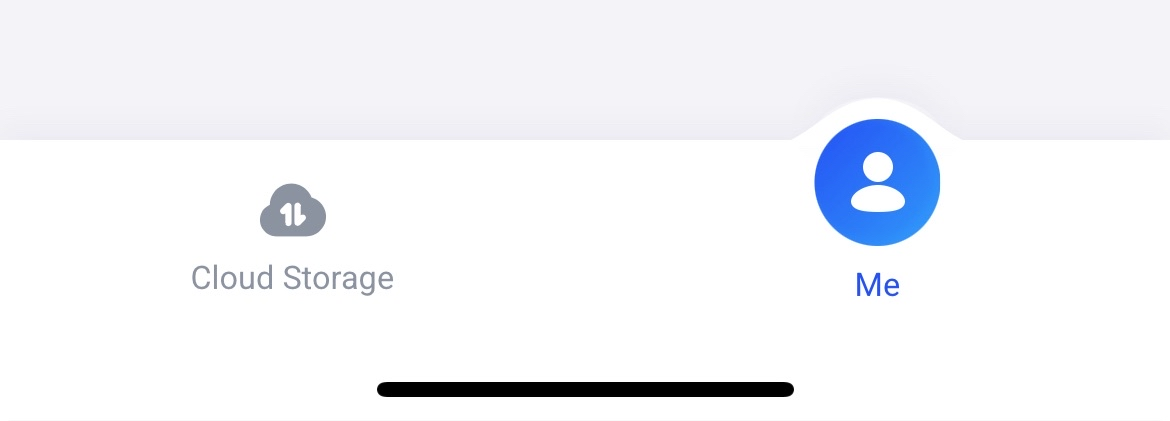
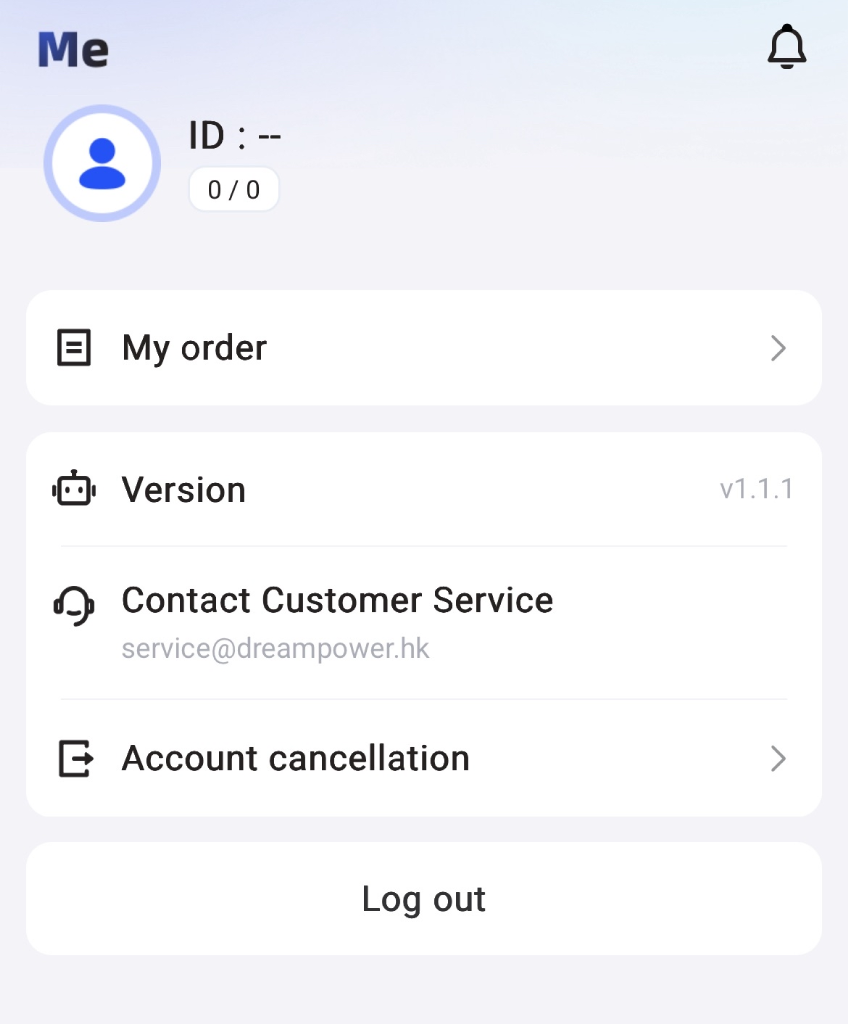
Choose an official Discord community below and send the ID in #dpcloud, asking support to link it with your UgPhone account.

Choose the community that fits you:
Global (English): https://discord.gg/VdvyrC5Nqu
US, EU, and CIS community: https://discord.gg/eV4PrzY2ss
Latin America (Portuguese and Spanish):
https://discord.gg/DHTezMFdZB
Conclusion
Download DPCloud from the App Store, copy your DPCloud ID from Me, and ask support to link it with your UgPhone account in #dpcloud. Choose an official Discord community above to send the request. The app is ready to use after the support team completes the link.
Want more rewards, game guides, and the latest updates? 👉 Join our Discord!
Useful tips and exclusive community benefits are updated only in our server.
🔗 Invitation link: https://discord.gg/C4uy3duqPU