eFootball AFK Guide: PVE League and Tour Rewards

Introduction
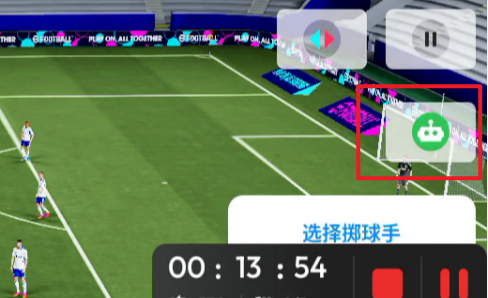
Building a competitive eFootball squad requires GP, player experience, booster tokens, and steady event progress. Smart Assist reduces repetitive input: once you stop touching the screen, the system controls the players. It works only in matches against the AI, while online PvP matches cannot use it. A reliable AFK routine therefore needs repeatable PVE modes, a stable lineup, and tap points that restart each match. The guide below keeps the original evaluation’s figures and separates direct rewards from useful side benefits.
What Is eFootball AFK and When Should You Use It?
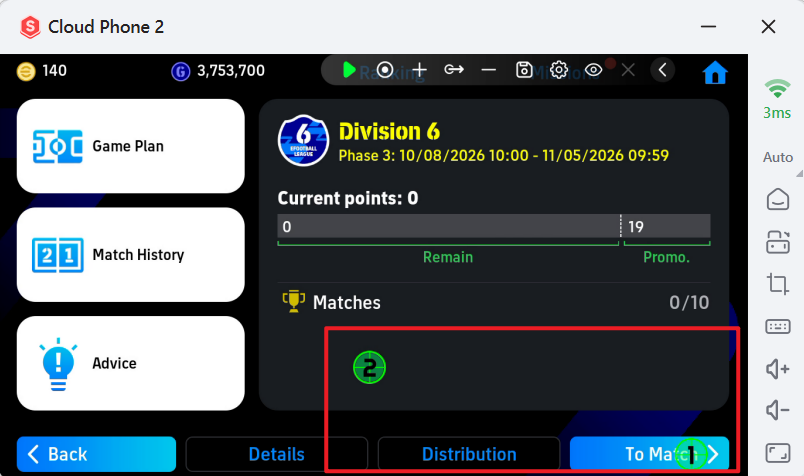
You can build clubs or national teams, sign current stars or legends, and develop players through matches and items. Before starting, check the formation, player condition, and development plan. Enter an AI match, enable Smart Assist, then use a tap recorder to repeat the restart button and close occasional confirmation boxes. Smart Assist is unavailable in PvP, so online matches should not be left unattended.
What Rewards Come from the PVE League?
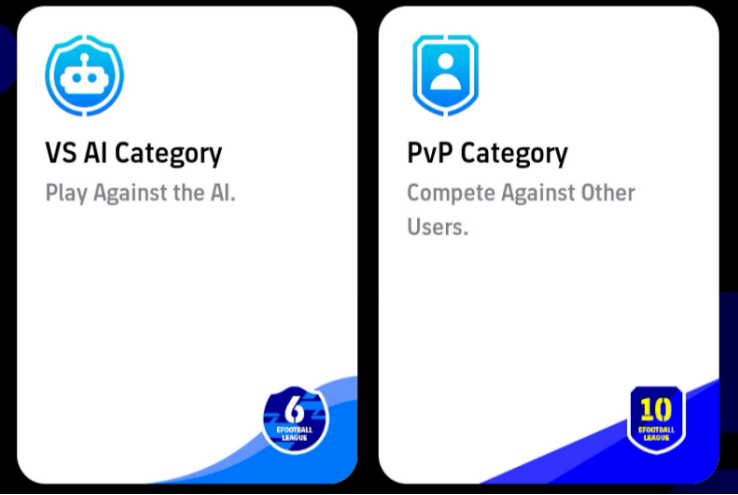
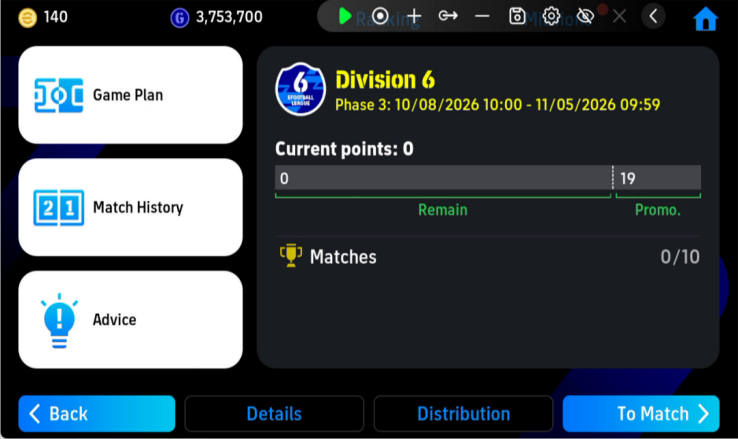
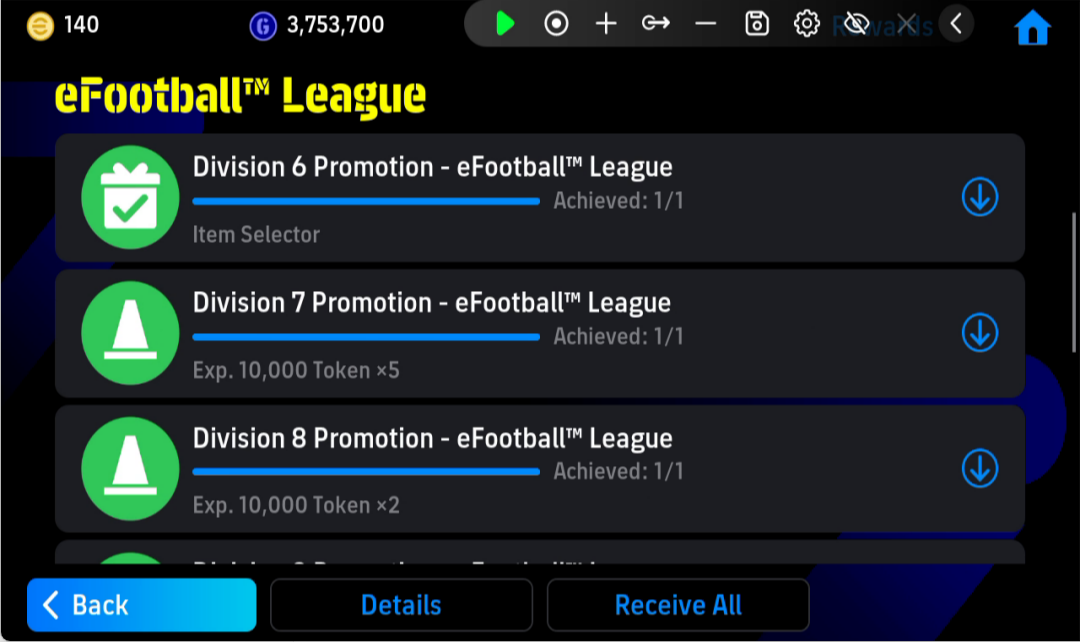
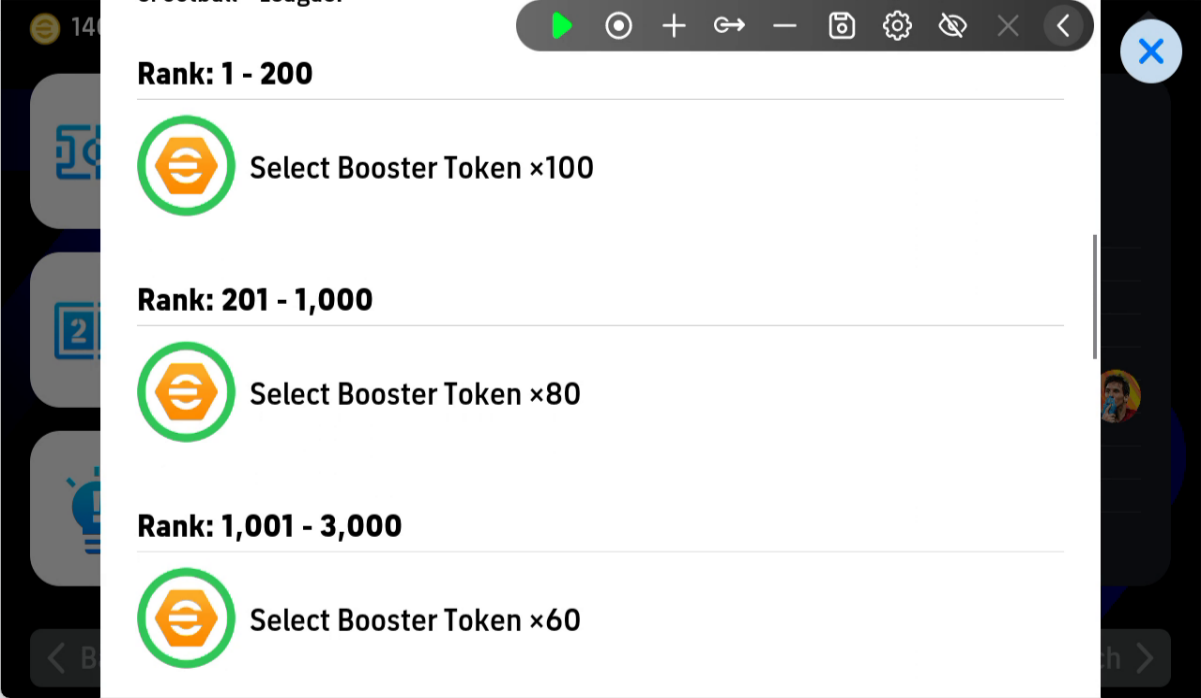
The eFootball League PVE group works like an AI ladder. Squad strength and formation affect results, so performance varies. Around seven wins can raise one level, and a favorable session may do that in about an hour. Leveling rewards include player experience items or booster tokens, while the AI group ranking also grants specific tokens. These tokens let you choose effects for some strong players and support long-term development.
How Does the PVE Tour Generate GP?
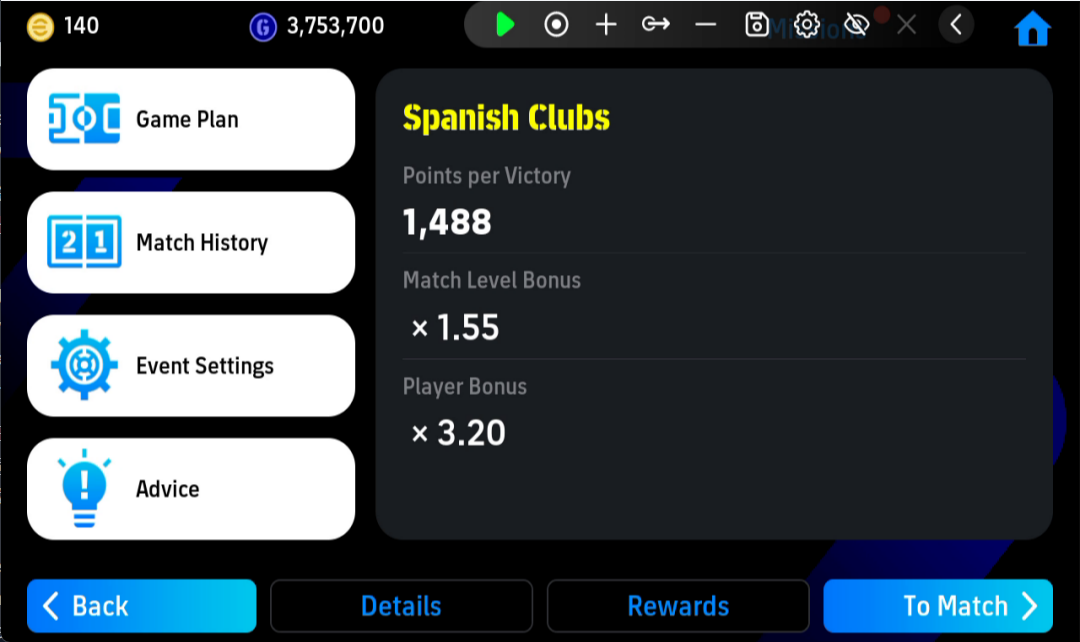
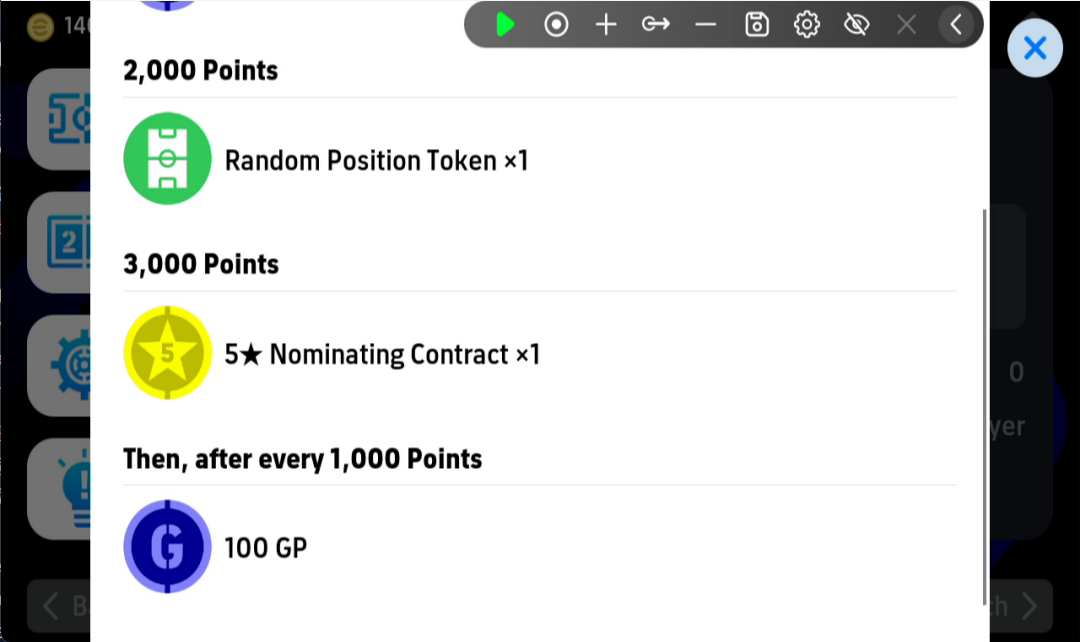
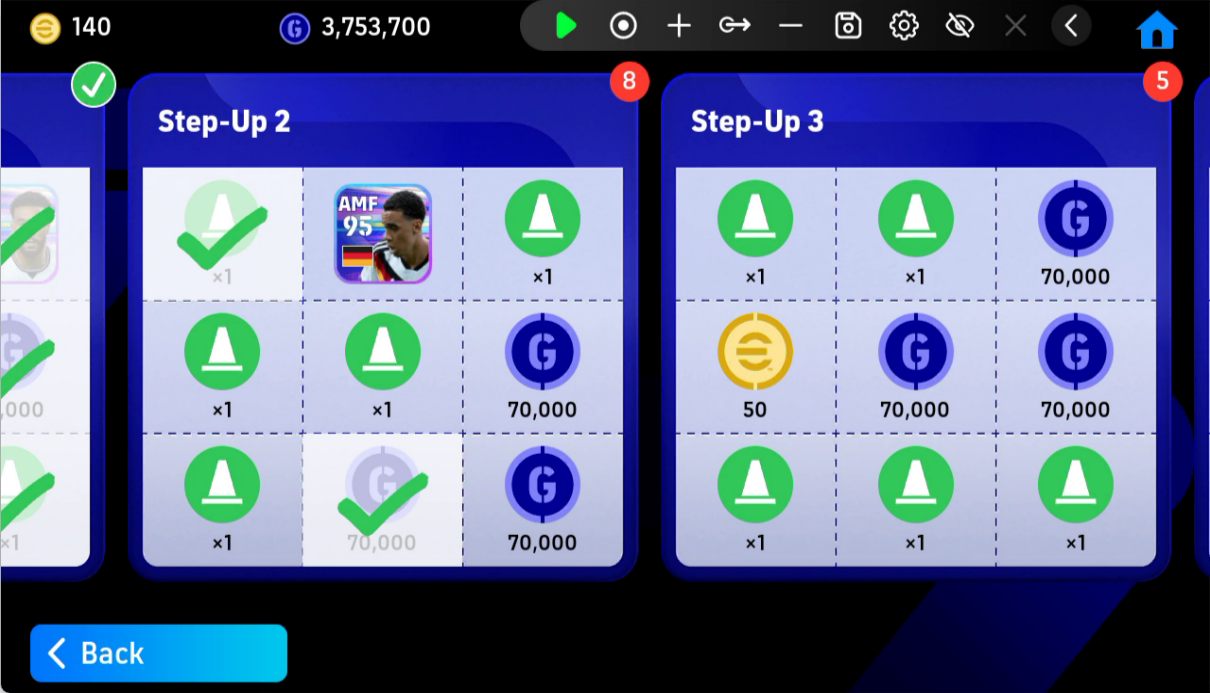
The Tour adds score bonuses based on your lineup and selected difficulty. In the evaluation, Top Player difficulty produced about 1,500 points per win. Reaching 3,000 points unlocks the event’s main rewards, including player signing chances. After that threshold, every additional 1,000 points gives 100 GP. With six-minute matches, the estimate is about 1,500 GP per hour or 36,000 GP per day. GP can buy development items, and random booster tokens are a useful exchange. AFK play still complements the main farm rather than replacing it.
How to Use UgPhone with eFootball
Open eFootball in UgPhone, sign in, and choose the PVE League or Tour. Confirm the lineup, enable Smart Assist, and set tap points for restarting matches and closing prompts. Watch one full cycle before extending the session. Cloud execution reduces continuous phone use, heat, and the need to keep the screen on. If the account disconnects or a button changes, stop the session and review the setup.
Conclusion
This eFootball AFK guide works best as a maintenance routine. The PVE League provides level and ranking rewards; the Tour unlocks event rewards and supplies GP after 3,000 points; repeated matches can also advance goal and match-count missions. These figures come from the evaluation and vary with lineup, difficulty, match duration, and win rate. Test one short cycle manually first, then move the routine to the cloud. Download UgPhone and try a free test if you want to reduce phone heat, free the device for other tasks, and check the session remotely.
Want more rewards, game guides, and the latest updates? 👉 Join our Discord!
Useful tips and exclusive community benefits are updated only in our server.
🔗 Invitation link: https://discord.gg/ugphone-official