Grow a Garden 2 AFK Guide: Farming and Defense

Introduction
Grow a Garden 2 starts with a simple loop: buy seeds when stock refreshes, plant them, harvest crops, and sell for shekels. The routine gets more demanding at night, when theft begins and expensive crops need attention. Gardens still grow while you are offline, but harvesting, shop checks, and defending a plot require movement; there is no universal one-click harvest. This Grow a Garden 2 AFK Guide covers guilds, early seeds, the day-night rhythm, gifting risks, and a limited UgPhone setup for protecting and collecting valuable crops without pretending the game can be fully automated.
What Is Grow a Garden 2?
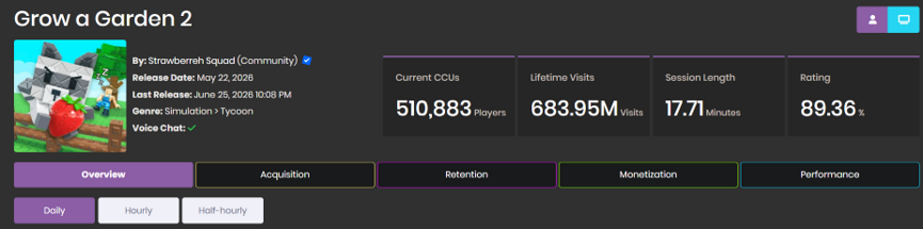
It is a Roblox farming game built around timed shop stock, planting, harvesting, selling, pets, weather, guilds, and nighttime theft. The garden can keep growing offline, but player input remains important once crops are ready.
How Do Guilds Work?
Creating a guild costs 99 Robux according to the source, and a guild can hold up to 50 members.
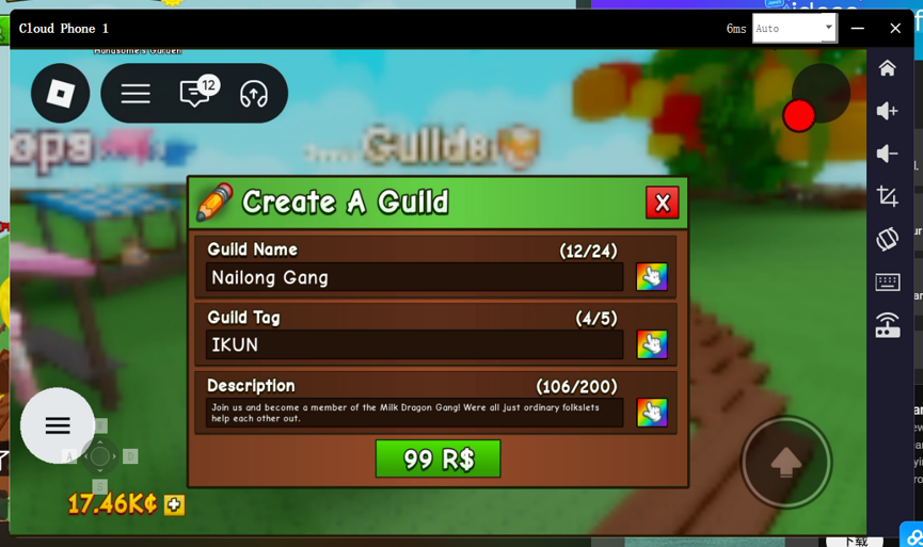
Competitive guilds may require a crop of a certain weight before accepting a player. Members who stop contributing can be removed.
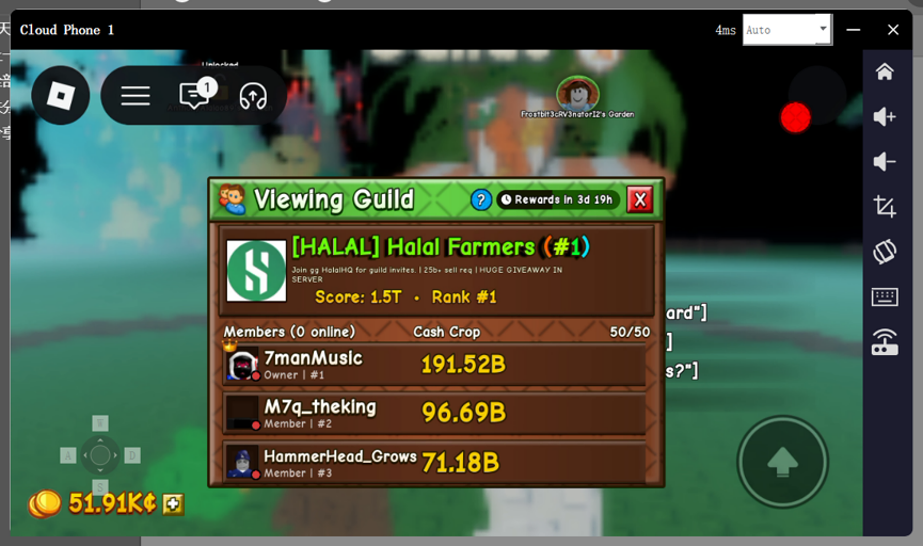
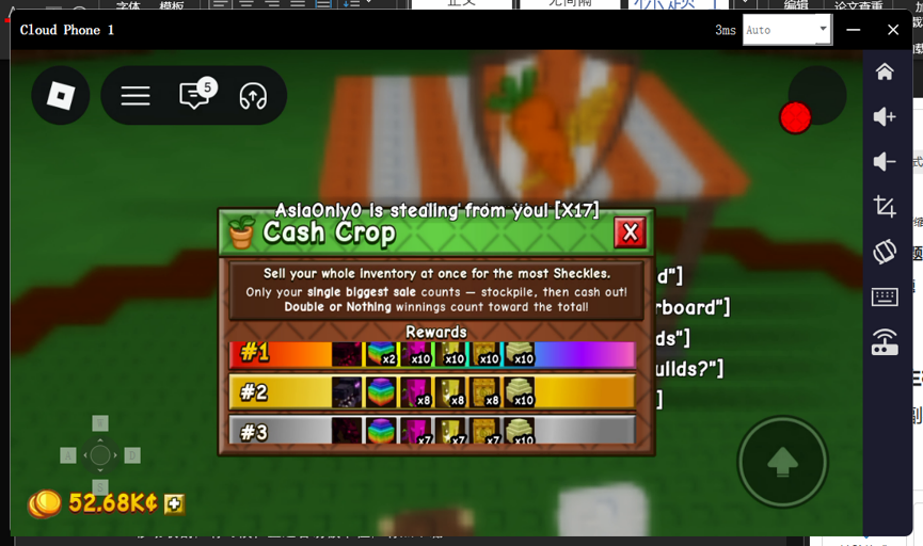
Rankings update live and settle weekly, with different rewards by position. Check requirements before spending resources on a group target.
Which Seeds and Daily Tasks Help Early On?
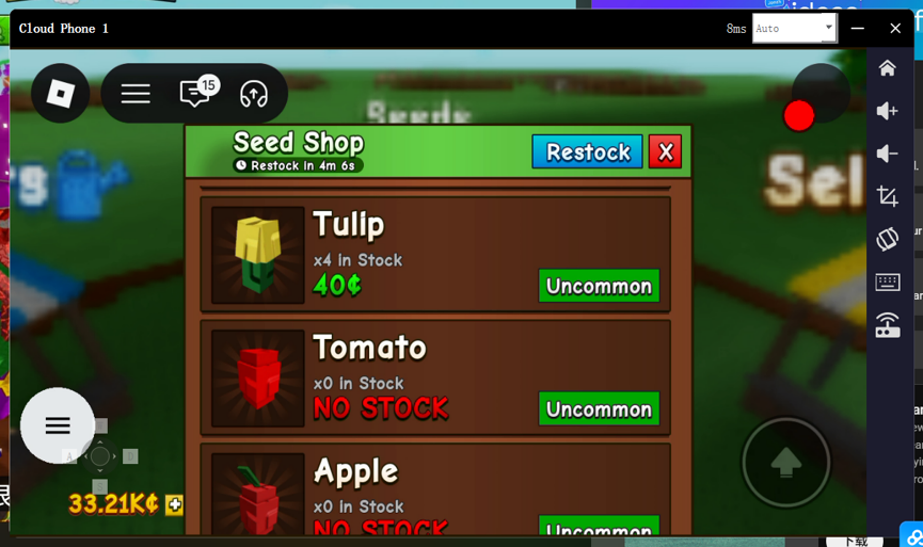
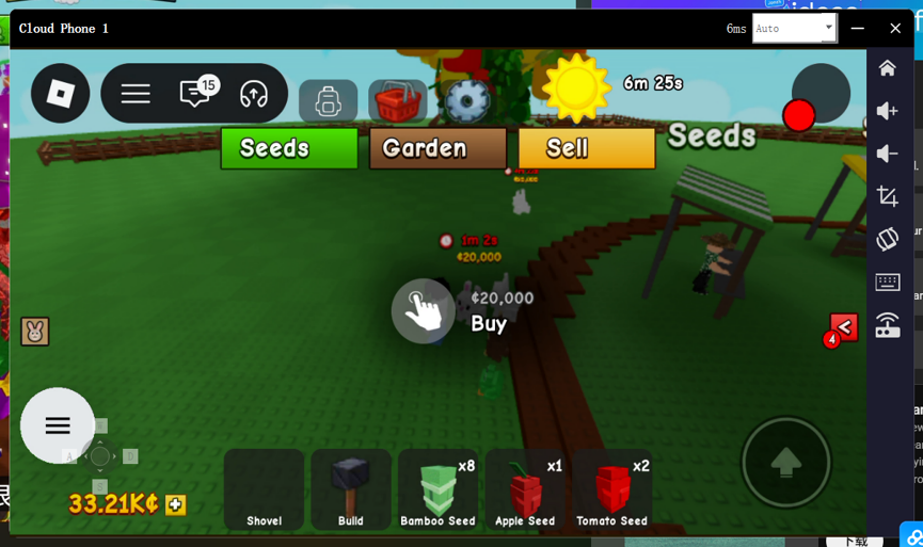
Harvesting requires walking between crops, and the character can get stuck. Seed and item stock refreshes about every five minutes; stores need manual browsing, while pets can appear in random locations.
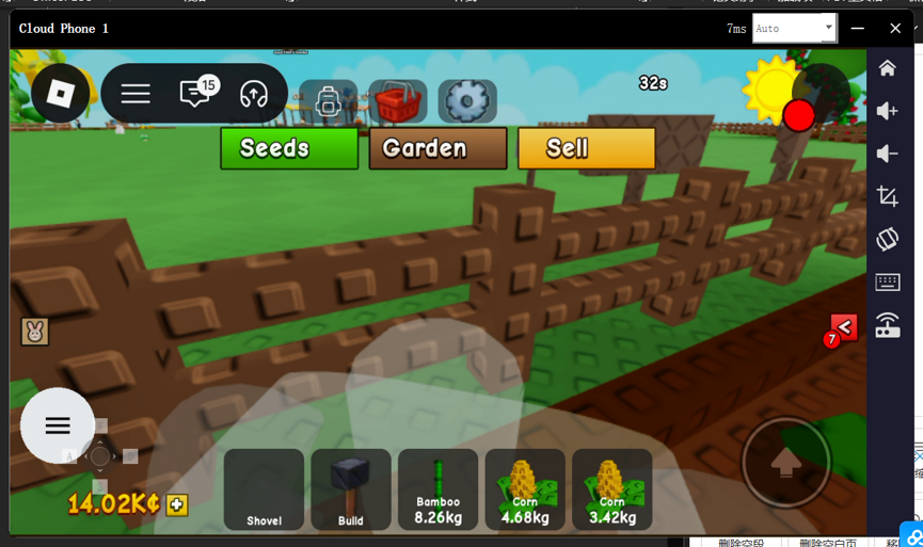
The source recommends bamboo and mushrooms for early progress. They grow quickly, are single-use crops, and can provide a useful first return.
How Do Night Theft and Gifting Work?
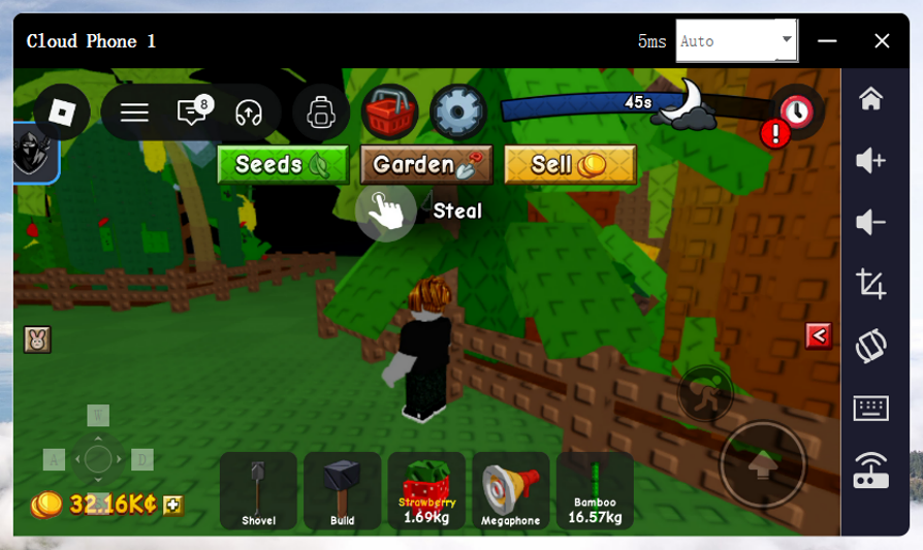
Each cycle has 7 minutes 30 seconds of day, 30 seconds of dusk, and 2 minutes of night. During night, other players can attempt crop theft. Use a shovel to interrupt them, stay in the garden at some risk, or rely on defensive crops and pets.
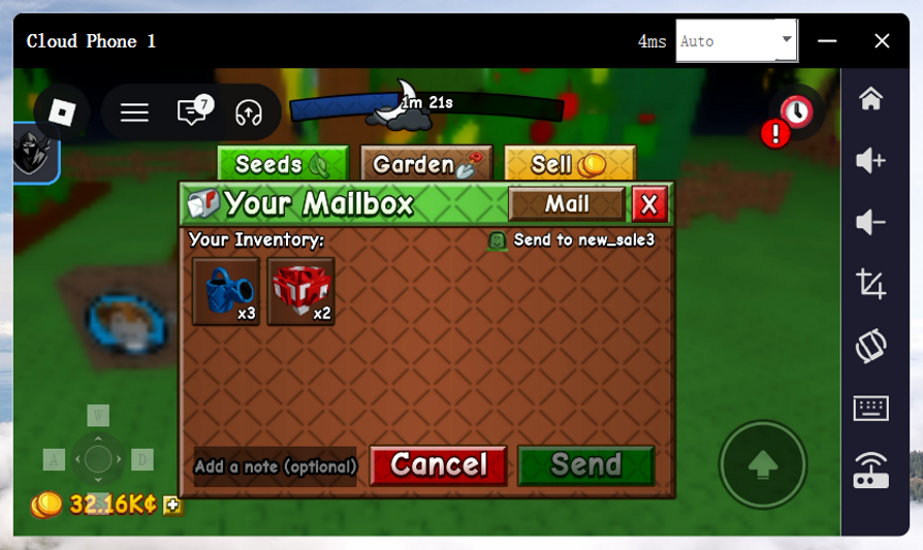
Golden and rainbow weather can produce related seeds, but they are not guaranteed income. Seeds and crops can be gifted, yet the source reports no secure in-game trade. Avoid informal real-money deals; pets can be mailed through the mailbox.
How to Use UgPhone with Grow a Garden 2
For AFK, place valuable crops in a compact area and test only the repeated inputs you need. Scattered fruit still requires movement, shops cannot buy automatically, and a stuck character needs attention.
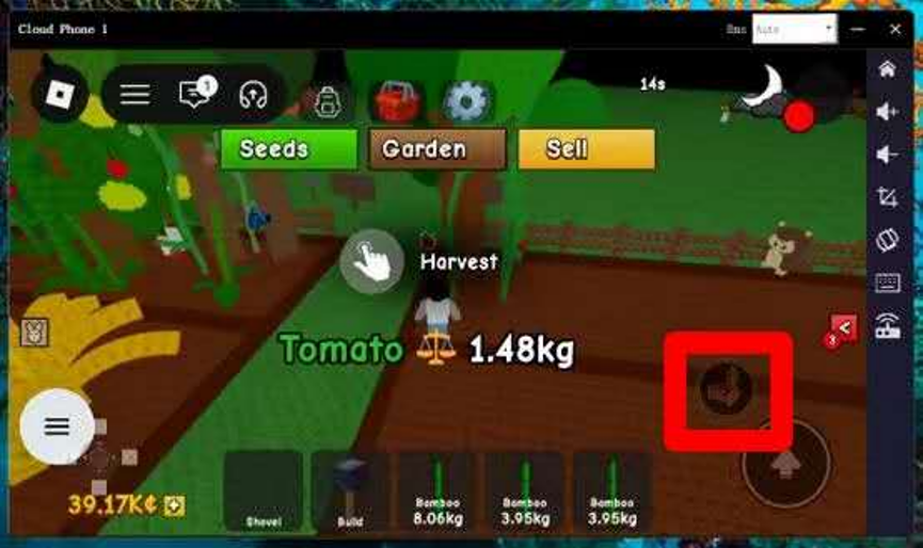
Create a UgPhone cloud device, install Roblox, and position the character by the priority crop. Watch a full day-night cycle, then reconnect to check position and harvests. UgPhone can reduce physical-phone screen use, battery drain, and heat while you watch a valuable plot, but it does not replace shop visits, movement, or active defense.
Conclusion
The practical AFK use in Grow a Garden 2 is narrow: guard a compact high-value plot and reduce how long the phone stays occupied. It will not collect every scattered crop, chase pets, or remove night risk. If that trade-off works for your farm, download UgPhone and request a free trial. Start with one short cycle, compare the harvested value, and keep the setup only if it justifies the time and attention it still needs.
Want more rewards, game guides, and the latest updates? 👉 Join our Discord!
Useful tips and exclusive community benefits are updated only in our server.
🔗 Invitation link: https://discord.gg/Agkk96vcfA