


Play GAG Hands-Free: Your Ultimate UgPhone Guide

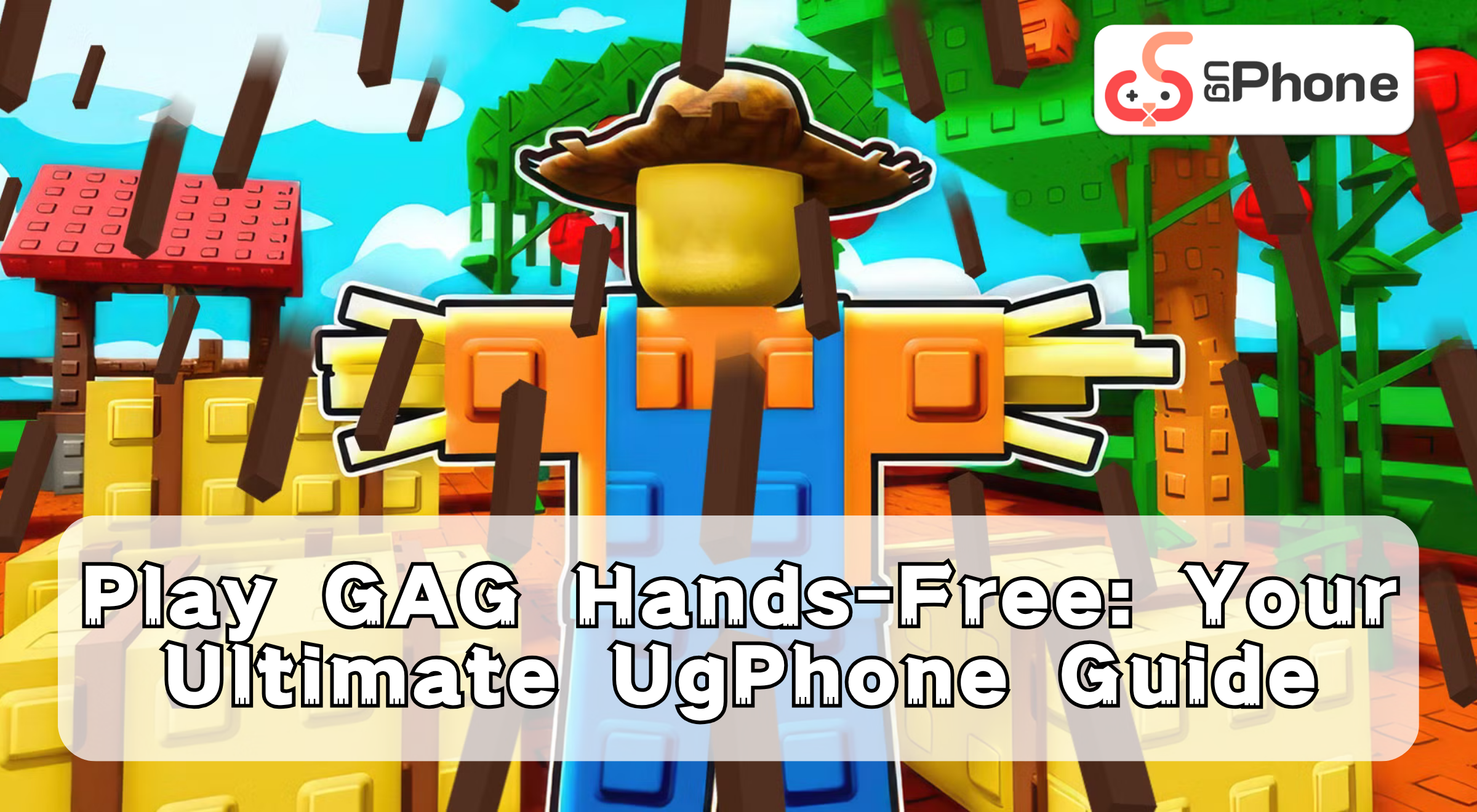
Grow a Garden (GAG) is a simulation management game on the Roblox platform that combines gameplay elements like planting, pet raising, and decoration. The game features a dynamic weather system, which can trigger crop mutations (increasing their value), bring more rewards and mission challenges, making every garden full of vitality and possibilities.
However, purchasing items in the game involves specific mechanics. This guide will introduce the common challenges of the game and show you how to use * UgPhone Cloud Phone * to free your hands and AFK-purchase the crops you want.
I. GAG Shop System: How to Obtain Items
In GAG, there are three main types of shops: Seeds Shop, Gear Shop, and Pets shop.
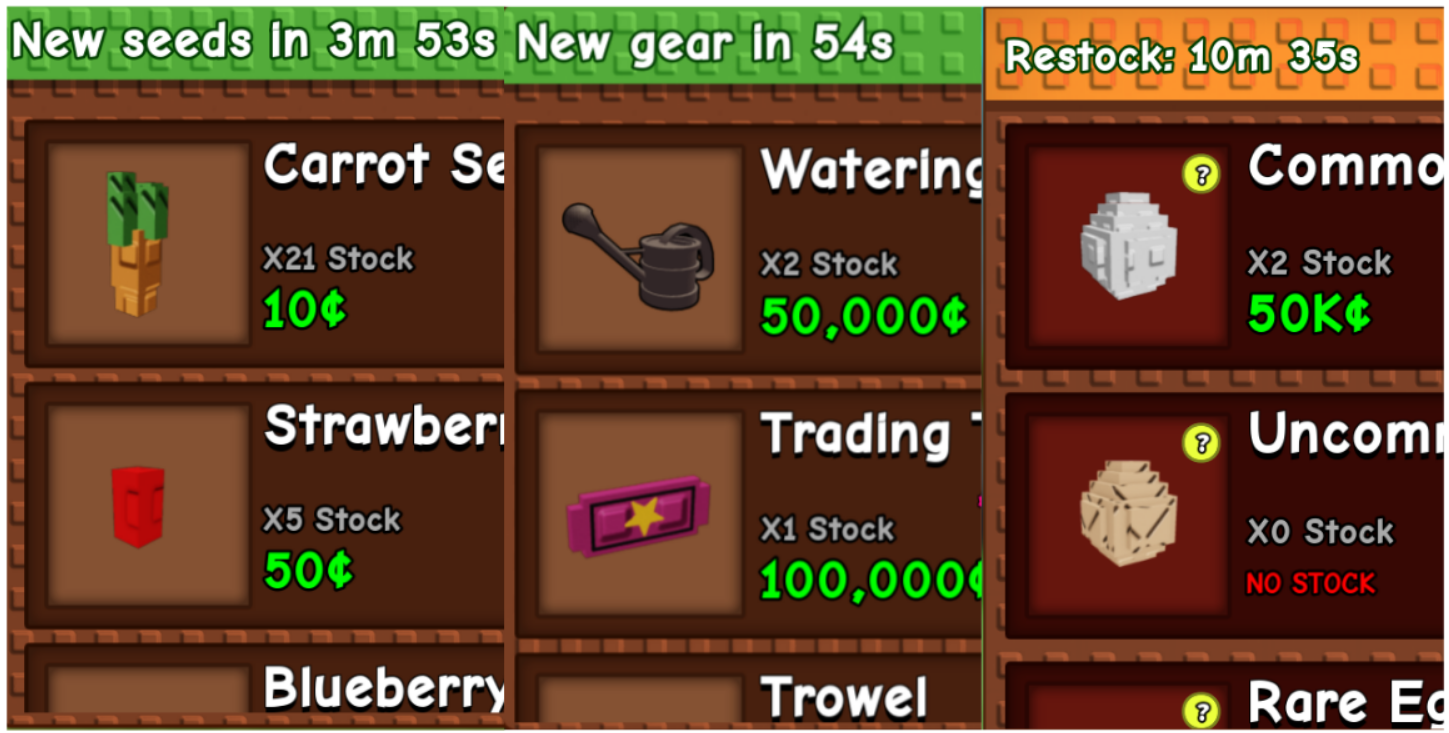
Item Purchase Process:
1.Go to the corresponding shop.
2.Select the desired crop, tool, or pet egg.
3.Check the stock.
4.If in stock, click to purchase; if out of stock, wait for the shop to restock.
II. Common Challenges of Playing GAG: Why Can’t You Buy the Crops You Want?
Players often encounter three major common challenges: lack of time, device lag, and inability to click frequently to grab crops and tools.
1. The Time Sink: In the GAG seed shop, seed updates follow a timing and restocking probability mechanism. However, players cannot monitor the shops 24/7 for new stock.
2. Device Issue: Unstable network connections can can cause disconnections the game. Additionally, certain weather and crop effects in GAG can cause temporary device lag, affecting the gameplay experience.
3. Manual Clicking Issue: Players cannot stay on the shop interface all the time to manually click and purchase crops and tools. Consequently, many players miss out on grabbing the items they want.
III. UgPhone: Enabling 24/7 AFK and Auto-Clicking
UgPhone is a powerful cloud phone platform that allows you to run “Grow a Garden” remotely, solving your gameplay pain points and significantly improving efficiency through multi-instance and script capabilities.
● Say Goodbye to Device Overheating, Battery Drain, and Lag: All computation and running happen in the cloud, zero local burden.
● Supports Automation Scripts: Free your hands to obtain rare crops and items.
● Multi-instance for Multiplied Earnings: Host multiple accounts simultaneously, greatly increasing the chance of rare plant production.
● High-Speed, Stable Cloud Operation: Professional data center network environment ensures stable AFK without disconnections and smoother operation.
IV. Tutorial: How to Play “Roblox GAG” with UgPhone
1.Register an UgPhone account and log in to the*UgPhone*.
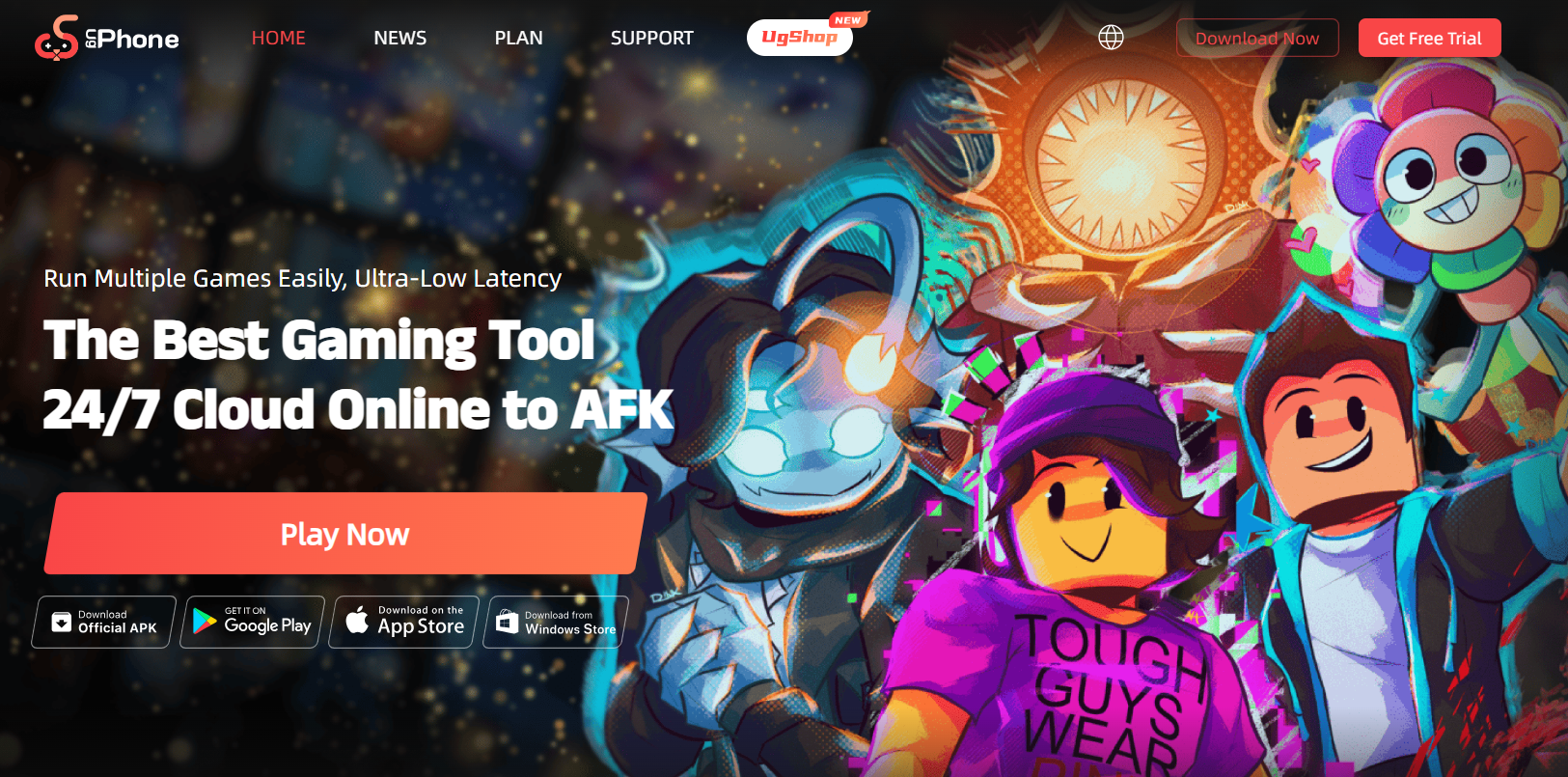
2.Download the UgPhone APP. Find and download Roblox from the UgPhone game center, log into your game account, and run “GAG”.
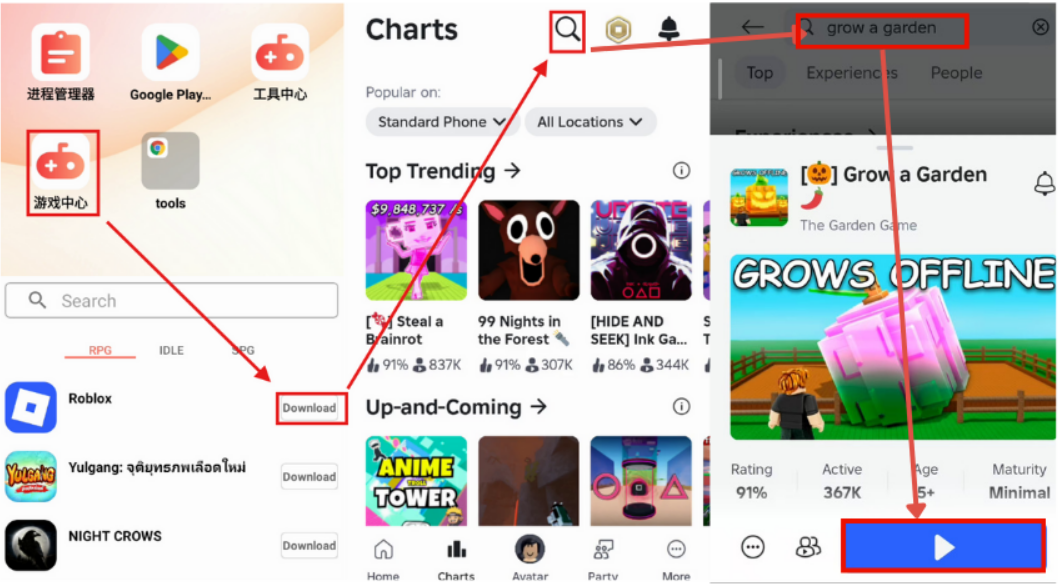
3.Download an auto-clicker tool and set up automatic loop clicking.
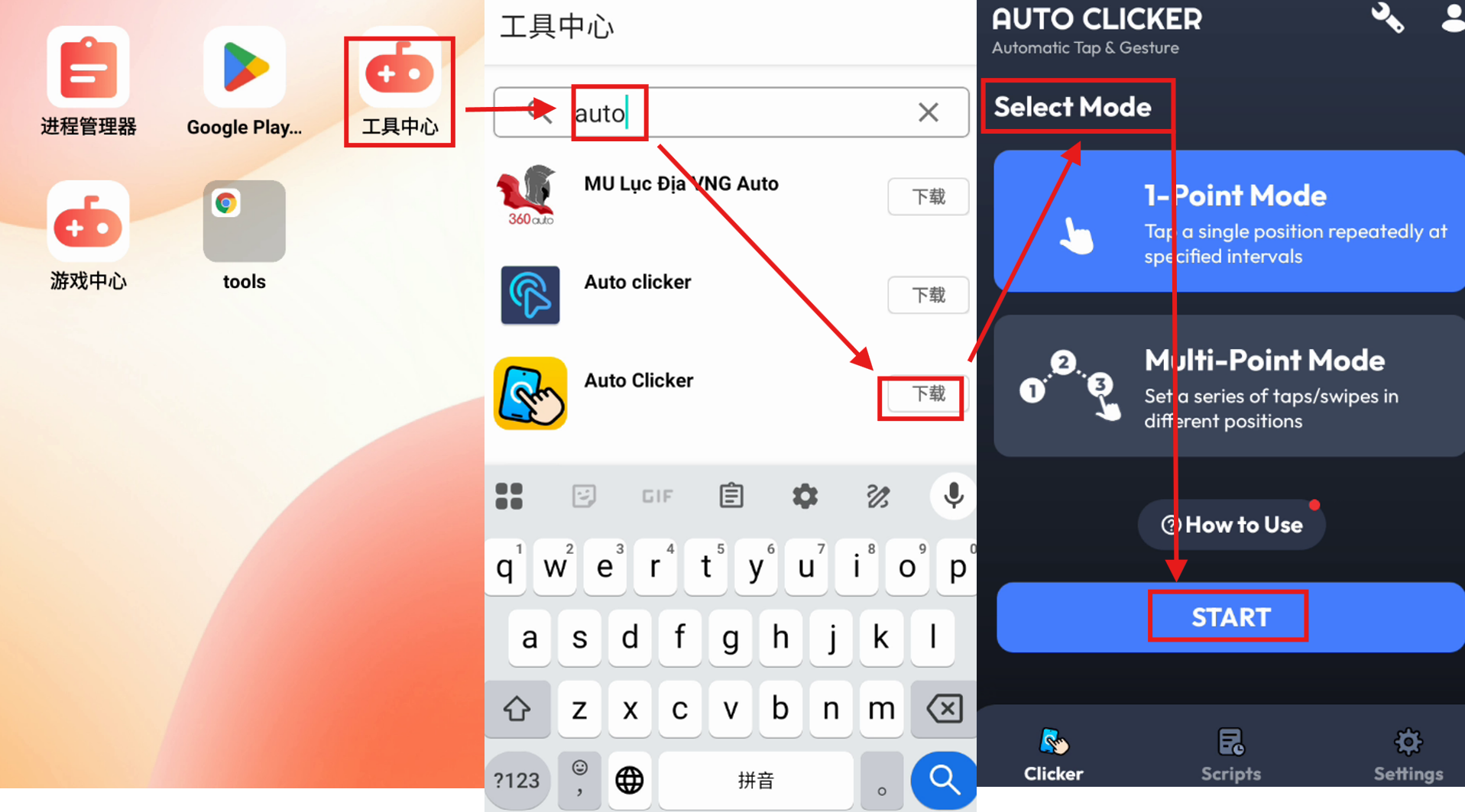
4.Let it run AFK, and wait for your backpack to fill with rare items!
The planting and nurturing gameplay of “Grow a Garden” is addictive. However, without sufficient time and device support, it’s easy to fall into a passive situation where you “can’t grab rare items” and “can’t earn more money.” Owning an UgPhone cloud phone is like having a 24/7 automatic purchasing tool, helping you realize your farm tycoon dream!
Don’t miss the next rare item update! Click the link to download and try * UgPhone Cloud Phone * now, and start your all-weather cloud planting era.









