iOS 18 Drops: Want to DIY Your Own Apps?
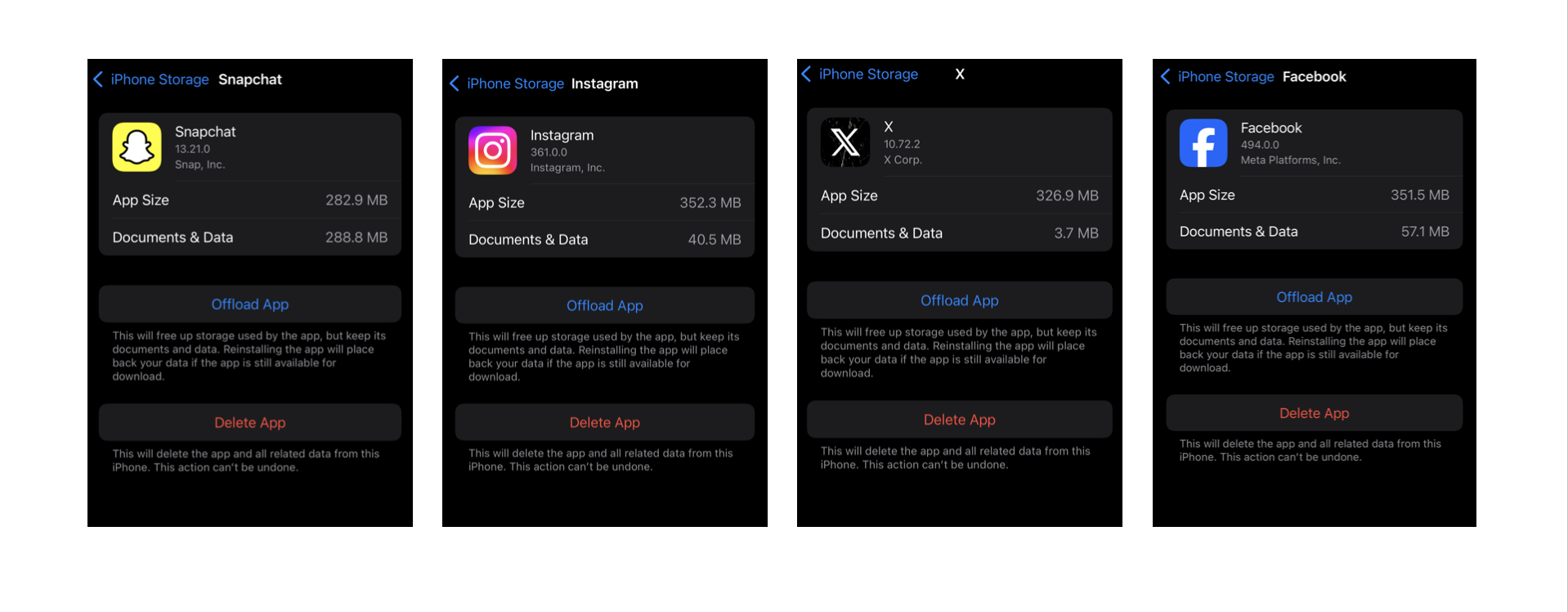
Check out the latest update in iOS 18! They’re letting you wrap your favorite websites into app-like bundles within Safari, making them super easy to access and use. The best part is that these appified webpages save a ton of space on your iPhone and don’t mess with your other apps! Game-changer!
Let’s operate it now:
1.Visit the website: Open Safari browser on your iPhone, enter the webpage address you want to package the APP, for example: livco.me
2.Tap on Share: Tap the ‘Share’ icon at the bottom.
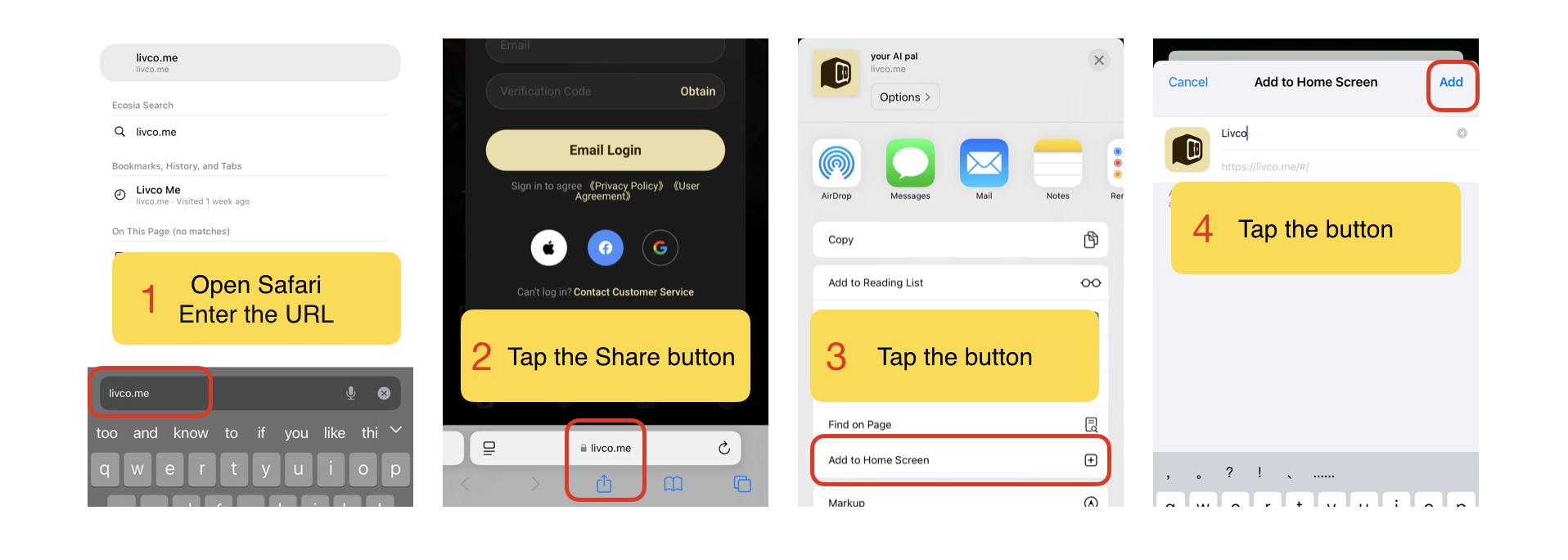
3.Click “Add to Home Screen”: Scroll up the list box, find and click on “Add to Home Screen”.
4.Tap the “Add” button: Tap the “Add” button in the upper right corner, and the web page shortcut will be added to your home screen.
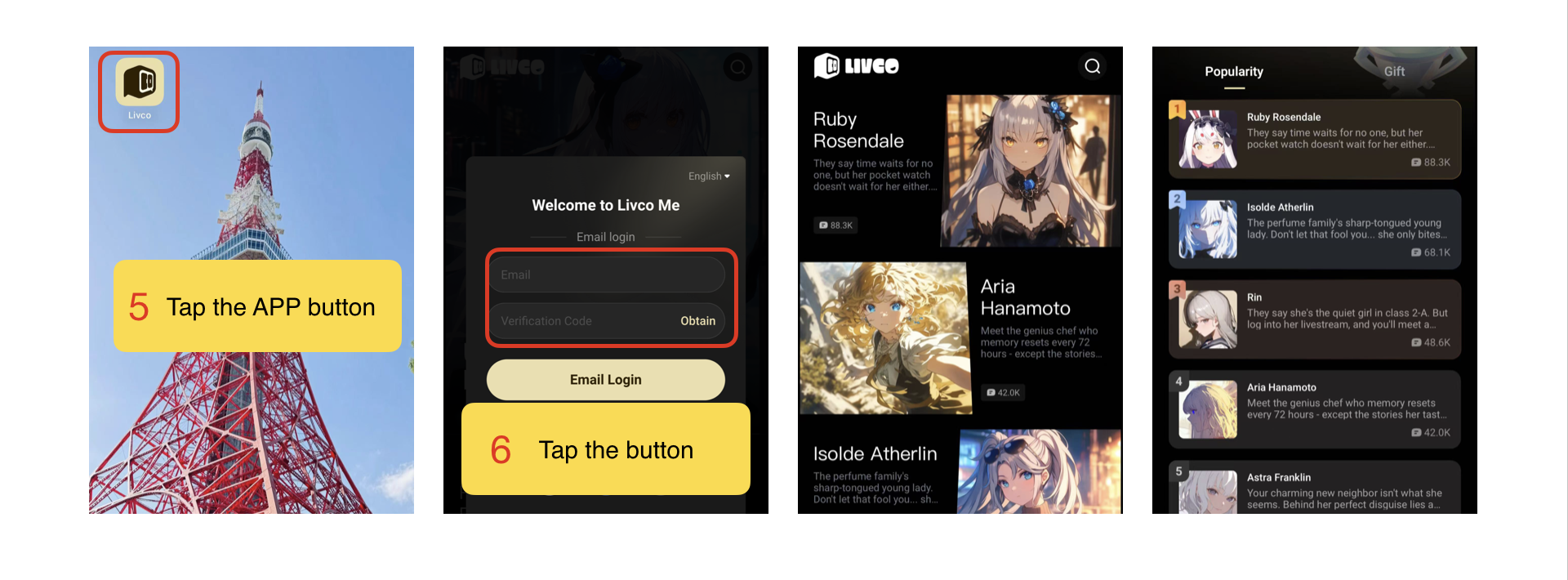
🌟Invitation of Livco 🌟
Take a break!💤 | brb
Work is on full speed, and all I want to say is “brb.” Hit up Livco, escape for 30 mins, vibe in a Dimensional world, then go back to the grind.