Legend of YMIR Class and Auto Combat Guide 2026

Legend of YMIR Class and Auto Combat Guide 2026
Introduction
Legend of YMIR is a Norse mythology MMORPG with guided quests, auto navigation and automatic combat. Follow the tutorial after creating a character; main, side and board quests then help open systems such as automatic skills, the marketplace and artifacts. Choosing a class matters most when you plan to leave combat running. The anniversary update adds Assassin, a Mythic companion, Training Camp Season 2 and events, alongside interface changes and fixes. The images below show the class screens and the settings worth checking before a longer session.

Choosing among seven classes
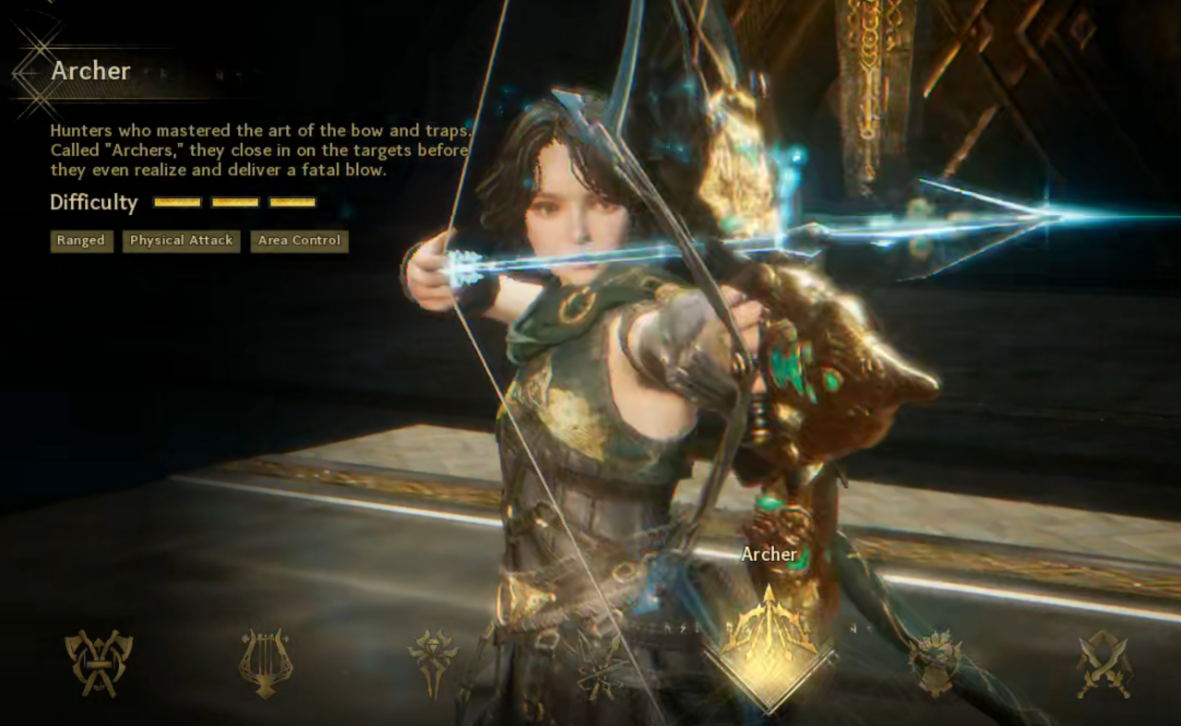
Archer combines ranged mobility with balanced clearing and survival. It is a practical starting choice when you want steady early progression and automatic farming.
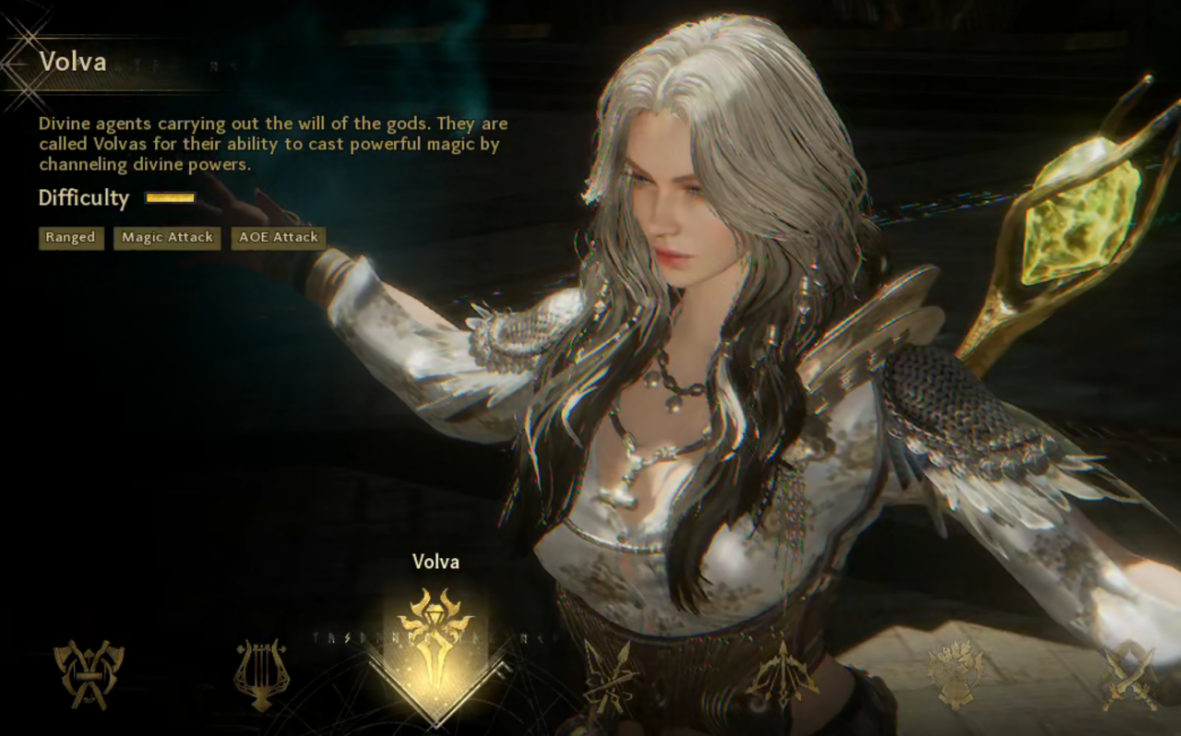
Volva delivers strong elemental area damage. Its lower defense and higher mana use make supplies especially important during an unattended session.
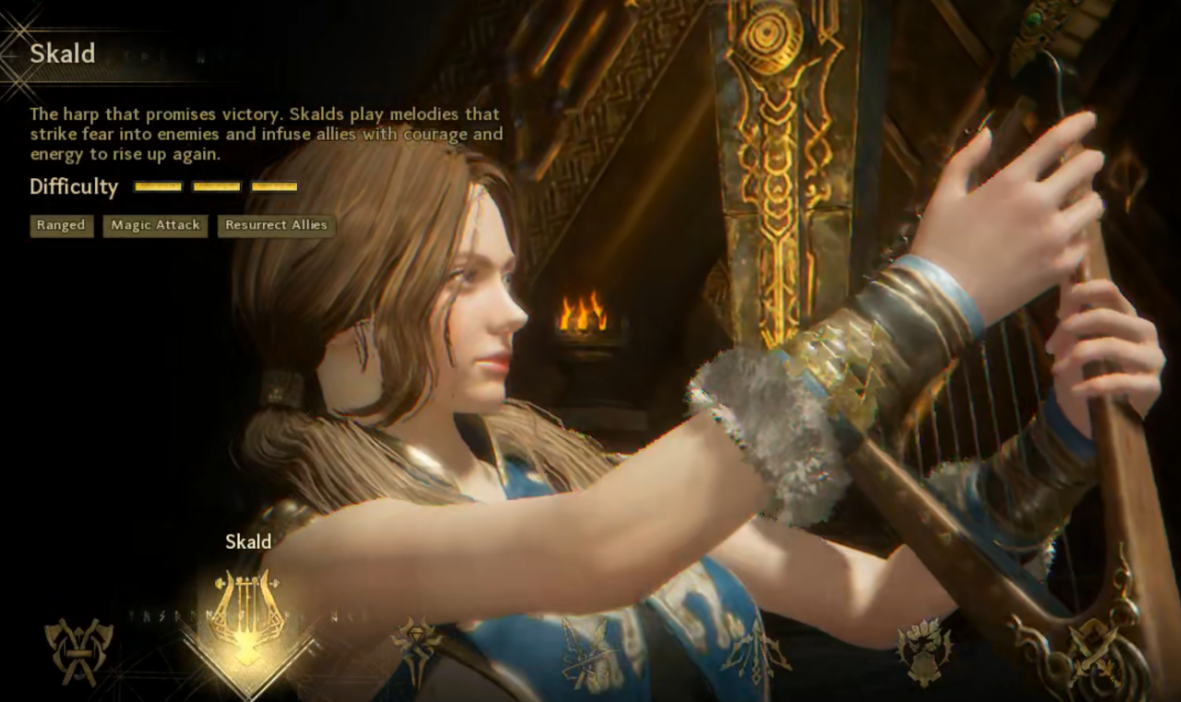
Skald provides healing and buffs, with strong self recovery. Choose it when sustained play matters more than maximum burst damage.
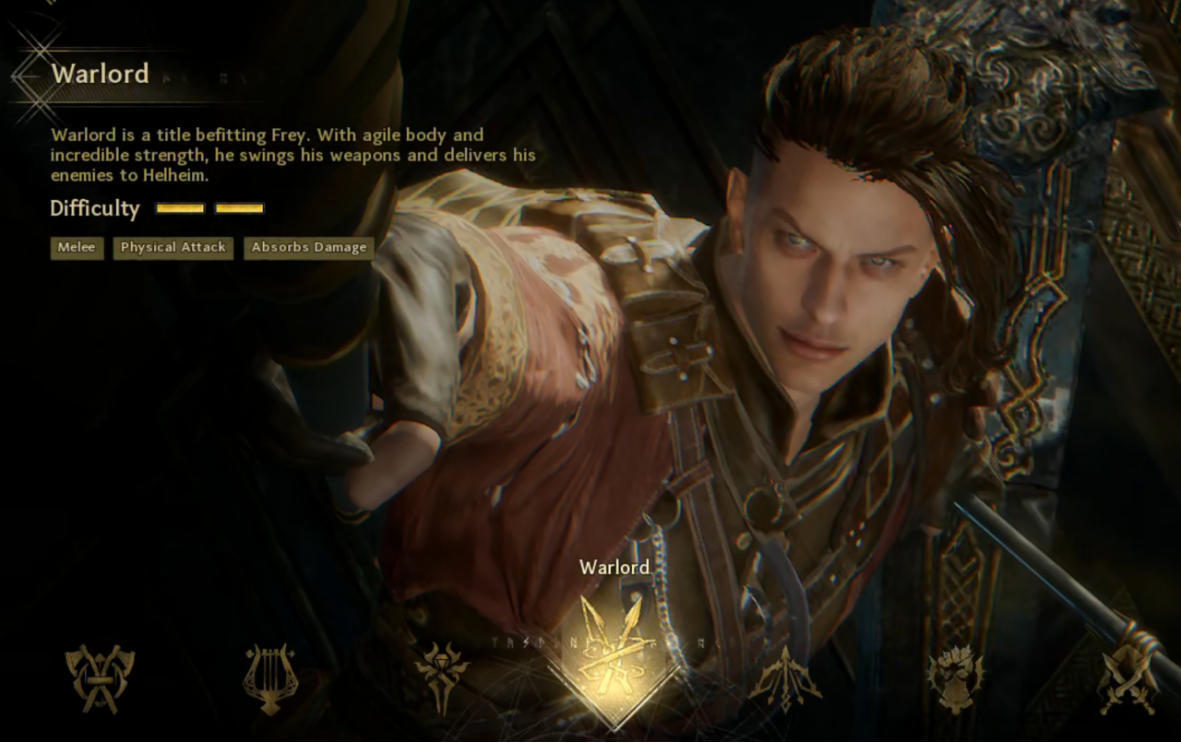
Warlord is a melee tank with stun and knockdown control. It helps in team fights and PvP, although solo clearing can be slower.
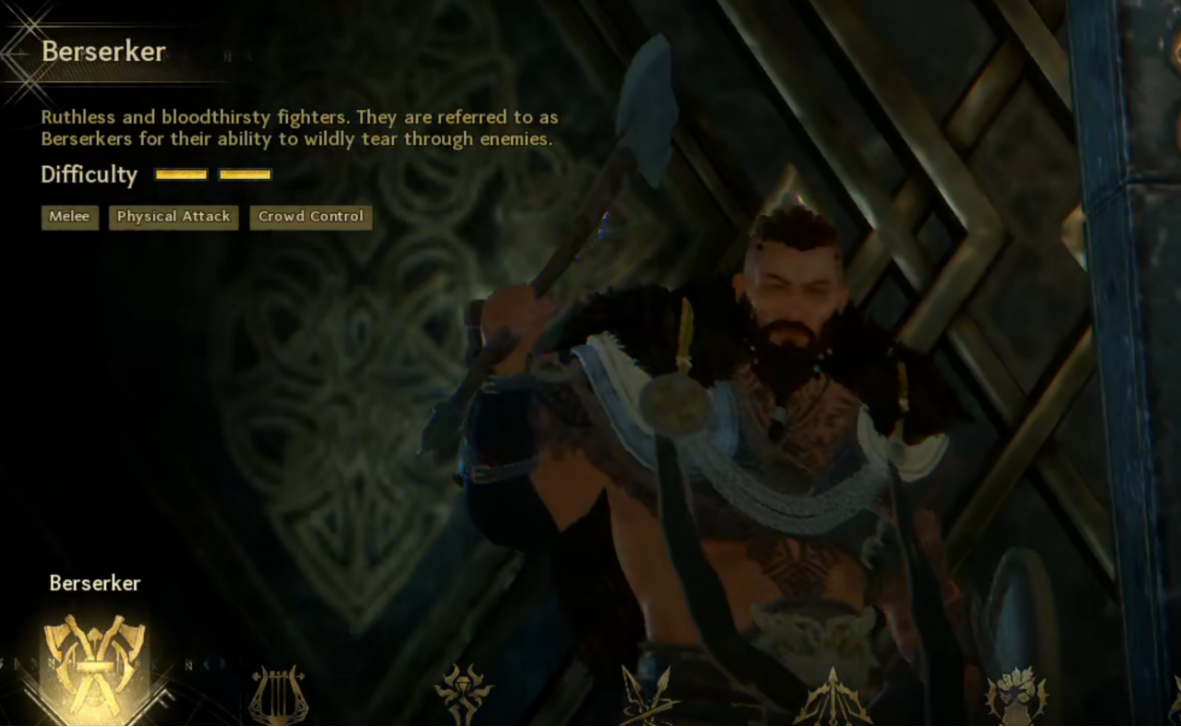
Berserker hits single targets hard but has slower attack animations. Manual or partly automated play may suit its early progression better.
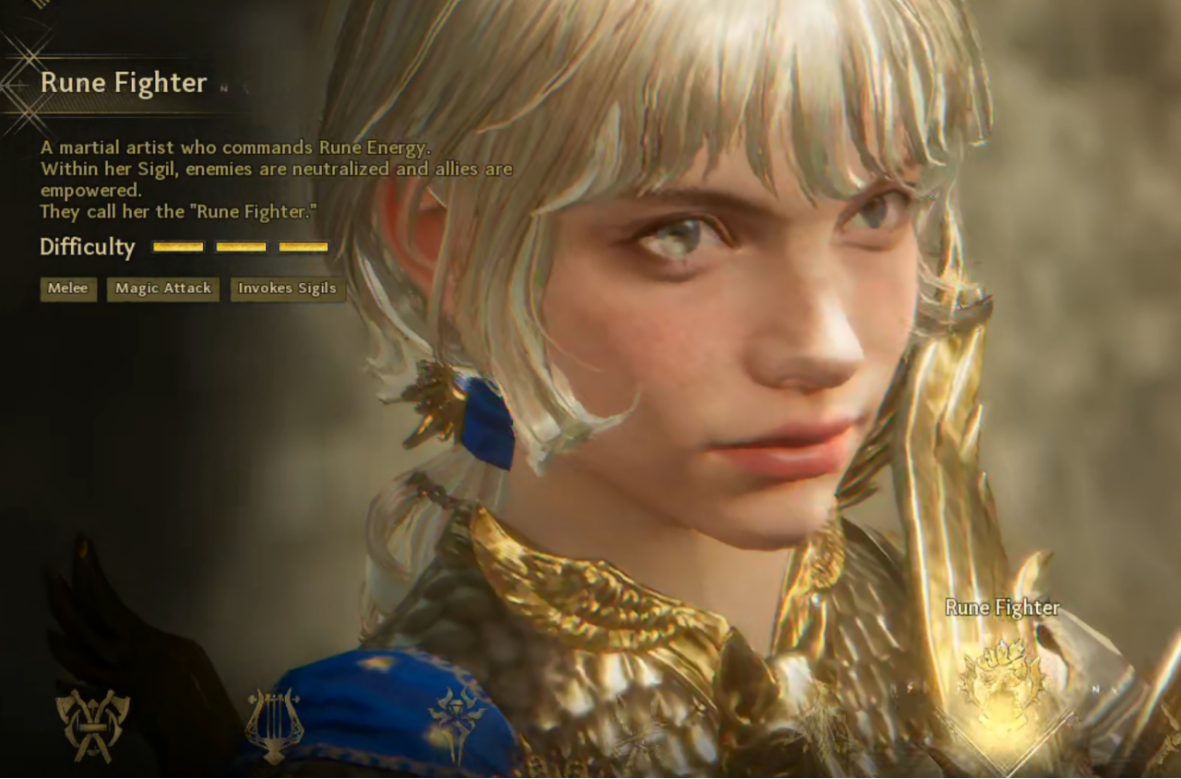
Rune Fighter channels runes for burst and flexibility. Its higher skill ceiling rewards players willing to manage abilities and positioning.
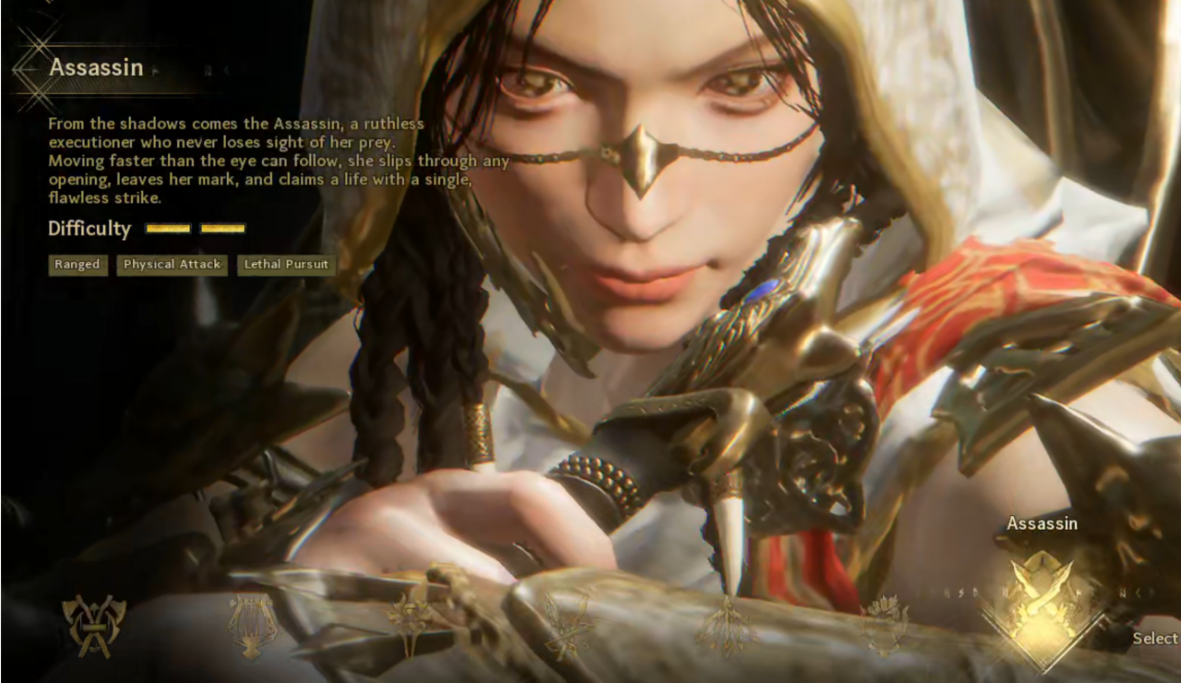
Assassin joined the October 20, 2026 anniversary update. It fights with a sword and shadow power called Bane, dashing in, marking enemies and teleporting behind them for a finishing attack. Shadow fusion strengthens its skills. Try it if you prefer fast sequences over a purely passive routine.
Set up auto combat and supplies
Auto navigation follows main, side and board quests. Story dialogue still needs input. The source suggests UgPhone’s AFK single tap at roughly 40 second intervals for dialogue, but combat scenes may interrupt it. Check the result and take over when needed.
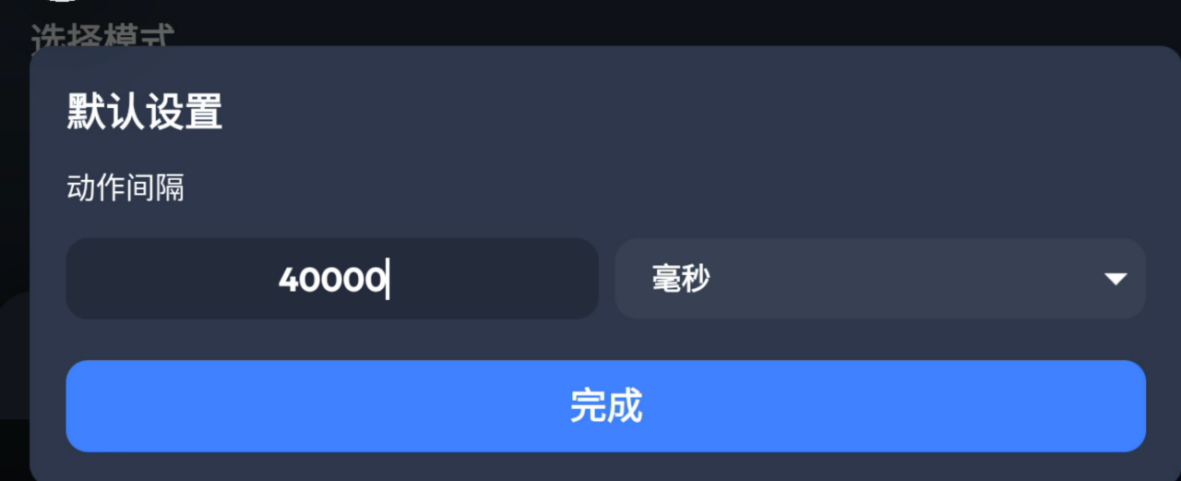
Treat single tap as help with dialogue, not a substitute for handling story fights. Confirm the next objective before leaving the device unattended.
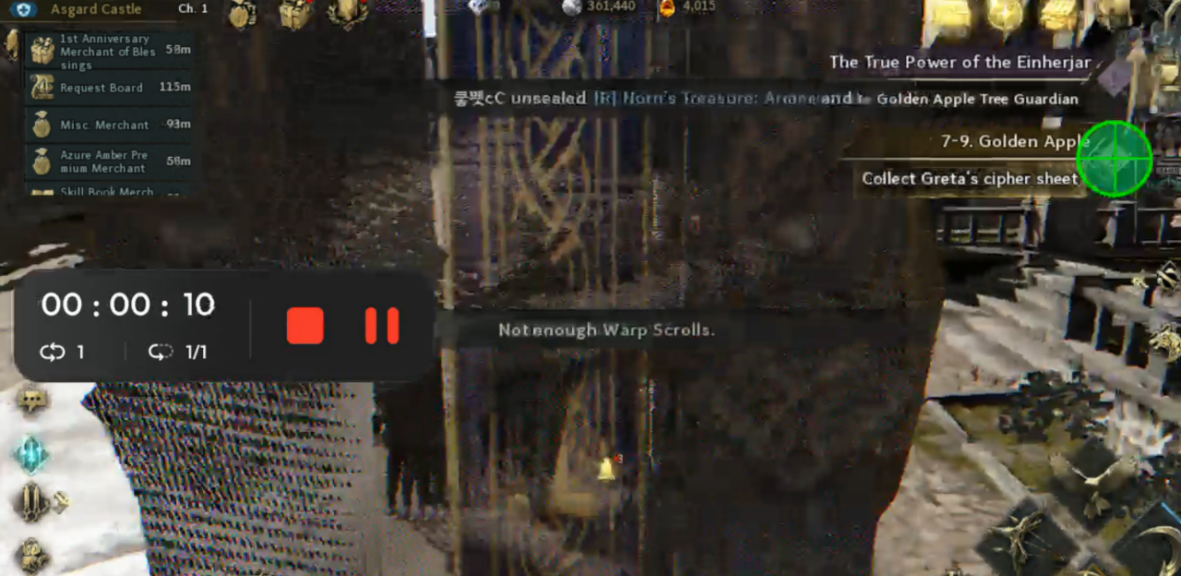
In combat, AUTO attacks nearby enemies within a configurable range. Inspect monster density and competing players first; crowded maps or isolated corners waste time.
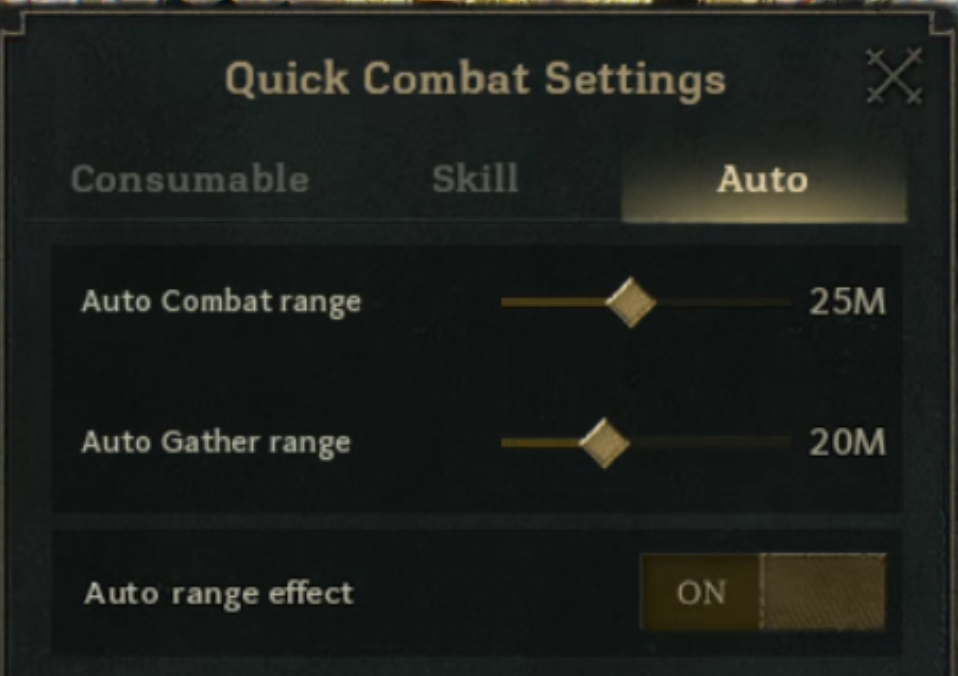
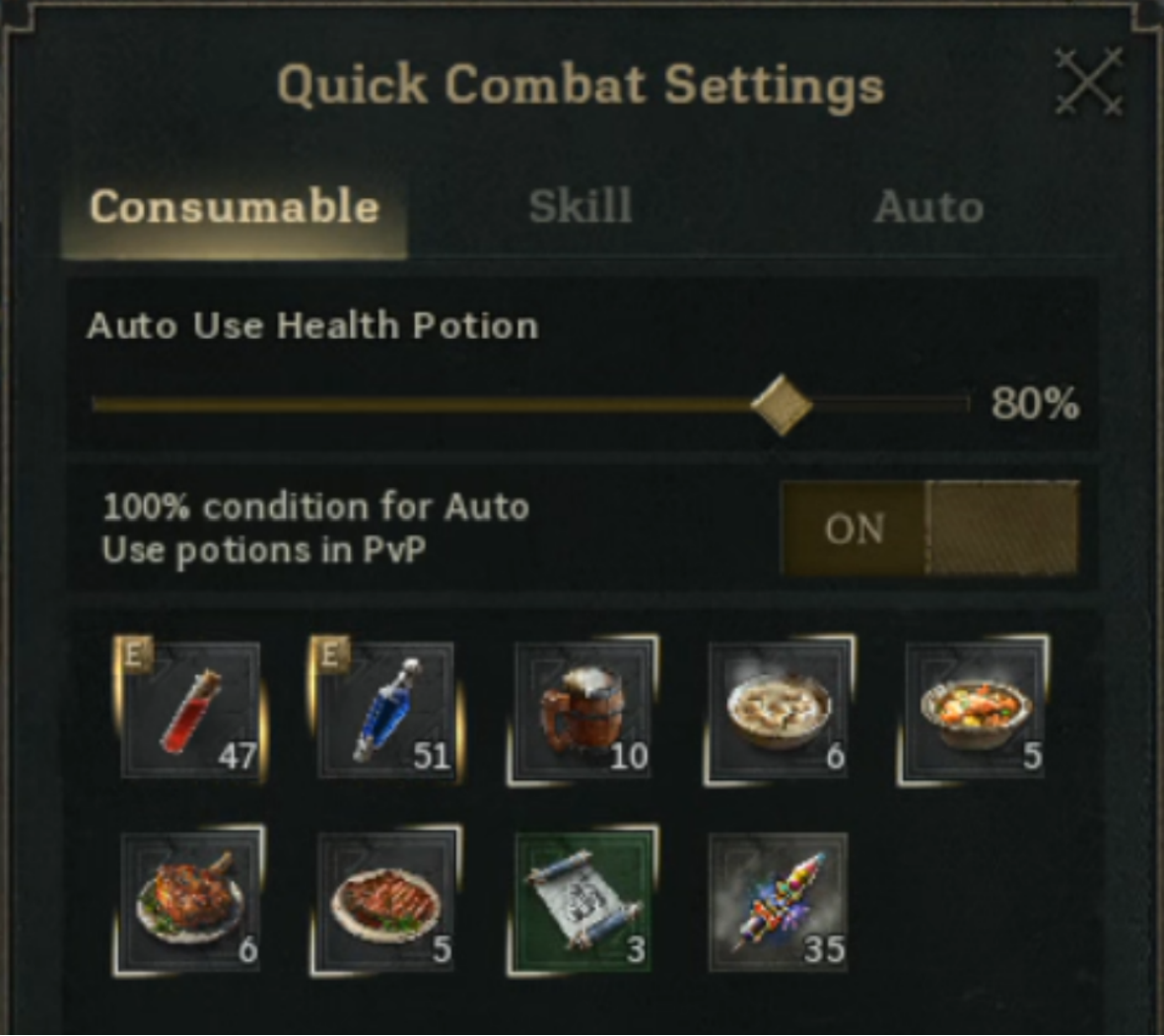
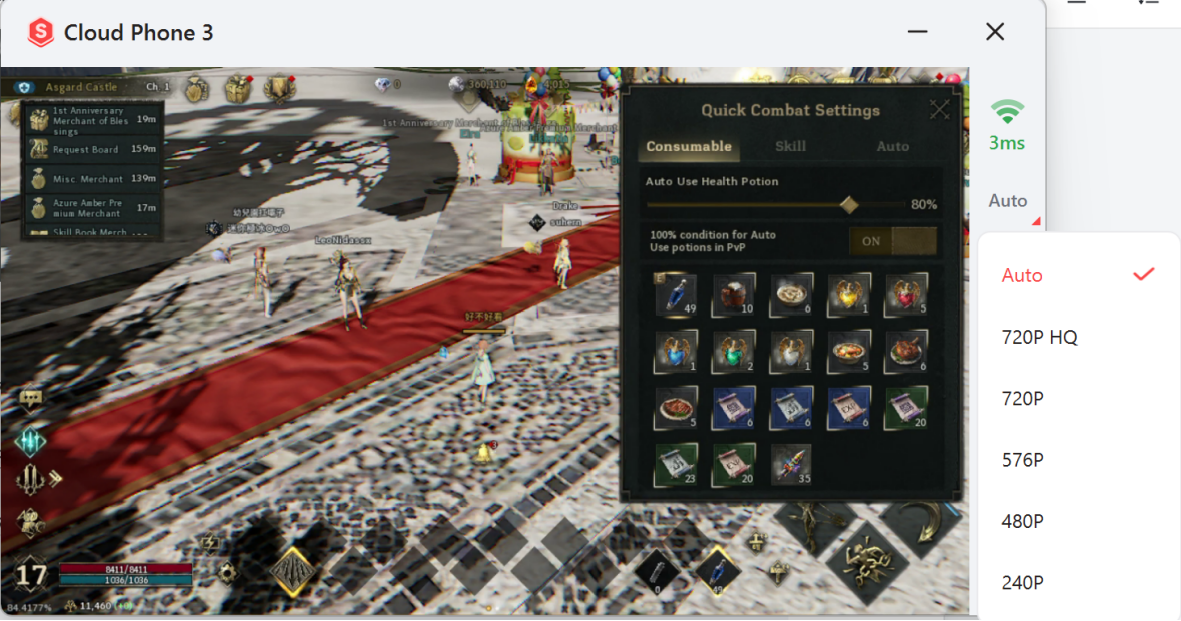
Quick Combat Settings also set automatic potion and skill use. Test the health threshold: too low risks a late heal, while too high consumes supplies. Check your inventory.
Where automation stops
Offline mode keeps combat progress moving after the game closes, but the source describes a eight hour daily allowance, lower returns per hour than online AFK and no experience or drop bonuses stacking. Use it for gaps rather than as a full replacement for an online session. Some story fights, hidden chests, gathering spots and viewpoints still require manual action.
Run longer sessions with UgPhone
For an extended online session, open an UgPhone cloud device, install the game, sign in and configure AUTO and potion thresholds in the game. Confirm the farming area, connection and supplies. The source advises leaving the game’s power saving mode off while running it on UgPhone so the cloud session continues normally. Remote execution reduces continuous use of your local device, but it does not remove the need to check progress.
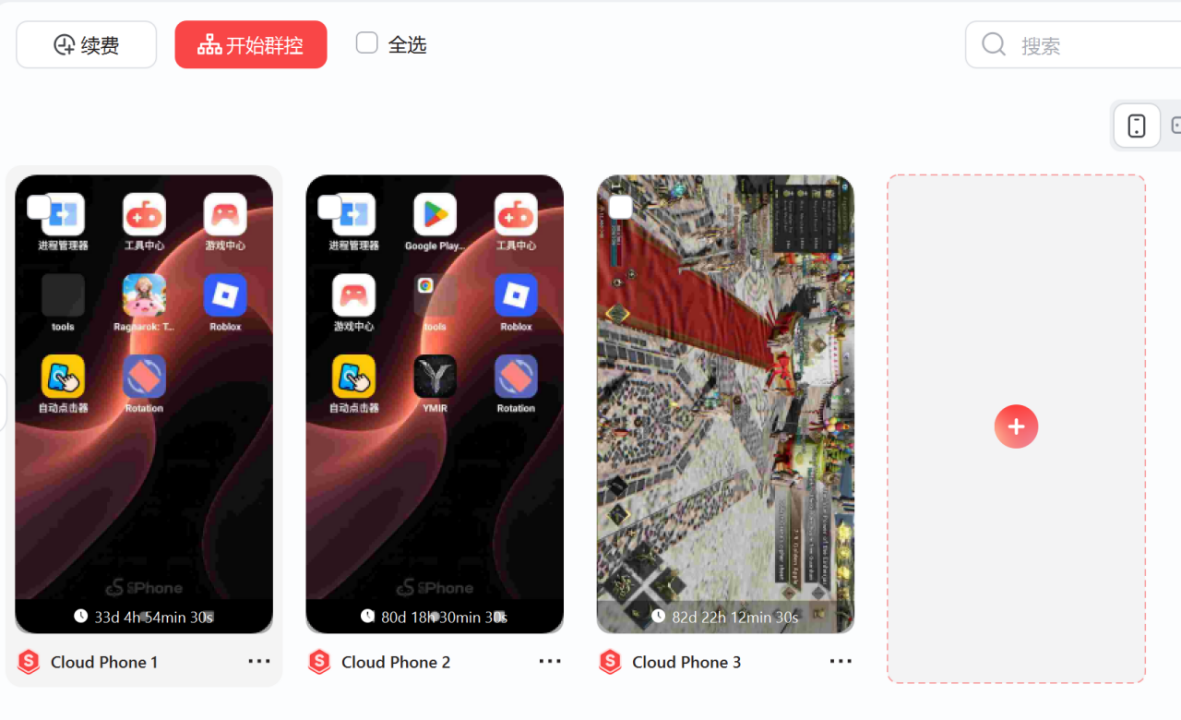
The UgPhone device list displays separate cloud instances. Review the login and settings for each instance individually; more devices do not change a character’s drop rate. Keep account security and game rules in mind when managing sessions.
Conclusion
Start with the class that matches your clearing speed and sustain needs. Test AUTO, potions and location before leaving. If the eight offline hours are insufficient, try UgPhone for a longer online session and return to handle objectives automation cannot complete.
Want more rewards, game guides, and the latest updates? 👉 Join our Discord!
Useful tips and exclusive community benefits are updated only in our server.
🔗 Invitation link: https://discord.gg/Agkk96vcfA