LORDNINE AFK Guide 2026 Auto Battle and UgPhone

Introduction
LORDNINE is built around a low-friction start. You shape a character, follow the indexed tutorial, and move into automatic combat without constant manual input. The useful settings are spread across different menus. This LORDNINE AFK Guide orders them, explains offline limits, and shows where UgPhone fits for a longer session. The sequence helps you avoid wasting an unattended session. You can verify each mode in a few minutes before leaving the character unattended.
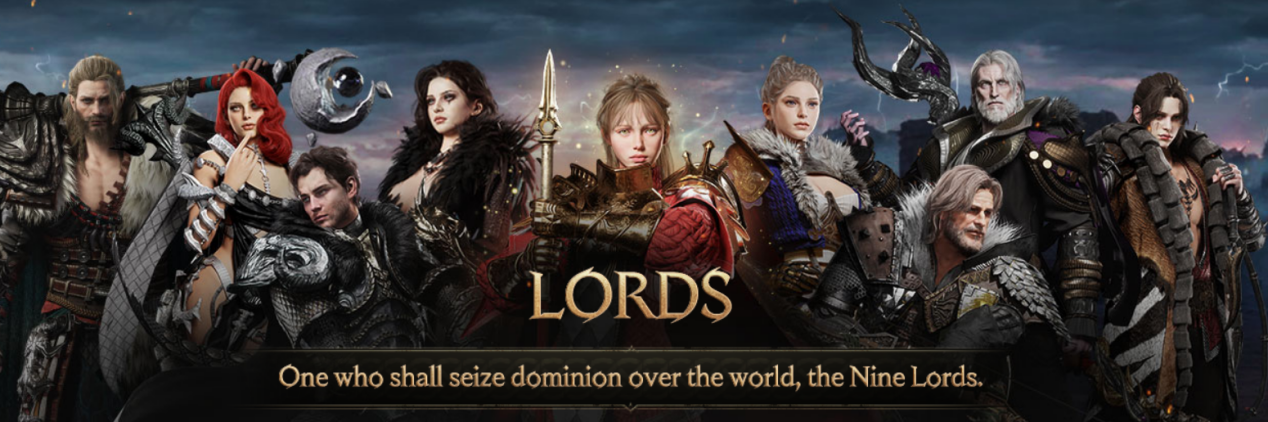
Character creation begins with a customizable face, so your first decision is visual rather than technical. Finish the setup before worrying about farming routes; the game can guide the first steps for you.
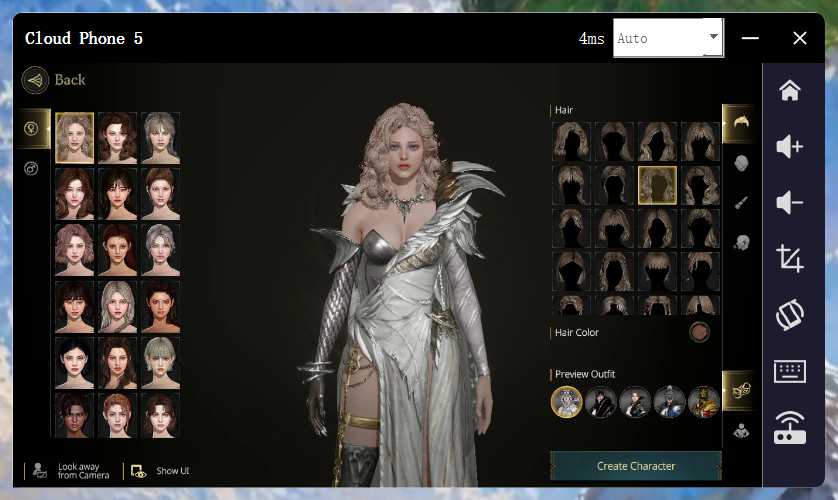
What Is LORDNINE
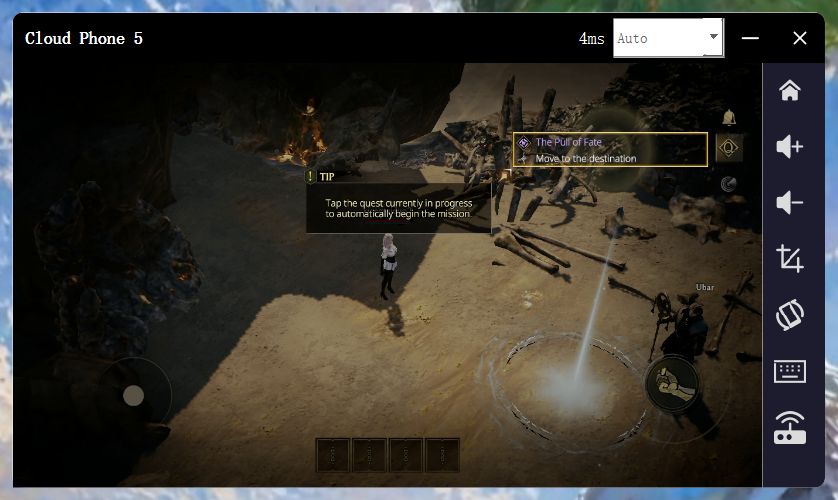
LORDNINE is a massively multiplayer online role-playing game (MMORPG) that features guided introductory quests and automated functions. After creating a character, players are led through a tutorial. In subsequent quests, players can also utilize an auto-tracking feature, ensuring that the location of their next objective remains visible at all times—even during combat.
How to Use Auto Quests and Auto Battle
Start with the quest tracker and follow the highlighted route until the next task loads.
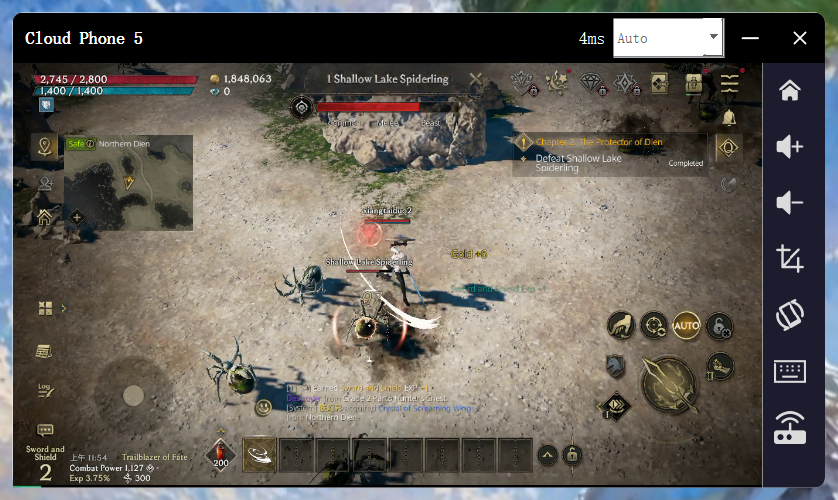
For combat, tap AUTO to let the character attack nearby enemies and continue farming. The control is simple, but check the target area before leaving the game running. A crowded zone or a poor route can waste time even when attacks are automatic.
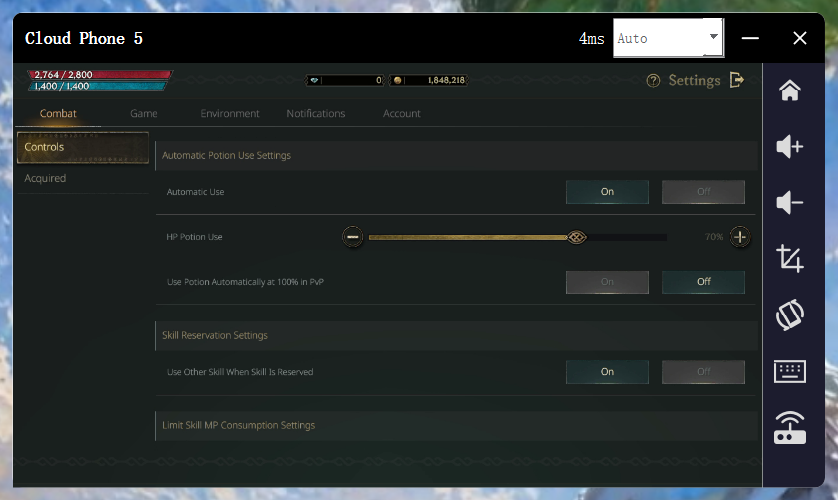
Automatic battle scans nearby enemies and enters combat. Automatic use can trigger potions and skills under conditions you set. Test those conditions so the character can stay alive and keep attacking.
Common Problems and Mode Choices
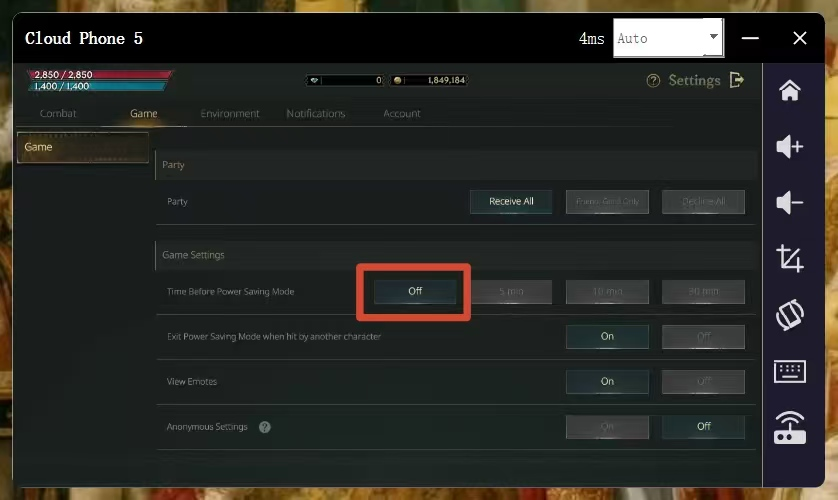
Power saving keeps the game state available while reducing battery use and heat. You can switch it on from the menu icon when stepping away, or configure it to activate after a period without input.
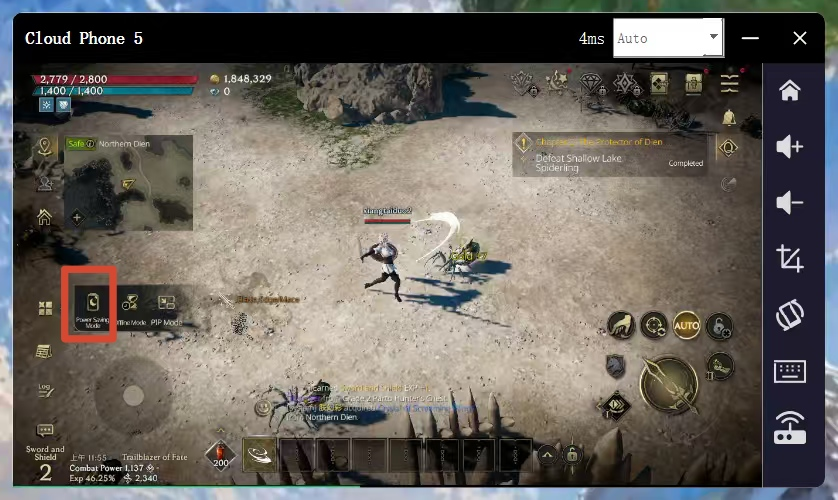
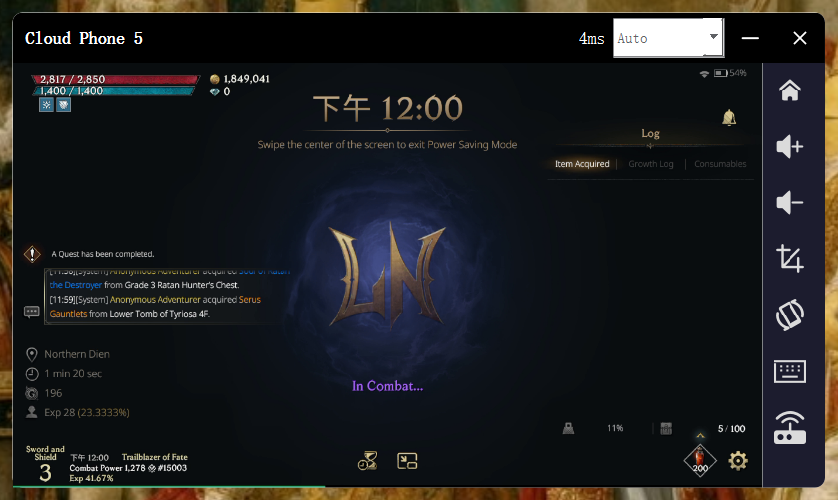
Power saving can be enabled or disabled. When you use UgPhone for a long LORDNINE AFK session, leave this mode disabled so the cloud instance can keep the normal game process active.
Offline mode is different. It allows the character to continue fighting and progressing for a limited time after the game is fully closed. The daily allowance is eight hours, so it is useful for a gap in your schedule but not a complete replacement for an always-on session.
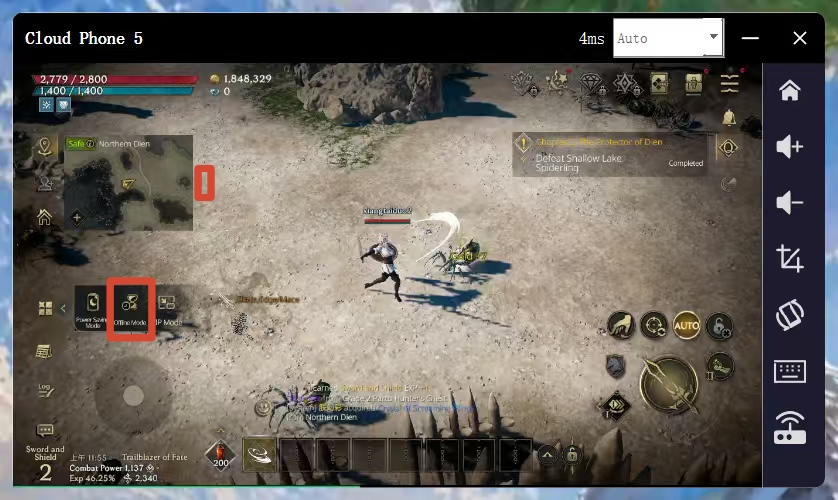
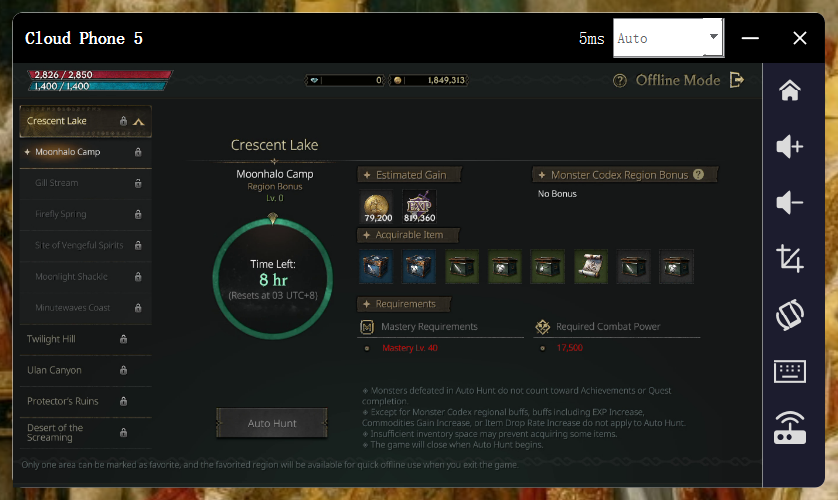
Once the eight-hour allowance is exhausted, persistent cloud play is more practical than repeatedly reopening the game.
How UgPhone Helps and How to Set It Up
UgPhone gives LORDNINE a persistent cloud device for automatic play. It addresses local battery drain, heat, and the eight-hour allowance. Open a cloud phone, start LORDNINE, finish the tutorial, reach a safe combat area, tap AUTO, and configure automatic use. Keep power saving disabled for the normal process.
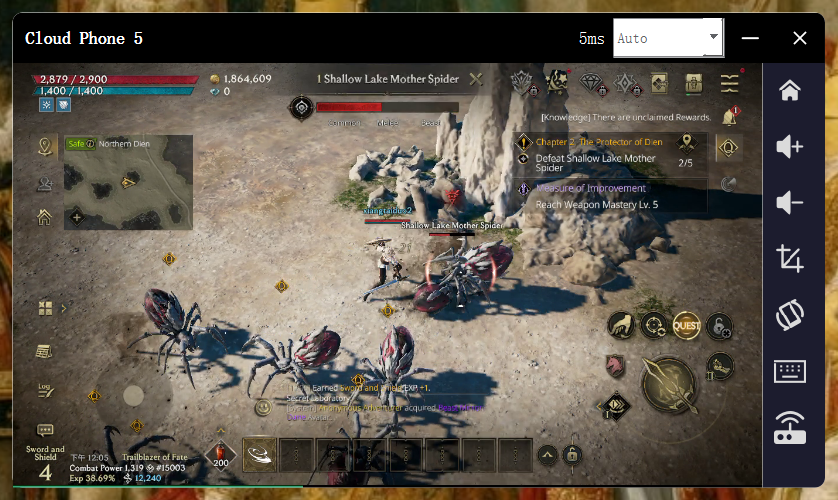
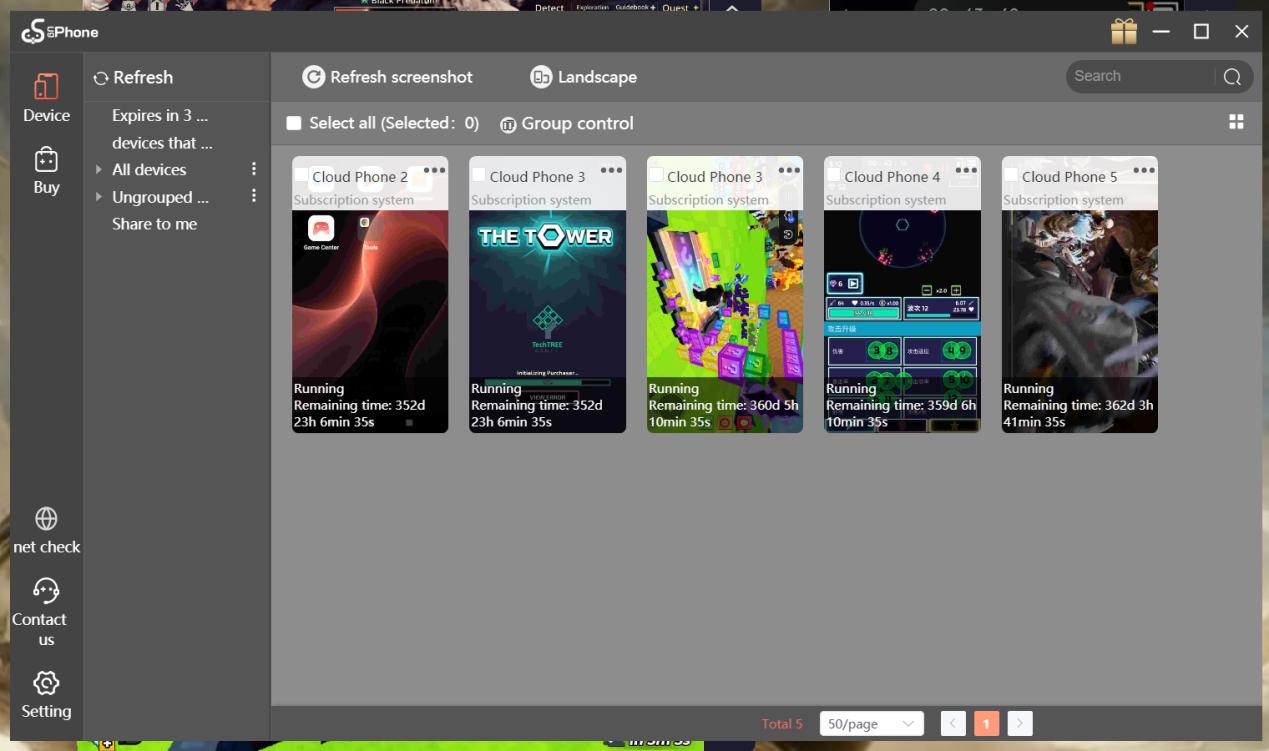
UgPhone also supports several games at once and group control.
Conclusion
LORDNINE combines guided quests, automatic combat, automatic item and skill use, power saving, and time-limited offline progress. Complete the tutorial, confirm the target area, test AUTO, and review the mode rules before stepping away. Use the eight-hour allowance for short gaps; use UgPhone for a longer session or several controlled instances.
For a practical LORDNINE AFK setup, start a UgPhone cloud device, configure the game once, and monitor the first cycle before leaving it running. Download UgPhone and try the workflow today.
Want more rewards, game guides, and the latest updates? 👉 Join our Discord!
Useful tips and exclusive community benefits are updated only in our server.
🔗 Invitation link: https://discord.gg/ugphone-official