


Clicker Simulator Guide: Gameplay & Cloud Phone Boost

Clicker Simulator on Roblox is a classic click + collection progression game created by Do Big’s Clicker Sim. The core mechanic is simple: click to gain resources. Players can rebirth to multiply click efficiency, hatch eggs for rare pets, unlock new maps and jump skills, and explore islands.
This article will walk you through its gameplay highlights, unique features, and common frustrations, then show you how to supercharge progress with*UgPhone Cloud Phone*.
1. Gameplay Highlights: How Do You Play Strong?
● Click to earn points (Clicks): Manual clicking generates points, the main source of early progress.
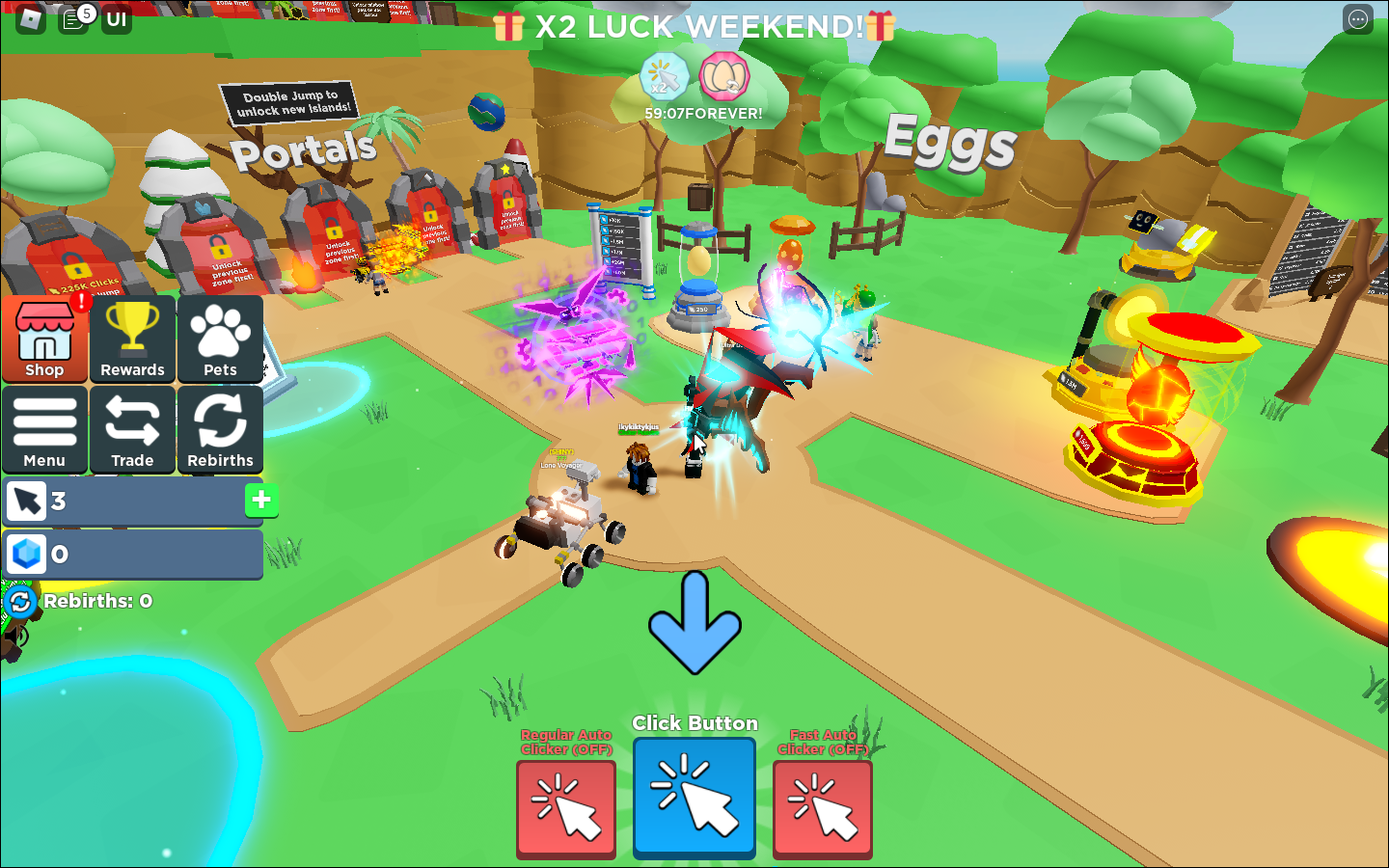
● Rebirth mechanic: Accumulate enough points to rebirth. While you restart, your click multiplier grows, accelerating future progress.
● Egg hatching & pets: Spend points to hatch eggs. Rare and legendary pets give powerful boosts—faster clicks, more rebirth income, etc.
● Jump & explore new maps: Unlock double jump and reach floating islands, each with new eggs, pets, or challenges.
● Trading & leaderboards: Exchange pets with other players or compete for rank prestige.
2. Pain Points: Where Do Players Struggle?
● Manual clicking fatigue: Early-game clicking is slow, tiring, and inefficient.
● High rebirth costs: Each rebirth requires exponentially more points, demanding rare pets or long grind sessions.
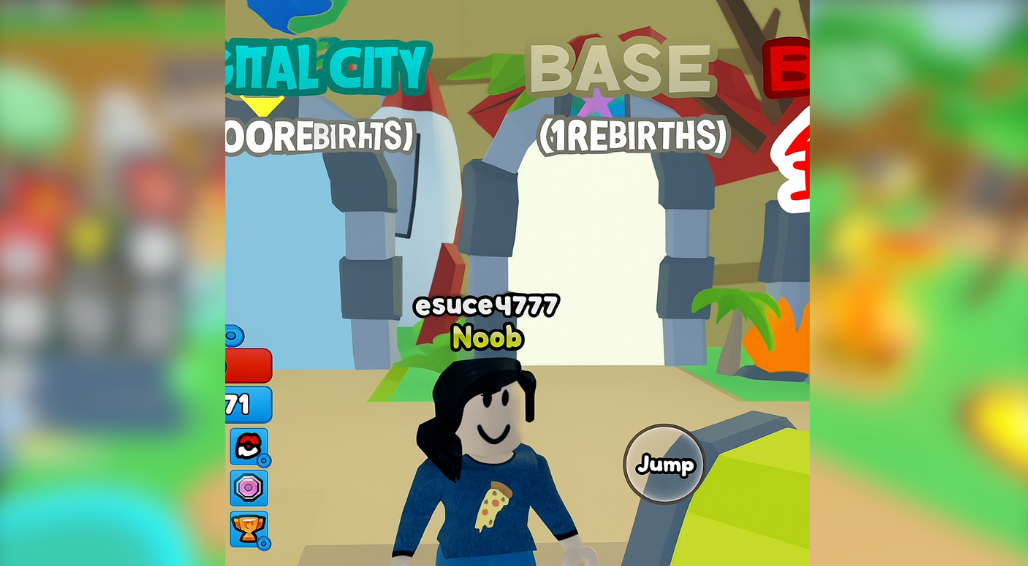
● Low legendary pet drop rate: Hatching the best pets often feels luck-dependent.
● Weak offline progress: Leaving the game means little to no income, discouraging long-term play.
● Cross-device sync issues: Switching devices may reset settings or lose progress.
3. Why Cloud Phone Solves These Problems
Imagine your game keeps running—even when your phone is off or you’re away. That’s where UgPhone Cloud Phone comes in.
Key benefits:
● 24/7 uptime: Continuous rebirths, hatching, and farming without being physically present.
● Boosted passive income: Auto-click & AFK features maximize efficiency.
● Multi-account management: Run multiple accounts simultaneously—something normal phones can’t handle.
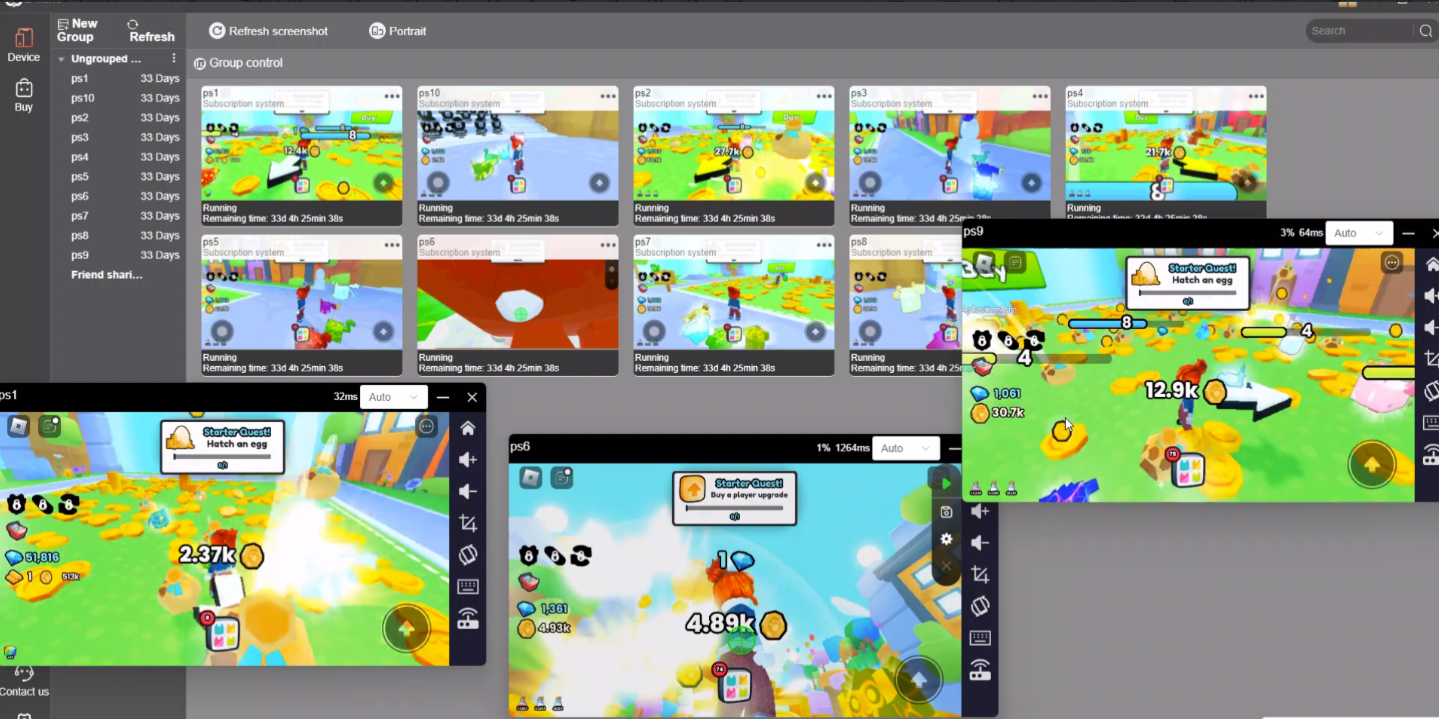
● No device strain: Avoid overheating and battery drain.
● Cross-platform backup: Save your progress in the cloud, continue from any device instantly.
4. UgPhone Setup Guide for Clicker Simulator
Step 1: Register & Install UgPhone
Download from the official UgPhone website, sign up, and secure your account with 2FA.
Step 2: Launch a Cloud Instance & Install Roblox
Open a new UgPhone cloud device, install Roblox, log in, and launch Clicker Simulator.
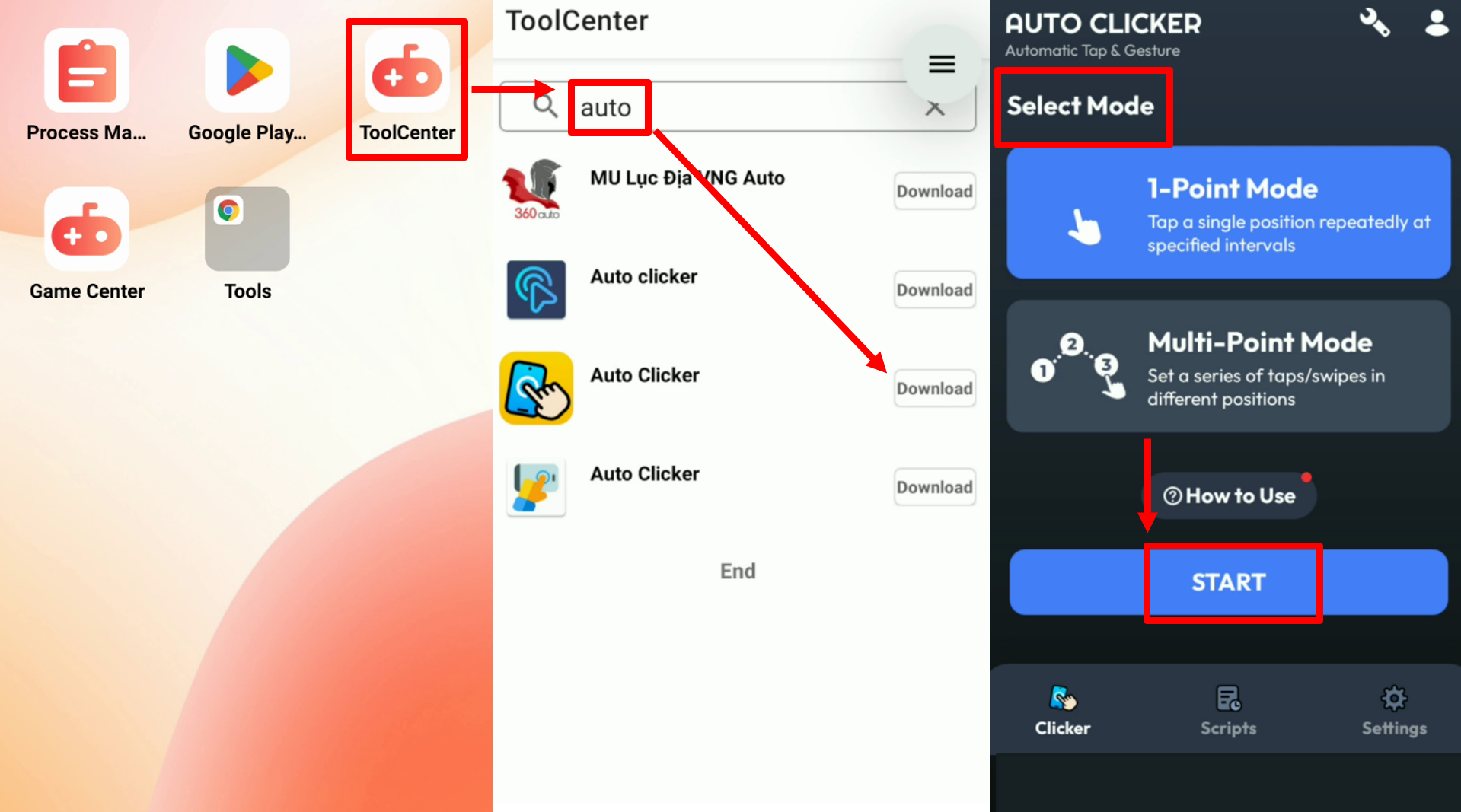
Step 3: Optimize Settings
Enable auto-click (if allowed), select the best pets, and plan rebirth strategies for maximum multiplier boosts.
Step 4: Use AFK & Offline Time
Let UgPhone run the game while you sleep, study, or work—turning downtime into steady growth.
Final Thoughts: Level Up with UgPhone
Clicker Simulator is all about clicking smarter, not harder. If you want to rebirth faster, hatch legendary pets efficiently, and keep progress running nonstop—then*UgPhone Cloud Phone*is your ultimate tool.
Try it today and make your Clicker Simulator journey easier, faster, and more rewarding!









