


Effortless AFK Gardening: A Complete Guide to Grow a Garden

In Grow a Garden, players start with a small plot of land and a basic seed, gradually building up an efficient, automated garden. As you progress, you’ll unlock advanced crops, powerful equipment, and even pet and weather systems. However, turning this peaceful farming sim into a true money-maker isn’t as easy as it seems.
This guide breaks down the full farming process in Grow a Garden, and shows how you can maximize your idle income using*UgPhone Cloud Phone*.
Ⅰ. Build Your AFK Garden from the Ground Up
● Basic Planting and Harvest Cycle
You start with a small plot of land and a small amount of currency. Visit the “Seed Shop” to purchase basic seeds like carrots or strawberries. After planting, the crops will grow—even offline. Once matured, you harvest them to earn Sheckles, which can then be reinvested into better seeds.
This cycle revolves around: plant → grow → harvest → upgrade.
● Unlocking Advanced Crops and Land
As your wealth increases, you can unlock larger plots and higher-tier seeds. Seeds are categorized by rarity: Common, Uncommon, Rare, Legendary, Mythical, Divine, Prismatic, and Transcendent.
Rarer seeds take longer to grow but yield much higher returns—making them essential for end-game AFK farming.
● Automation Gears and Boosting Efficiency
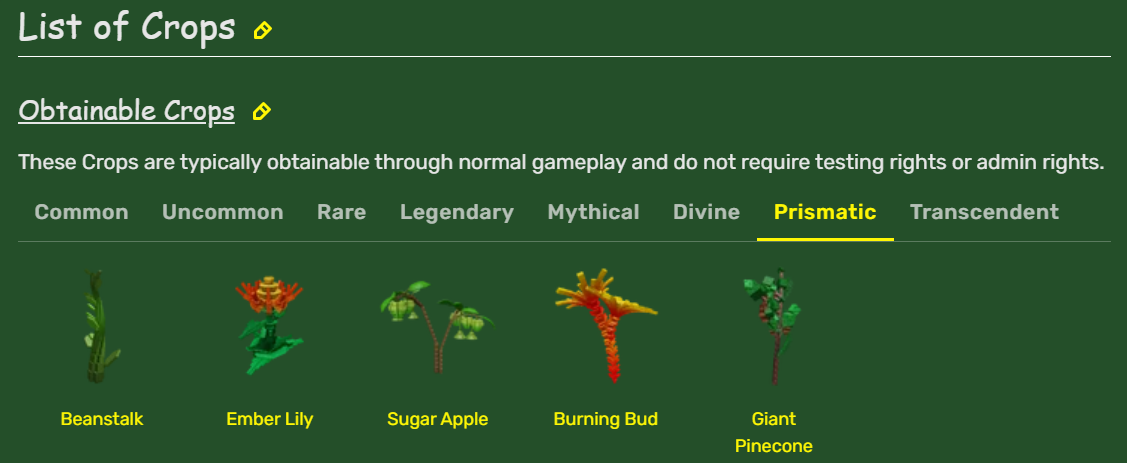
Purchase gear like sprinklers, harvesters, and sprayers to boost automation. You can also hatch pets (e.g., monkeys, bees) with passive boosts—enhancing growth speed, crop yield, or seed rarity.
● Weather and Crop Mutations
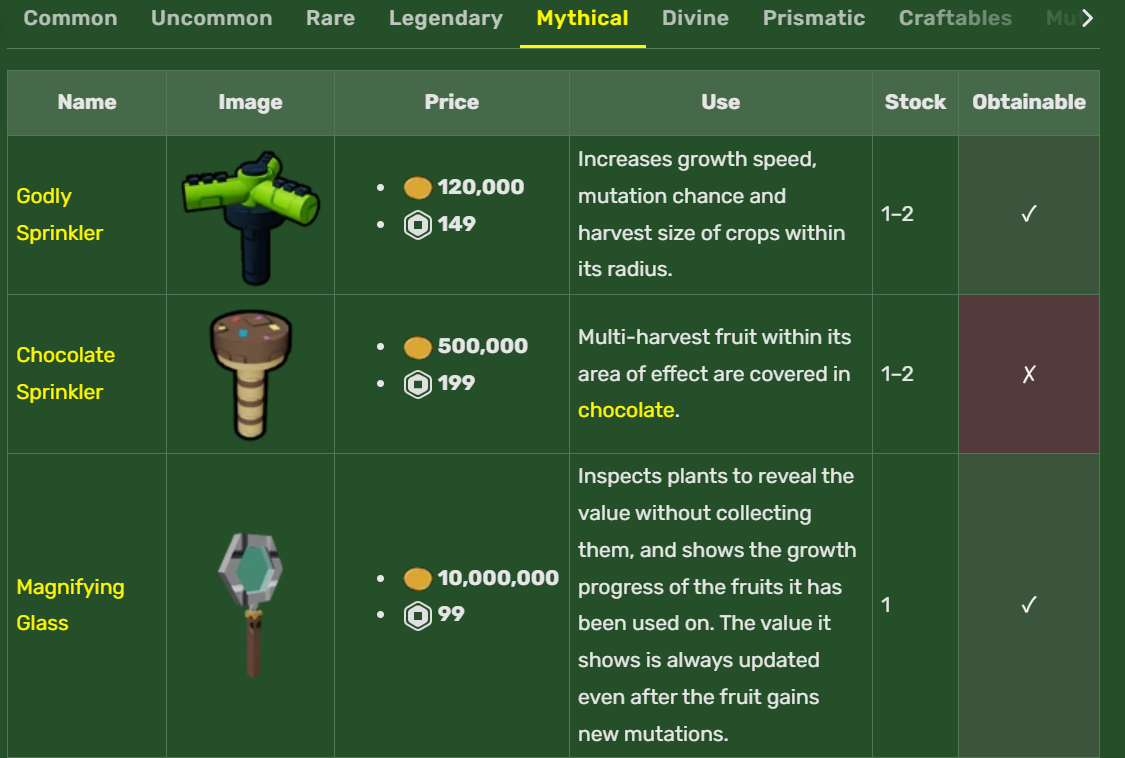
Random weather events like thunderstorms and lightning can cause crop mutations, resulting in golden or rainbow variants with higher value. Special gear like the lightning rod can increase mutation chances, turning storms into opportunities.
● Events, Quests, and Limited-Time Content
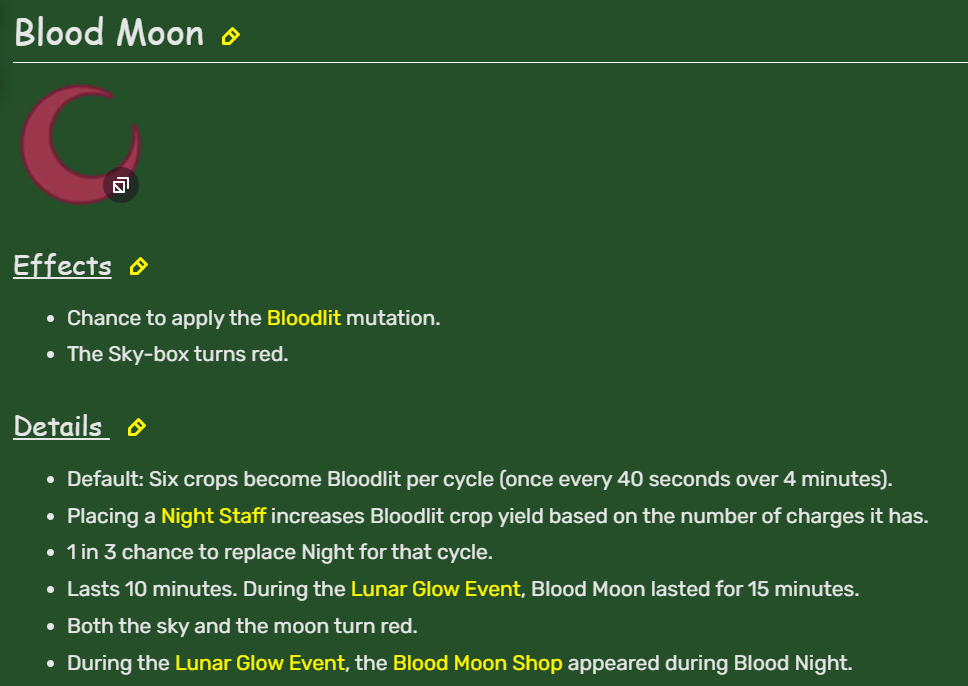
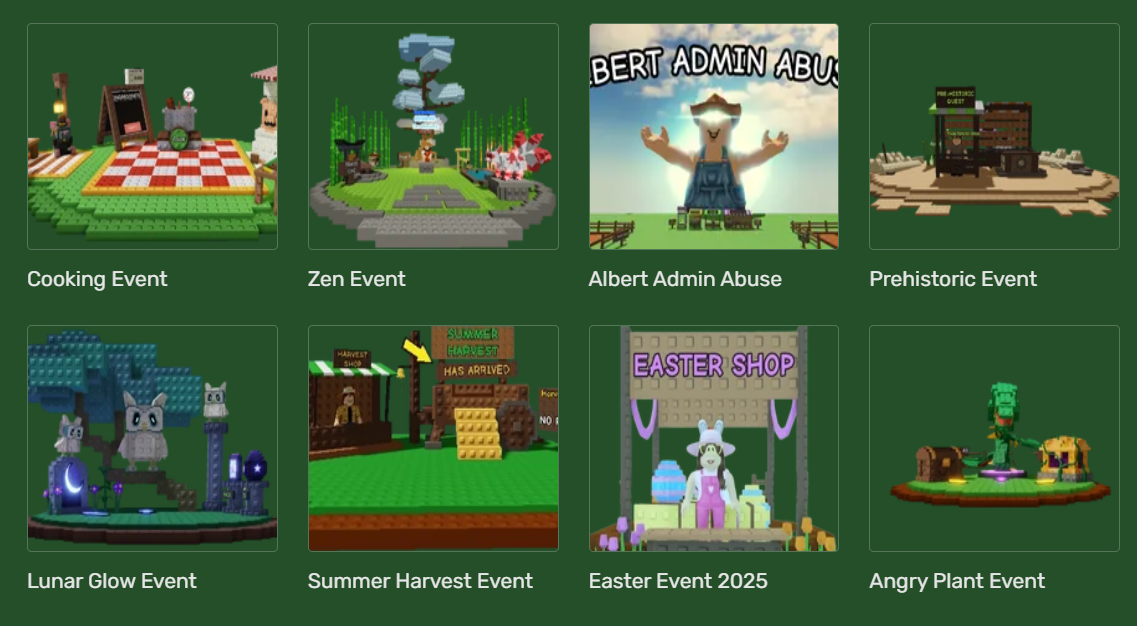
Seasonal events introduce exclusive seeds, pets, and cosmetic rewards (e.g., summer event eggs). Completing event quests can unlock rare decorations and limited-time seeds to boost your garden’s diversity and yield.
● Multiplayer and Competitive Elements
Each game instance supports multiple players who can view (and sometimes steal) each other’s crops—adding a layer of interaction and tension. In the mid-to-late game, players should focus on planting high-tier crops like Bamboo, Mushrooms, and Divine seeds, using automation and long AFK periods to trigger mutations and maximize profits.
Ⅱ. The Grind Behind “Relaxed” Farming
While Grow a Garden is marketed as a laid-back simulation game, many players find themselves overwhelmed by repetitive tasks.
The dream of “easy farming” often turns into a frustrating cycle of micromanagement.
Common issues include:
- Frequent disconnections: Phones time out after long idle sessions or system kicks.
- Multi-account chaos: Managing several accounts is tough without multiple devices.
- No remote access: You can’t monitor your AFK progress unless you’re physically on the device.
Ⅲ. Solve AFK Problems with UgPhone Cloud Phone
To overcome device limitations and low-efficiency farming, more and more players are turning to UgPhone Cloud Phone for Grow a Garden AFK automation.
UgPhone is a cloud-based Android emulator that runs 24/7 in the cloud, completely independent of your local device.
Key Advantages:
- Uninterrupted 24/7 AFK: No disconnection, no overheating, no battery drain.
- Multi-account management: Run several Roblox accounts simultaneously—no need for extra phones.
- Supports automation scripts: Run clicker scripts to automate the entire farming process.
- Remote monitoring: Check progress from your phone, tablet, or PC, anytime, anywhere.
For Grow a Garden players who value time efficiency, UgPhone is like a never-sleeping farming machine that maximizes returns without babysitting.
Ⅳ. UgPhone Setup Guide: Launch Your Smart AFK Farm
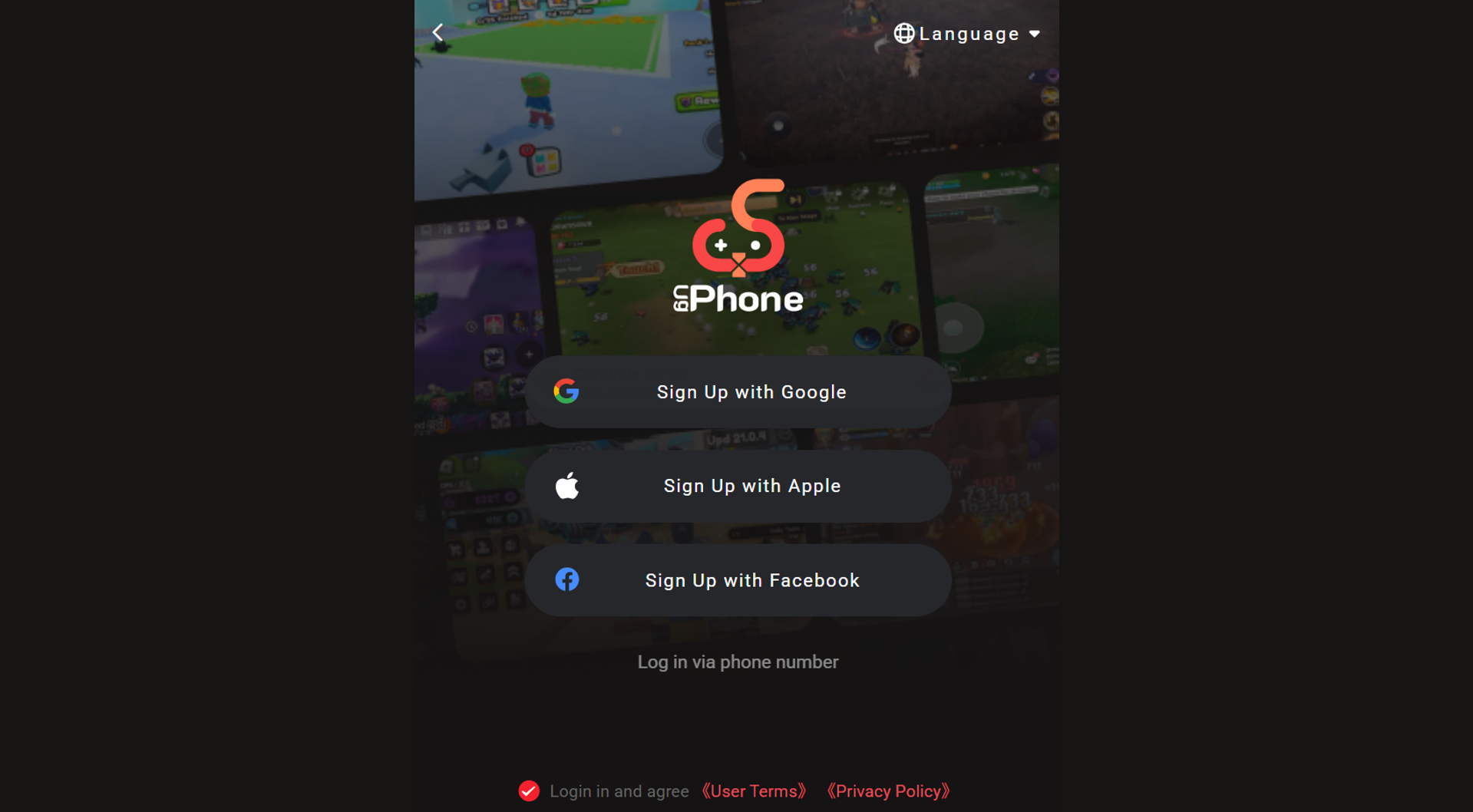
1.Register and log in to the*UgPhone official website*
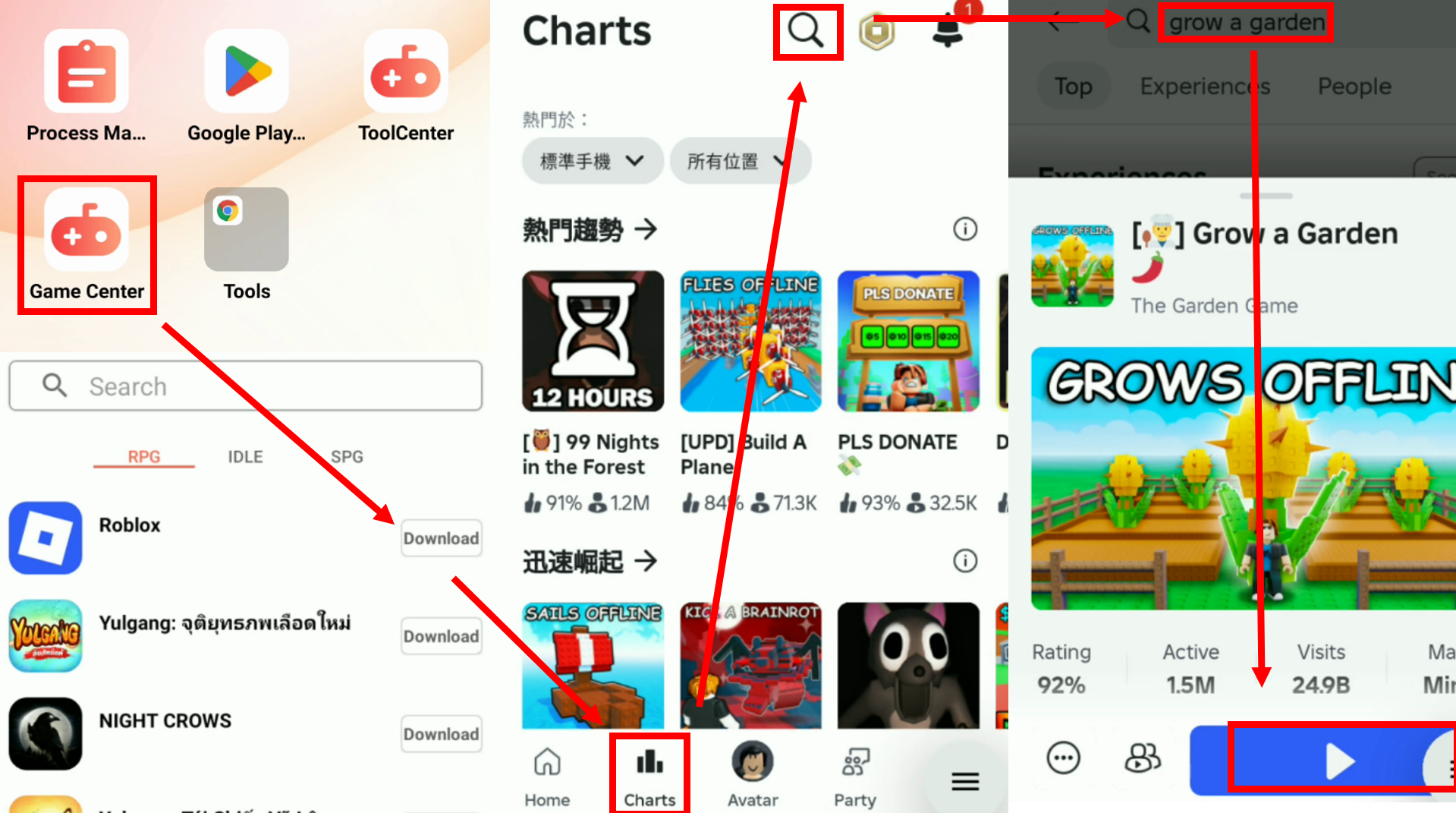
2.Install Roblox on the cloud phone, launch Grow a Garden
3.Run Auto Clicker or Script
- If you already have an automation script, upload it via the UgPhone dashboard and set execution cycles and positions.
- If not, use UgPhone’s built-in auto clicker for basic automation.
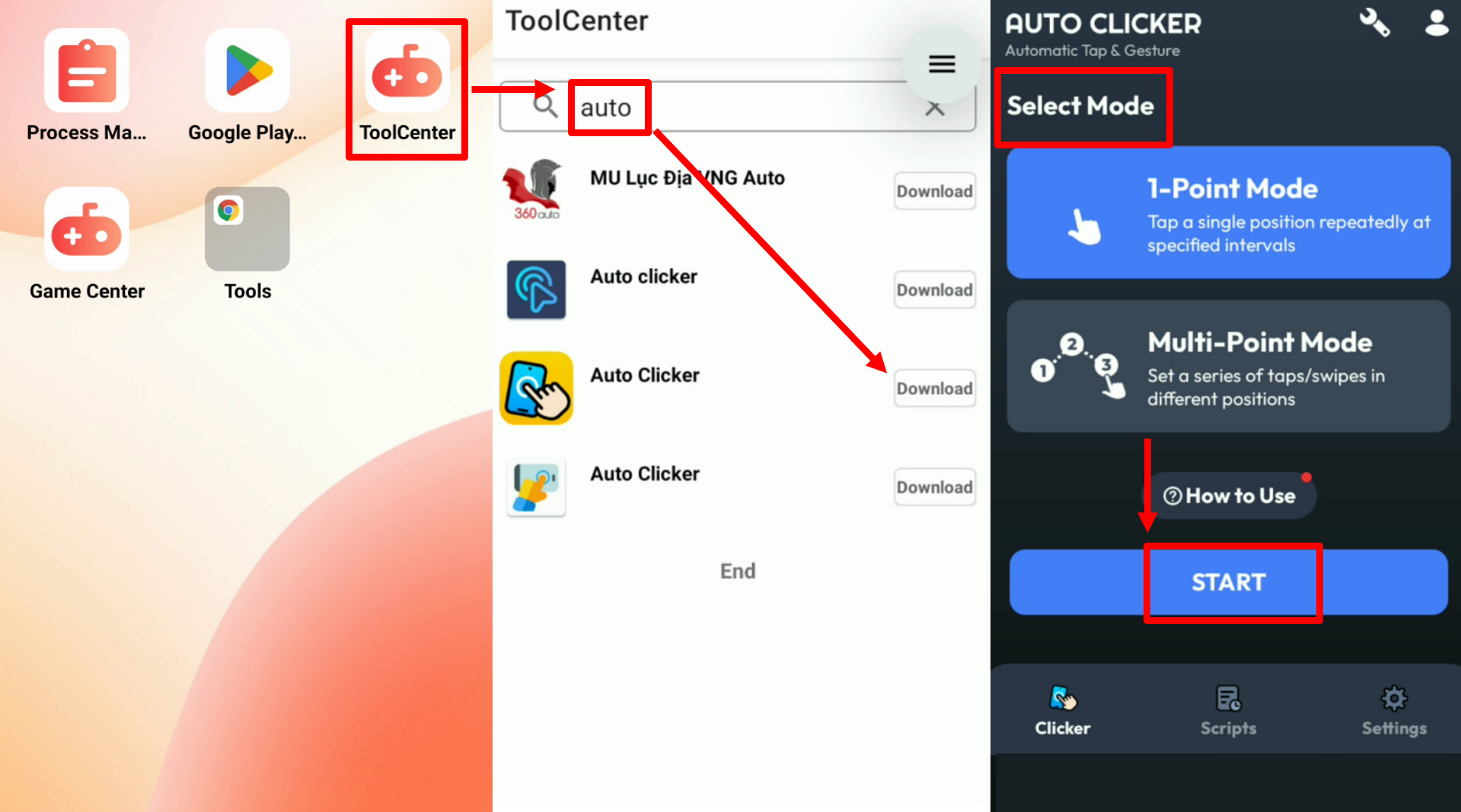
4.Remotely monitor and manage your accounts - Log into your cloud phone dashboard anytime to switch accounts, check on your crops, or adjust your automation—all without touching your physical device.
Maximize Your Garden’s Potential with UgPhone!
Grow a Garden AFK rewards long-term play, but traditional devices fall short when it comes to 24/7 idle performance, stability, and multi-account control.
With UgPhone Cloud Phone, Roblox players can eliminate these hurdles, enjoy smooth, remote AFK farming, and automate their way to high-yield harvests.
Start your smart farming journey today—sign up for*UgPhone* and make every idle second truly productive!
Watch our AFK tutorial here:









