


Roblox Beginner’s Guide: Essential Tips and Tricks for New Players

Introduction: Why Roblox Is More Than Just a Game
Roblox isn’t just a single game—it’s a massive platform filled with millions of user-created experiences. From role-playing and shooters to simulators and obstacle courses, there’s something for everyone.
For beginners, this variety can feel exciting yet overwhelming. Which games should you try first? How do you stay safe in such a big community? And what simple tricks can make your Roblox journey smoother?
This guide is designed specifically for new Roblox players, offering practical tips and advice to help you get started without feeling lost.
Step 1: Create and Customize Your Avatar
Your Avatar is your digital identity in Roblox, and often the first impression other players will have of you.
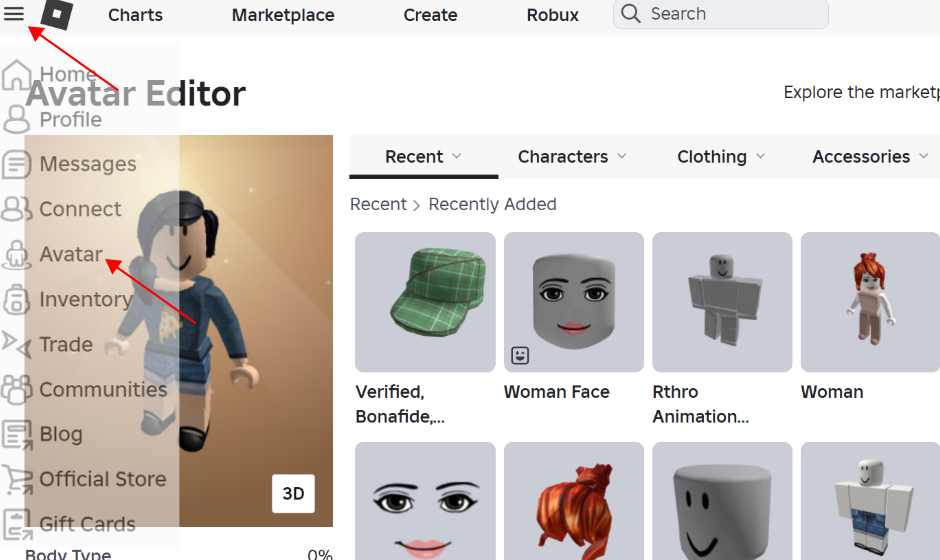
- Start with free resources: Take advantage of Roblox’s free clothes, hairstyles, and accessories.
- Experiment freely: Mix and match items to create a unique look.
- Upgrade later: Once you’re comfortable, consider buying Robux (the in-game currency) to unlock premium outfits and accessories.
Customizing your Avatar enhances immersion and helps you fit into the Roblox community faster.
Step 2: Choose the Right Games for Beginners
With millions of games available, knowing where to start can be tricky. Here are some beginner-friendly picks:
- Adopt Me! – A family role-playing game with pets and social interactions.
- Brookhaven RP – A life-simulation experience with endless roleplay opportunities.
- Tower of Hell – A challenging obstacle course that rewards perseverance.
- Pet Simulator X – Collect and grow pets while steadily building resources.
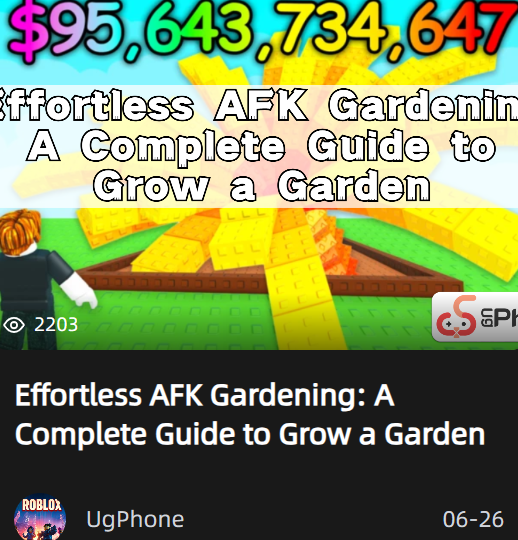
You can also visit the UgPhone website to quickly find game guides designed to help beginners learn the basics.
Start with the genres you enjoy most, then gradually explore new experiences.
Step 3: Learn the Basics of Controls and Mechanics
While each game has unique features, Roblox shares common controls across most experiences:
- WASD or arrow keys – Move
- Spacebar – Jump
- Mouse – Look around and interact
- Shift key – Used in some games for sprinting or perspective shifts
New players should practice in casual games first before moving on to high-intensity ones.
Step 4: Stay Safe in the Community
Roblox brings together players from all over the world, so interacting with strangers is part of the fun—but safety always comes first:
- Use privacy settings: Control who can message or join you.
- Never share personal info: Don’t reveal your real name, address, or school.
- Report bad behavior: Use Roblox’s built-in reporting tools.
Enjoying the community is important, but protecting yourself is essential.
Step 5: Understanding Robux and In-Game Purchases
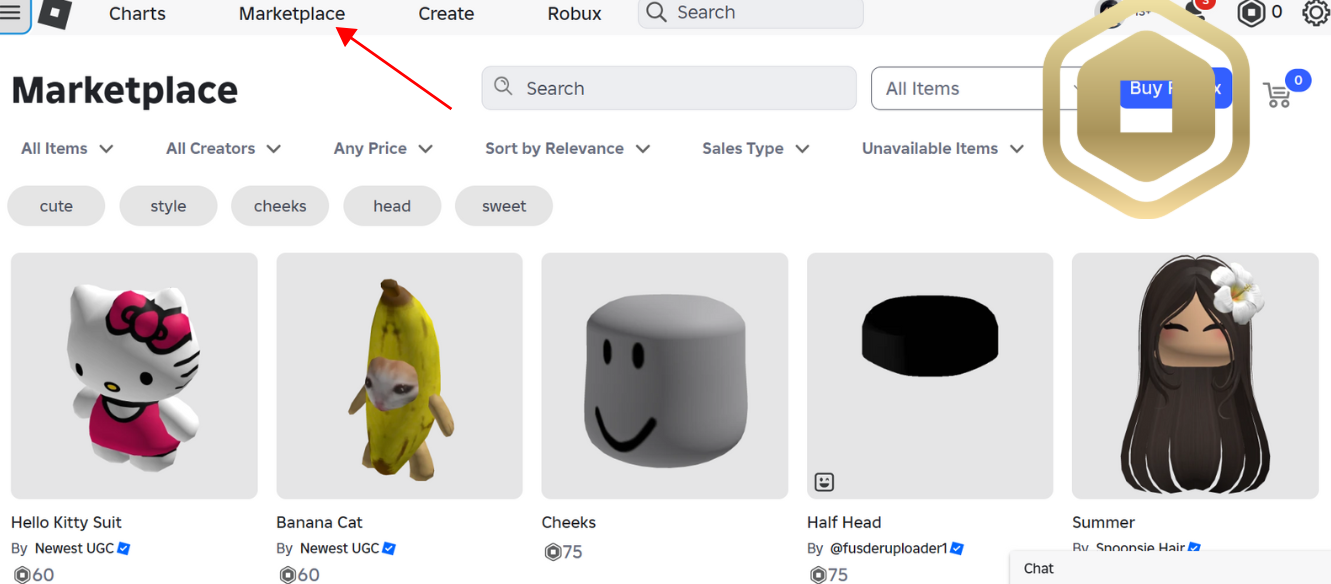
Robux is Roblox’s virtual currency, used to buy outfits, accessories, items, or game passes. Here are some beginner tips:
- Don’t rush to spend: Many games are enjoyable without Robux.
- Spend wisely: Prioritize the games you play most often.
- Avoid scams: Never trust “free Robux” websites or strangers—only use official sources.
Robux can enhance your experience, but smart spending is the key.
Step 6: Join Communities and Make Friends
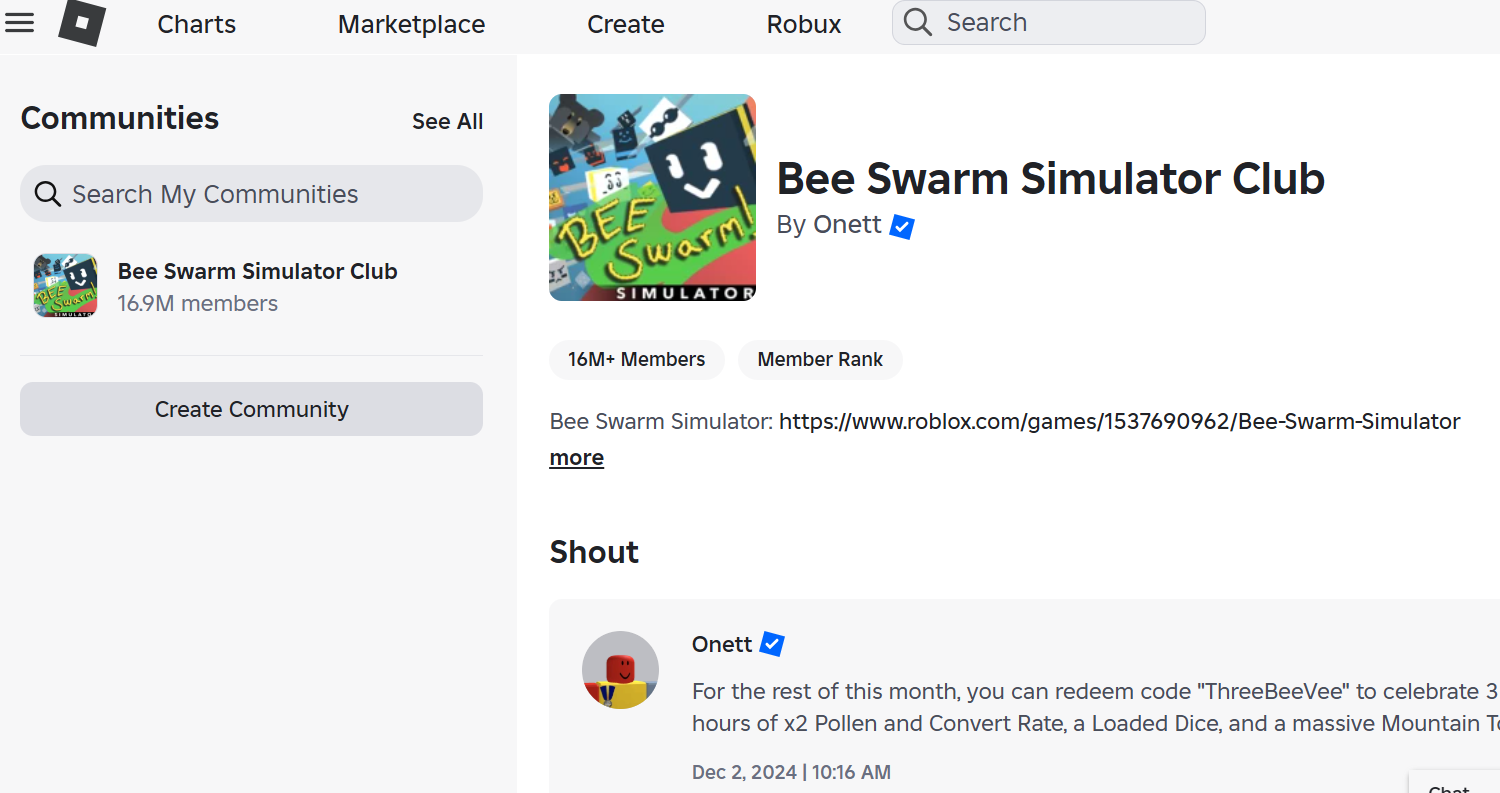
One of Roblox’s biggest strengths is its social community. Making friends and joining groups can make the game even more enjoyable:
- Find groups by interest: Whether roleplay or creator communities, there’s a place for you.
- Play together: Invite friends to join games.
- Collaborate and share: Work together on missions or swap tips.
With friends and communities, Roblox becomes more than just a game—it becomes a social hub.
Step 7: Try Creating Your Own Game
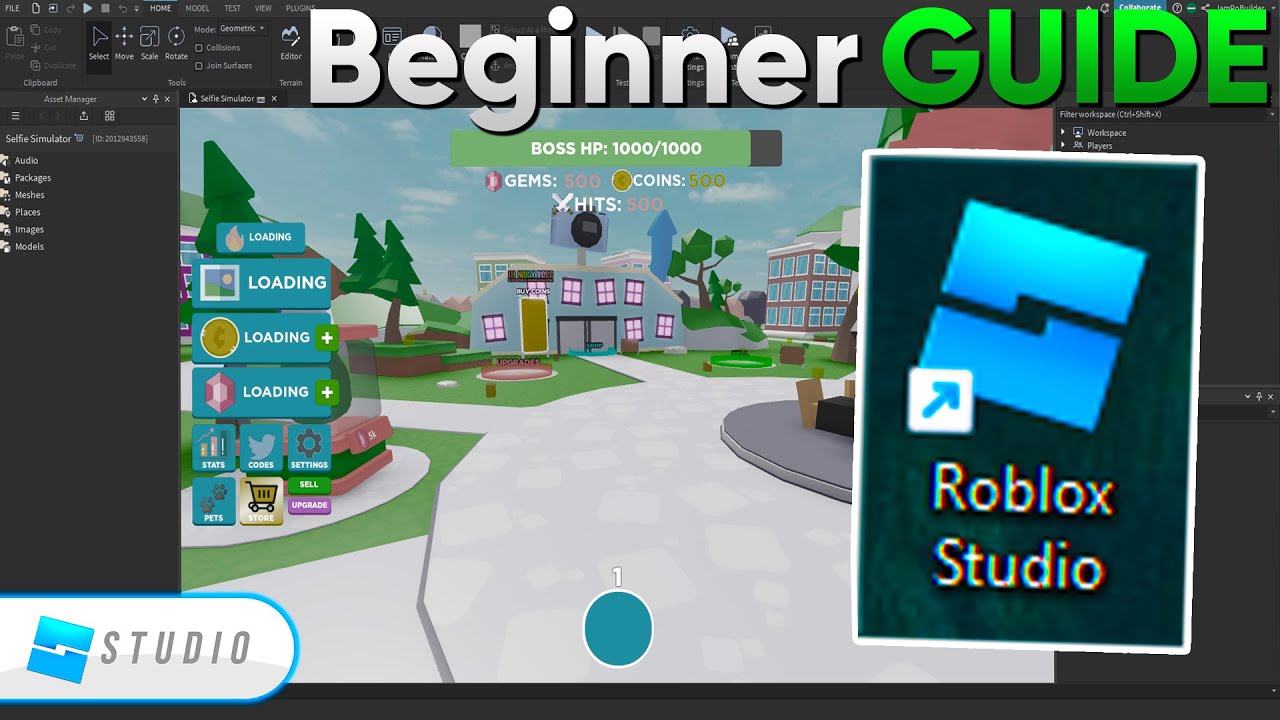
Roblox Studio is the tool that lets players create their own games. Even beginners can start small:
- Use templates: Build simple obstacle courses or roleplay scenes.
- Learn basic coding: Tutorials can help you level up your skills.
- Share your work: Invite friends to test your creations.
This not only sparks creativity but could also become a source of Robux income—many successful Roblox developers started this way.
Pro Tips: Quick Wins for Beginners
- Daily login rewards: Many games give free items for logging in.
- Join events: Official events often give out exclusive items.
- Experiment often: The more games you try, the easier it is to find your favorites.
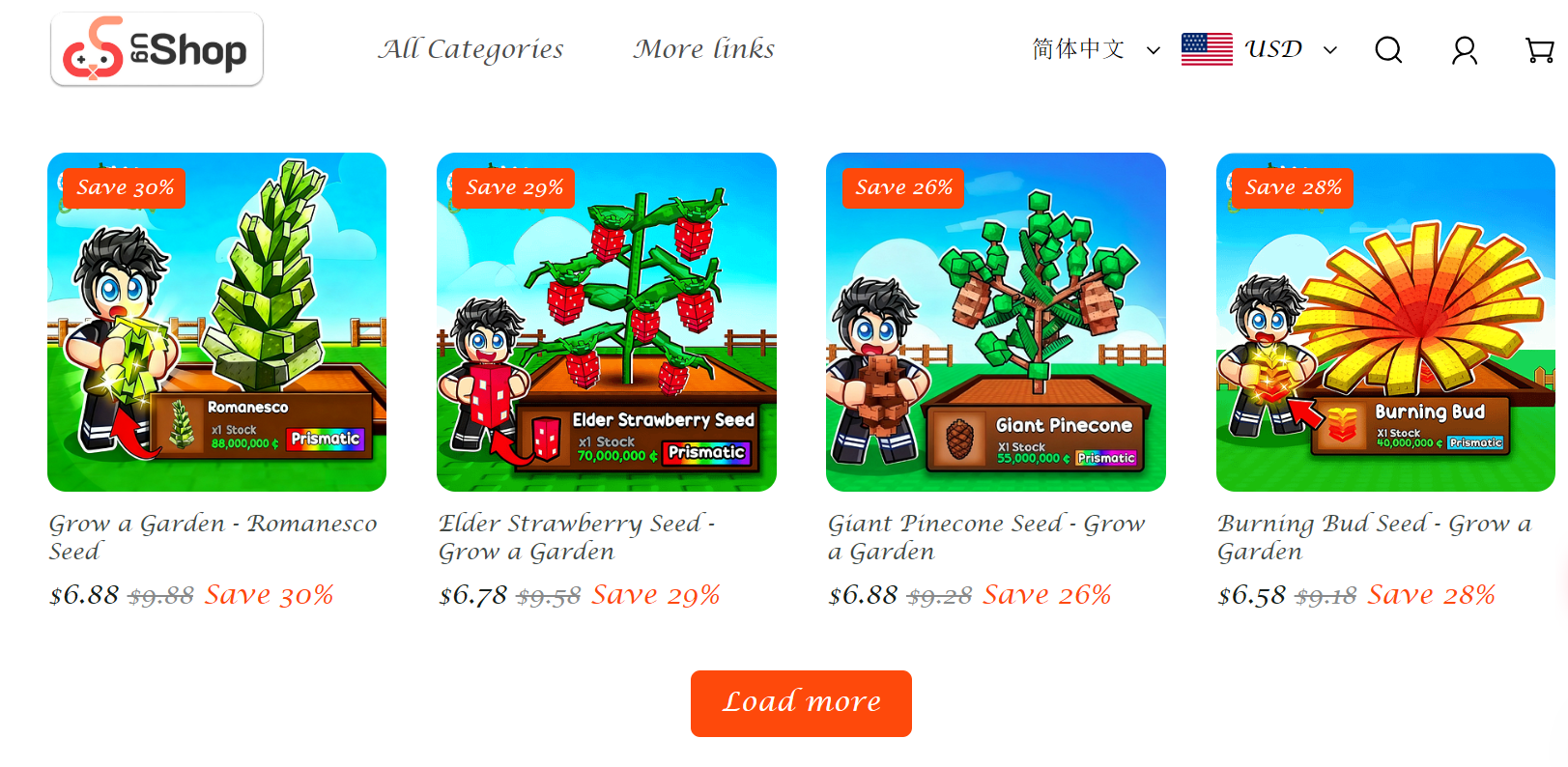
- UgShop: A specialty shop from UgPhone Cloud Mobile, offering affordable game items. For example, in the popular Grow a Garden game, you can instantly get rare items at better prices than official stores.
Play Roblox with UgPhone Cloud Mobile
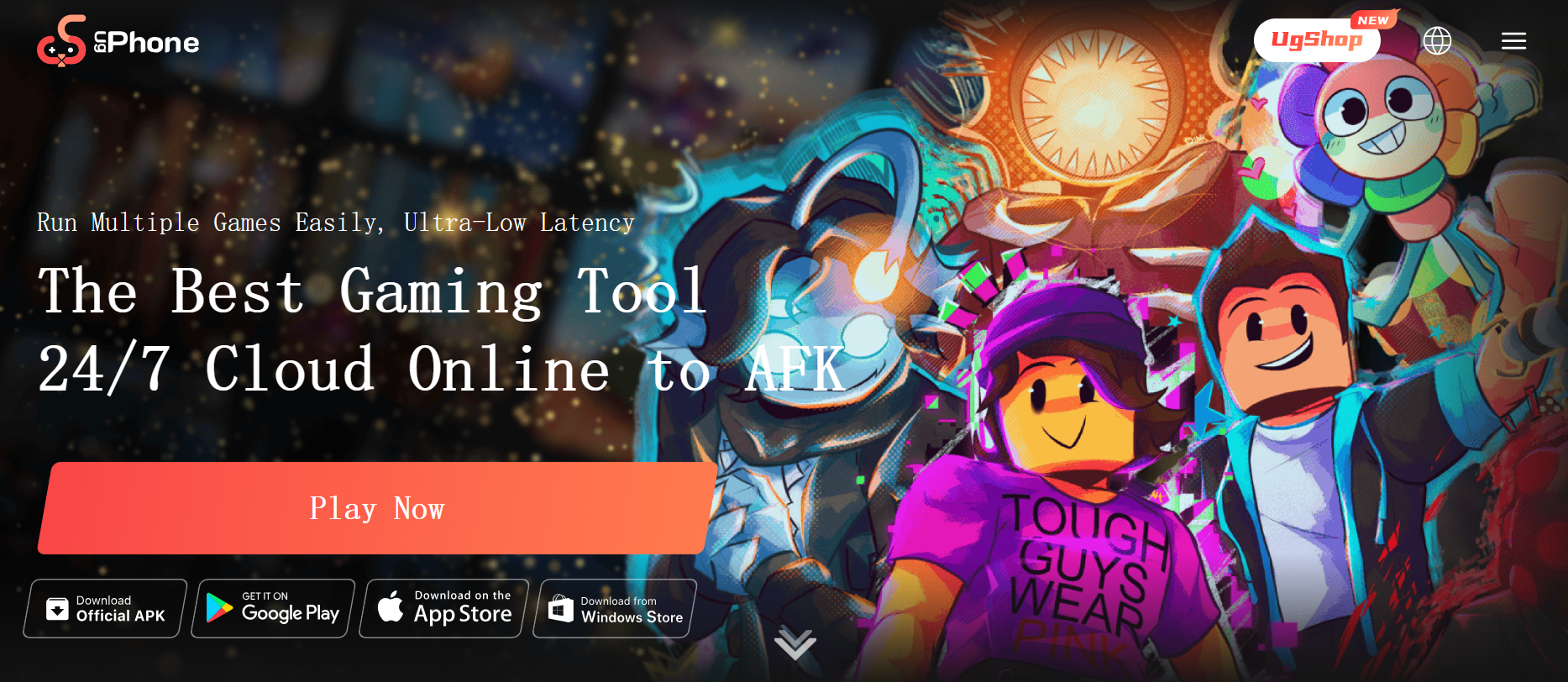
Instead of playing Roblox only on a physical device, you can enjoy a more efficient option—cloud mobile gaming. With UgPhone, Roblox runs on the cloud, bringing major advantages:
- 24/7 uninterrupted play: Even if your device is off, Roblox keeps running in the cloud.
- No strain on your device: Avoid overheating, lag, or battery drain.
- Multi-account support: Manage multiple Roblox accounts at the same time.
- Cross-platform access: Play on PC, tablet, or phone seamlessly.
For players who want long AFK sessions, multi-account management, or just smoother gameplay, UgPhone Cloud Mobile is a fantastic choice.
👉 Try Roblox today on*UgPhone Cloud Phone* and make your adventures more seamless, efficient, and fun!









