


Sky Squid Games (Ink Games) August 2025 Codes and UgPhone Aid

1. Core Gameplay: Fast-Paced PK & Shape Survival
Sky Squid Games (Ink Games) is a highly popular competitive mini-game on Roblox, inspired by survival game challenges from hit TV shows. Players are placed on floating platforms shaped in different patterns, where they must survive under time pressure, using quick reflexes and strategy to outlast opponents.
Its unique “Shape Challenge + Elimination” mechanic sets it apart from traditional obby/running games, making every round unpredictable and thrilling.
In Sky Squid Games, you’ll need to:
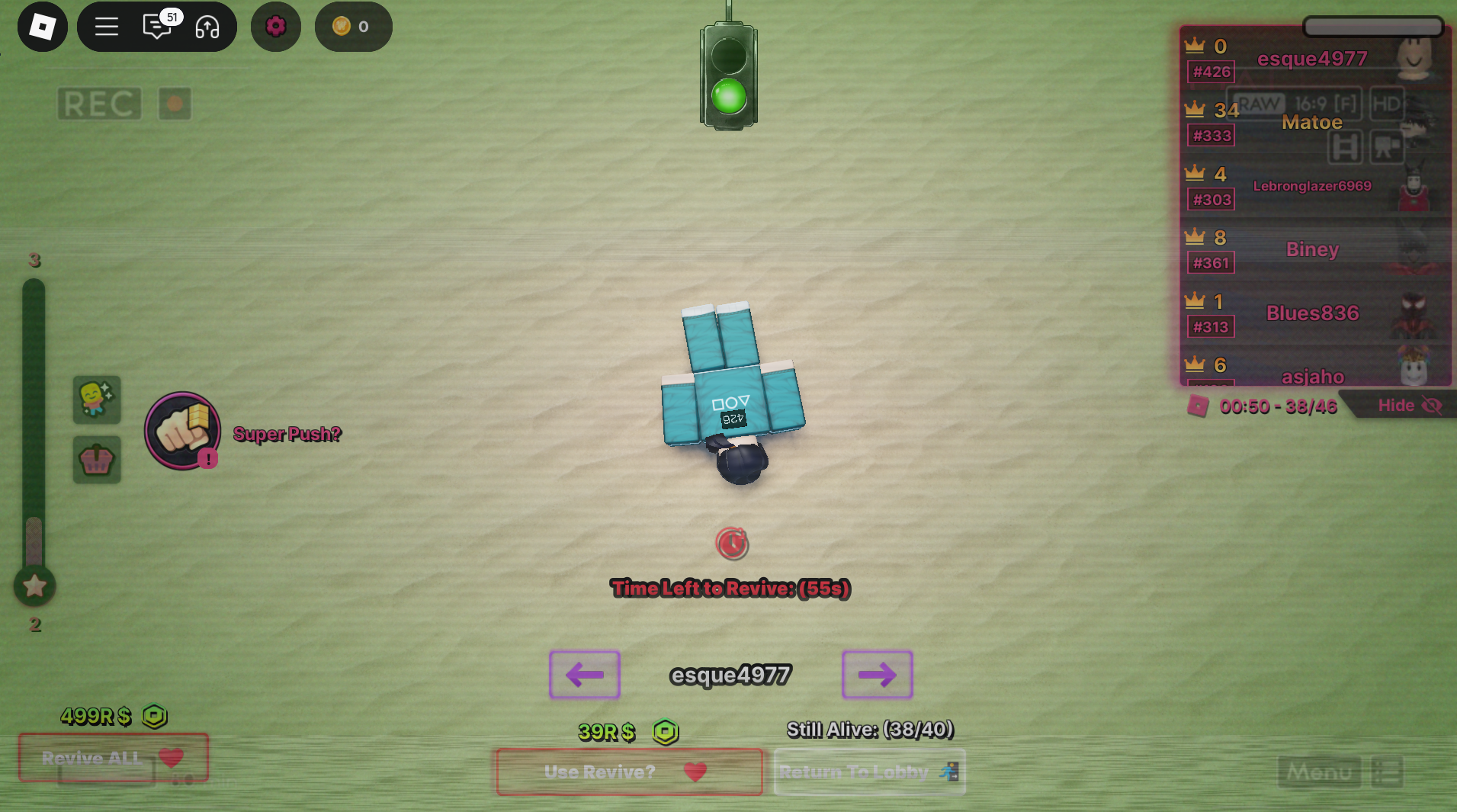
- Master survival skills: Start the match by pressing the red button to trigger the countdown. Each shape zone has a 2:30 time limit—you must eliminate other players to advance. If you fail, the elimination timer continues after time runs out. Don’t forget to toggle auto-run—it’s especially helpful for clearing the first stage.
2. Active Codes for August 2025: Grab Your Airborne Rewards
The Roblox player community and Beebom have compiled the latest working codes for August 2025:
- UNEMPLOYED → 1 Wheel Spin
- WEAREHORSES → 1 Won (in-game currency)
- KIMBAP → 25M Won
- CUBLEM → 25M Won (requires following “Furxiety” on Roblox)
- DXERID → 30M Won (requires following “dxeridd”)
- STRAIF → 30M Won (requires following “StraiF_RBLX”)
- FRONTMAN → 25M Won
- 1MVISITS → 10M Won
- TITLES → 10M Won
- RELEASE → 25M Won
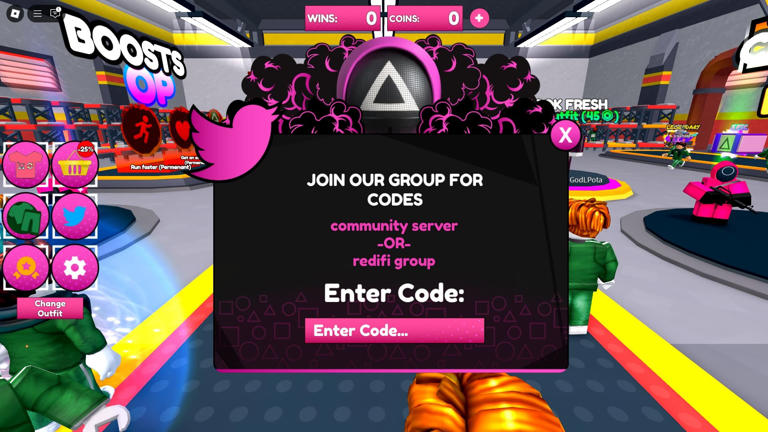
How to redeem: Launch the game, click on the Codes button, enter any of the codes above, and claim your rewards.
3. AFK World: Quick Cash or Quick Kickouts?
Beyond the intense survival matches, Sky Squid Games also offers an AFK World, a special zone where players earn rewards just by staying online:
- Every 15 minutes: 5M in-game currency
- Every 6 hours: 1 Power Roll (used for unlocking special upgrades)
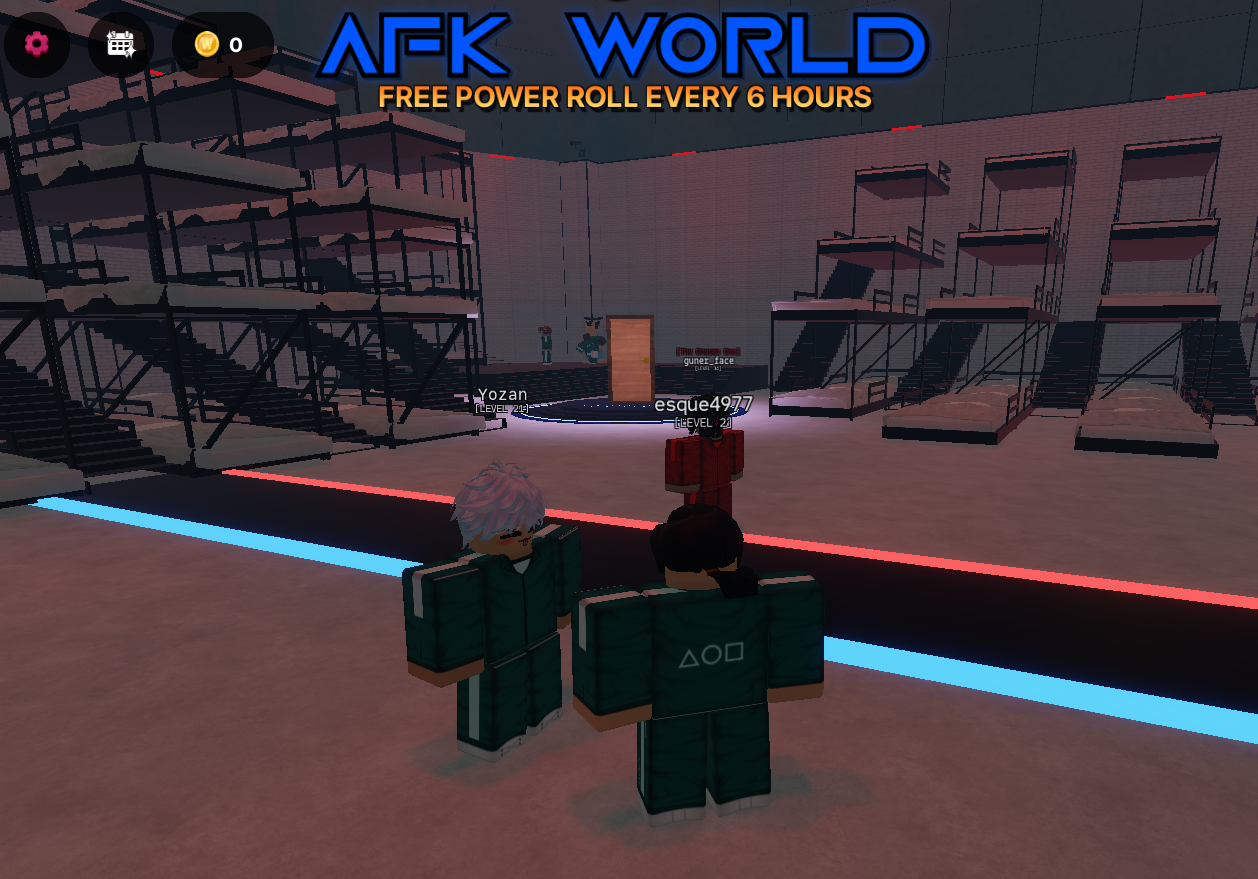
This system allows you to passively stack resources without grinding nonstop. But there are some drawbacks:
- Random Kickouts: Sometimes the game will boot you out of AFK World without warning, interrupting your progress.
- Slow Power Roll Farming: At one every six hours, Power Rolls accumulate painfully slow—making active grinding or alternative farming strategies more efficient.
4. UgPhone: The Solution to Random Disconnects
This is where UgPhone Cloud Phone comes in. With cloud hosting, your account stays online 24/7 without worrying about disconnects or random kicks—ensuring you steadily farm AFK rewards. Whether you’re in class, at work, or asleep, UgPhone keeps your Sky Squid Games account progressing smoothly.
UgPhone Quick Guide: 3 Steps to Easy Cloud Play
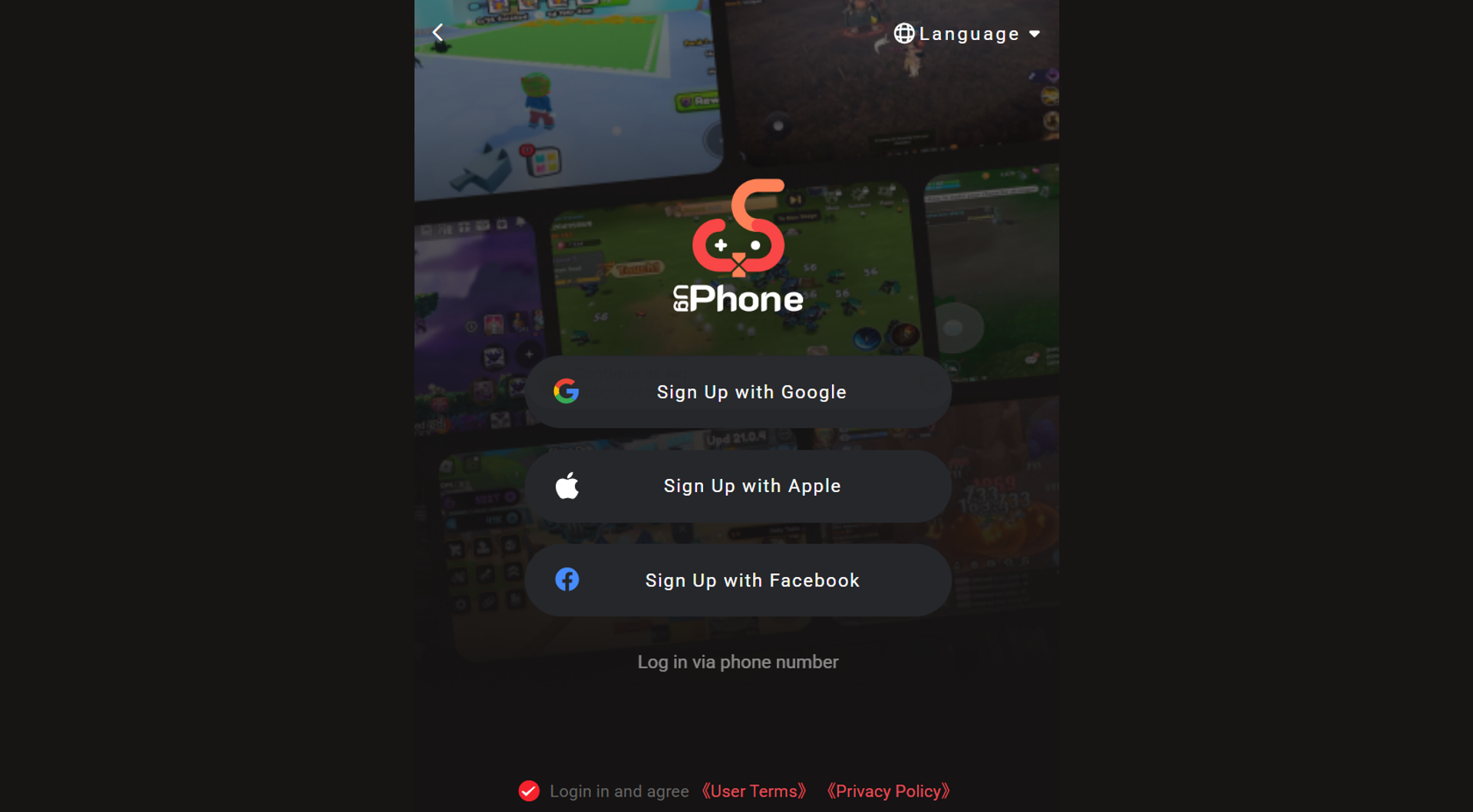
1.Register & Create a Cloud Device
Head to the*UgPhone Cloud Phone* official site, create an account, choose your setup, and launch your virtual phone.
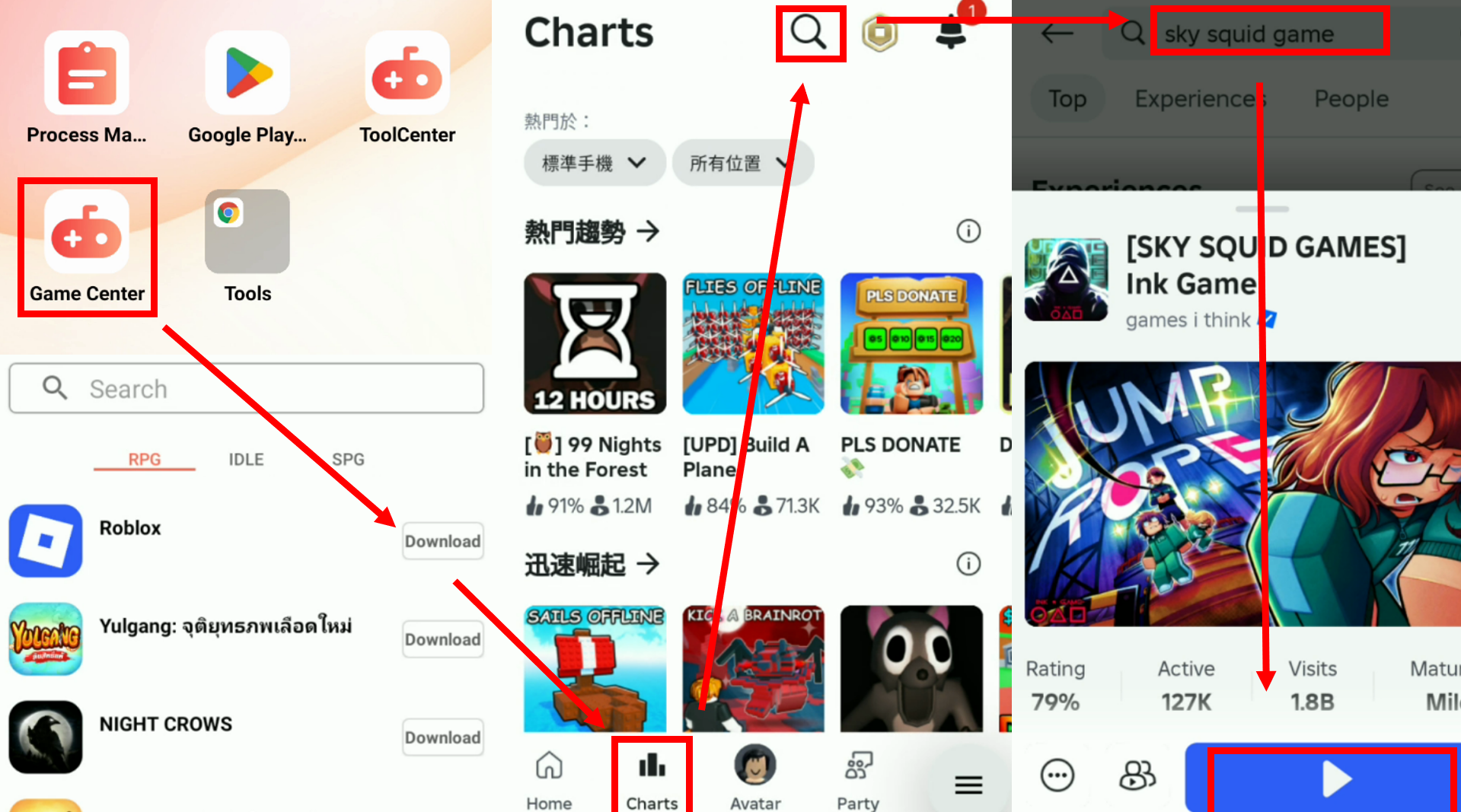
2.Install Roblox & Log Into the Game
Inside your cloud device, install Roblox, log in, and enter Sky Squid Games.
3.Go AFK with Remote Management
Redeem your codes, enter the AFK World, and let UgPhone keep your session alive—no interruptions, just effortless resource farming.
Take Your Sky Battles to the Next Level!
With the August 2025 codes, you’ll get a head start in Sky Squid Games, and with*UgPhone Cloud Phone*, you can finally enjoy stable AFK farming and smoother, lag-free gameplay. Don’t let random kickouts hold you back—unlock your full potential and dominate the floating arenas today!









