


Anime Rangers Full Guide | UgPhone Cloud Phone AFK Strategy

Anime Rangers: The Anime Heroes’ Defense Battlefield
Anime Rangers is one of the most popular Roblox games that combines tower defense mechanics with anime hero collection. Players summon and upgrade iconic anime characters, strategically placing them to defend against waves of enemies.
Like similar serial games like Anime Adventures, Anime Defenders, or Anime Last Stand, Anime Rangers introduces an AFK farming and resource collection system, allowing players to earn rewards even while offline — a major reason for its popularity among anime and tower defense fans.
Gameplay: Strategy Meets Hero Progression
In Anime Rangers, success comes from balancing combat strategy with hero growth:
1. Hero Collection & Upgrading
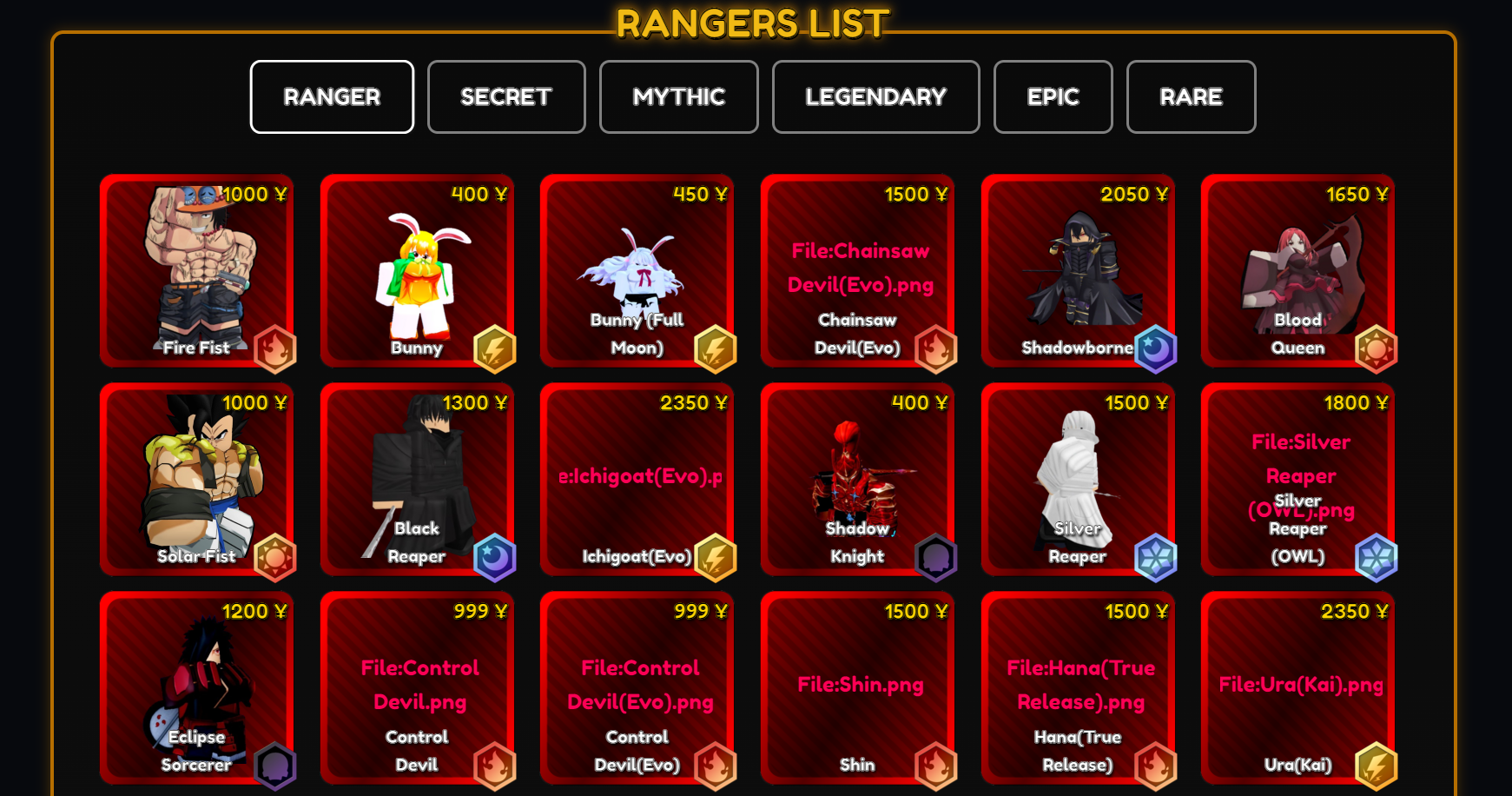
Players can obtain heroes of varying rarities through battles or summons, each inspired by popular anime characters. These heroes can be upgraded by consuming resources, improving their attack power, defense, and skill effects.
2. Stages & Level Grinding: Focus on Chapter 10 in Story Mode
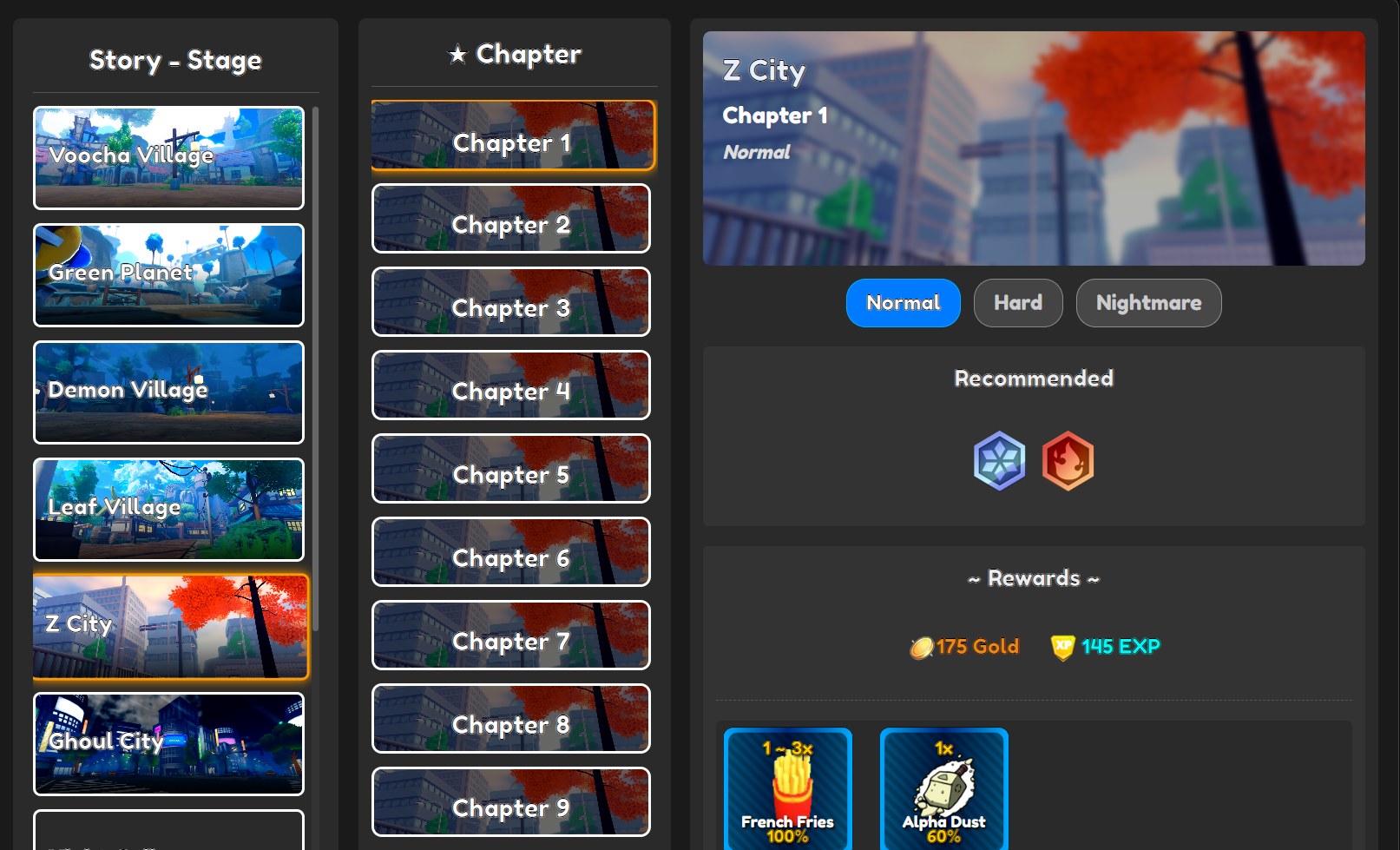
- Story Mode is the most efficient source of experience. Stage 10 of each chapter offers the best rewards. Players are advised to farm the latest unlocked chapter and switch to Nightmare mode (3x EXP).
- Current popular choice: Z City Chapter 10 (Nightmare) — each run takes about 2 minutes, with an hourly yield of ~9,000 XP.
- Other sources include:
- Ranger Stages: Limited to once per hour, EXP is similar to Story Mode.
- Boss Events: Provide solid EXP, but require stronger teams.
- Challenges: Grant specific rewards alongside decent experience.
3. AFK Rewards & Quest Bonuses
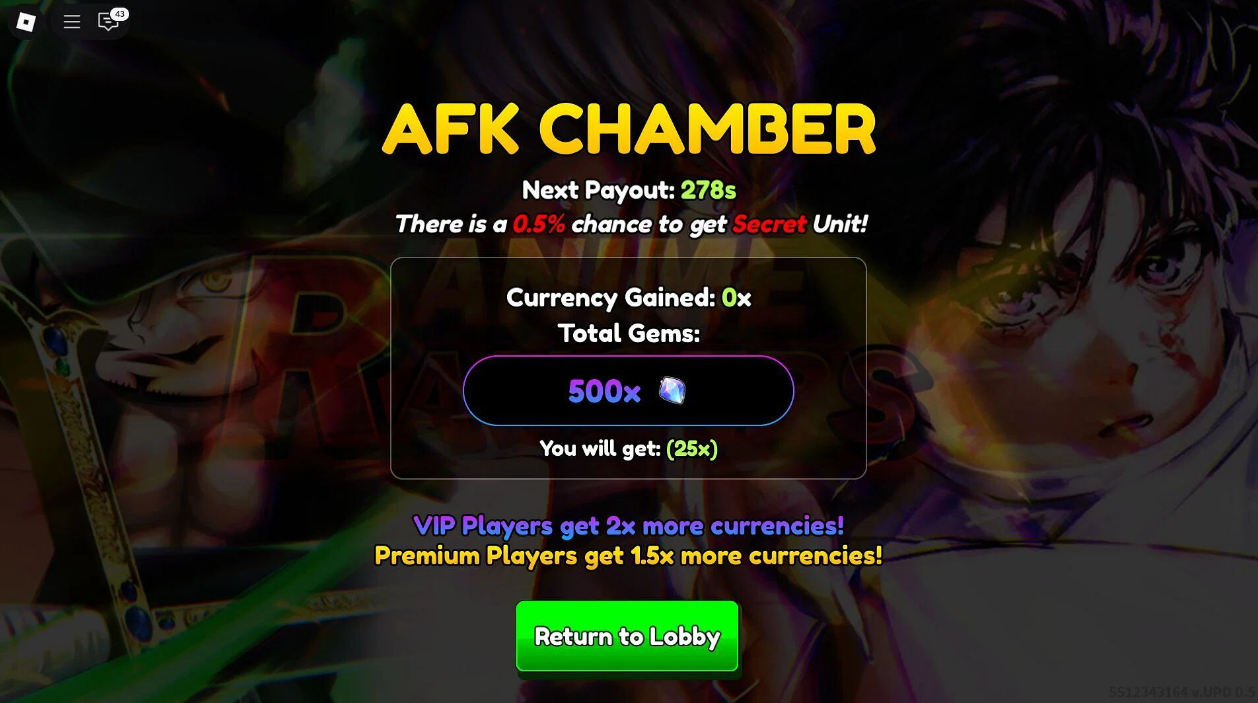
Anime Rangers provides AFK rewards, allowing you to accumulate resources even while offline. In addition, completing daily quests, achievements, and special events can grant rare summon tickets and powerful enhancement materials.
Game Features: Why Players Can’t Put It Down
A Roster Full of Anime Icons
From ninjas and pirates to hunters and mages, Anime Rangers lets you collect and build teams of beloved characters across multiple anime worlds.
Beginner-Friendly, Yet Deep
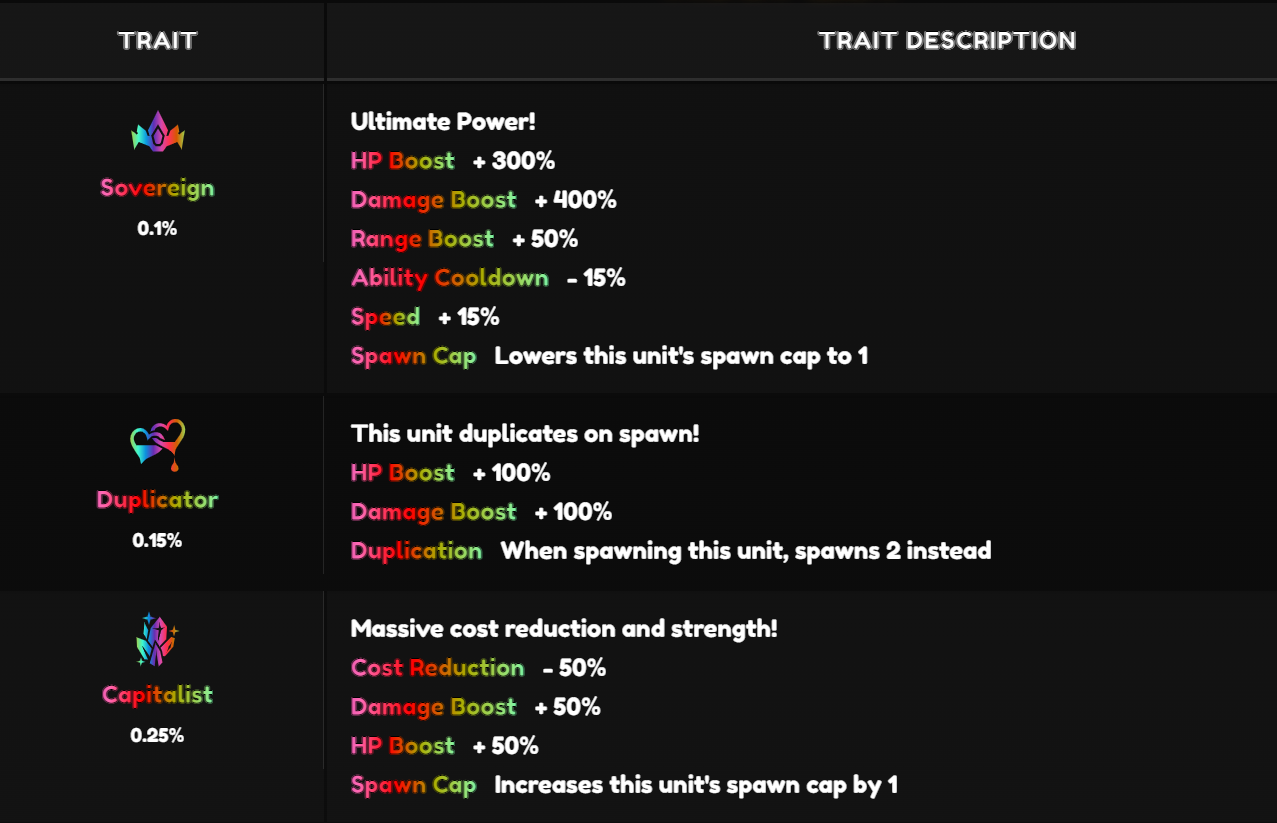
New players benefit from a clear early-game path — choosing the right starter, redeeming codes, and prioritizing economy. At higher levels, the system expands with traits, evolutions, and breakthroughs, offering depth and multiple build options.
Multiple Game Modes & Clear Progression
The Story Mode and Nightmare Mode create predictable farming loops, while bosses, challenges, and events provide unique materials and differentiated rewards. This keeps the daily grind meaningful and progression consistent.
Pain Points: Where Players Struggle
Despite its strengths, Anime Rangers has some drawbacks that can affect the player experience:
- Difficulty Spikes: Higher stages dramatically increase enemy HP, making it tough to advance without rare units or special buffs.
- Slow Resource Growth: While AFK farming helps, it doesn’t generate enough to unlock high-rarity heroes quickly, often leaving players stuck.
- AFK Efficiency Limits: Most high-value rewards come from harder maps, which can’t be efficiently farmed while offline. Basic AFK gains often feel underwhelming.
- Heavy RNG Dependence: Unlocking powerful heroes relies on summoning luck. Players with poor pulls can struggle despite investing time in farming.
- Costly Hero Progression: Upgrades, gear, and skill boosts demand large amounts of resources, creating a steep growth curve.
- Multi-Account Hassle: Managing multiple accounts for extra rewards requires constant switching and repetitive tasks — a tedious and time-consuming process.
UgPhone: The Tool for True AFK Automation
For players who want to overcome these bottlenecks, UgPhone Cloud Phone is the ultimate solution.
- 24/7 Cloud AFK: Your game runs nonstop in the cloud, even when your device is off.
- Multi-Account Management: Run several accounts simultaneously, multiplying your resource gain.
- Remote Access Anytime: Control your cloud phone from PC, tablet, or mobile — adjust strategies on the go.
- Scripts & Auto Actions: Automate repetitive tasks like auto-attacks, farming, or clicking for hatching.
With UgPhone, you can maximize AFK efficiency, reduce manual work, and stay ahead of other players.
How to Use UgPhone for Anime Rangers
Getting started with UgPhone is simple. Here’s a quick step-by-step:
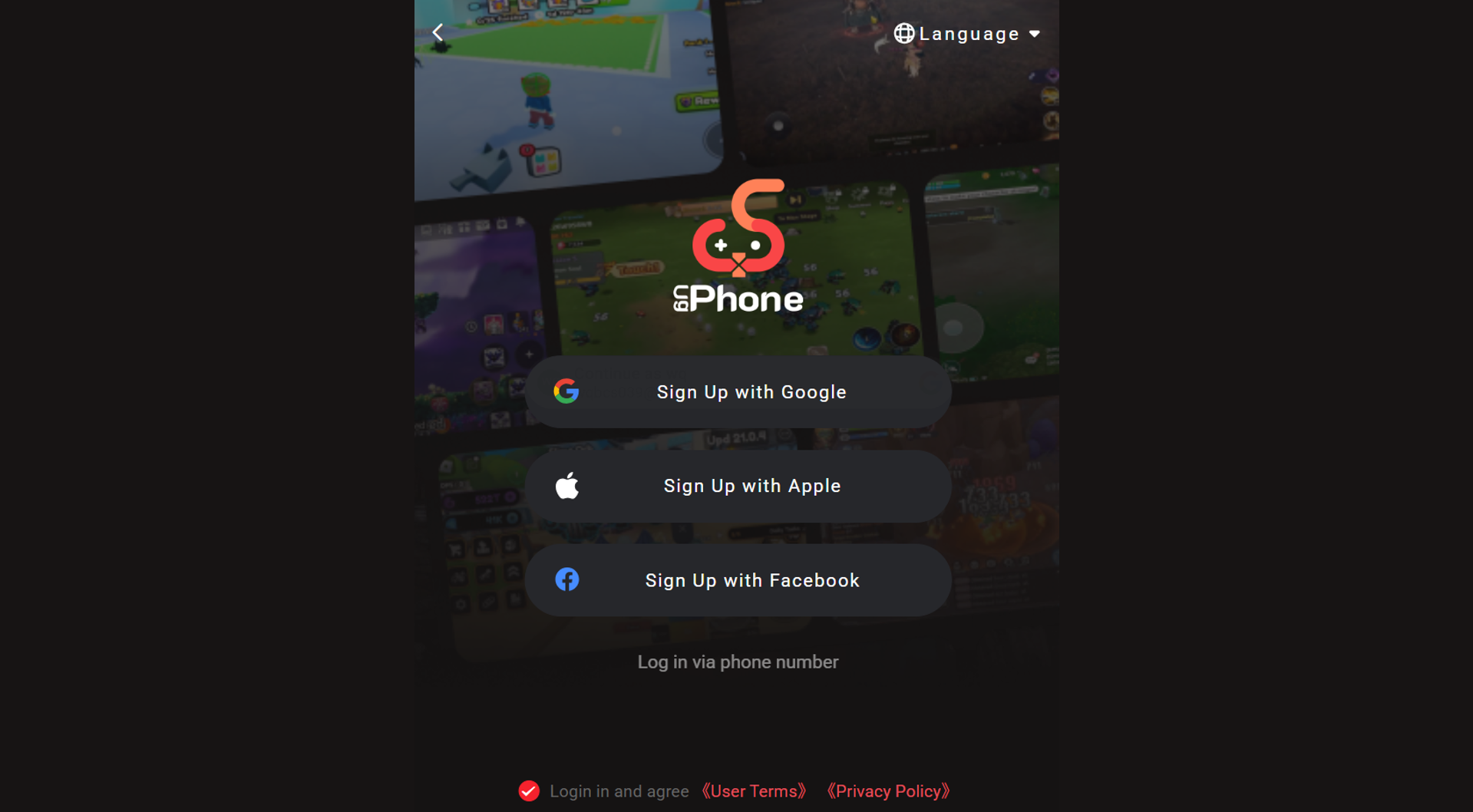
1.Register & Download UgPhone: Sign up on the official website and install the client.
2.Create a Cloud Device: Set up a virtual phone that runs independently in the cloud.
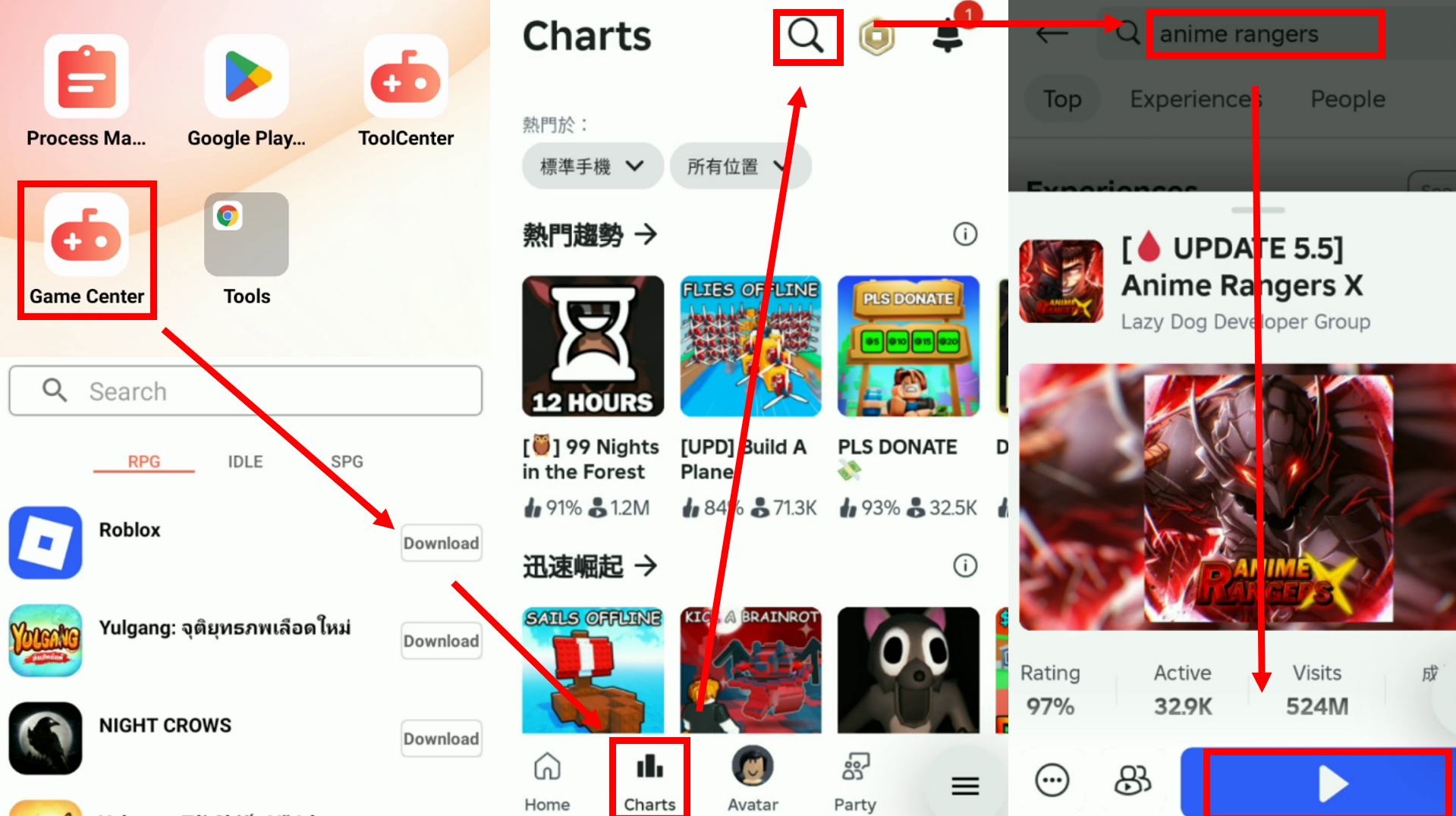
3.Install Roblox & Log In: Access Roblox within the cloud device, log in, and launch Anime Rangers.
4.Set Up AFK Scripts: Customize auto-attack, farming, and other automation tools, such built-in auto-clicker.
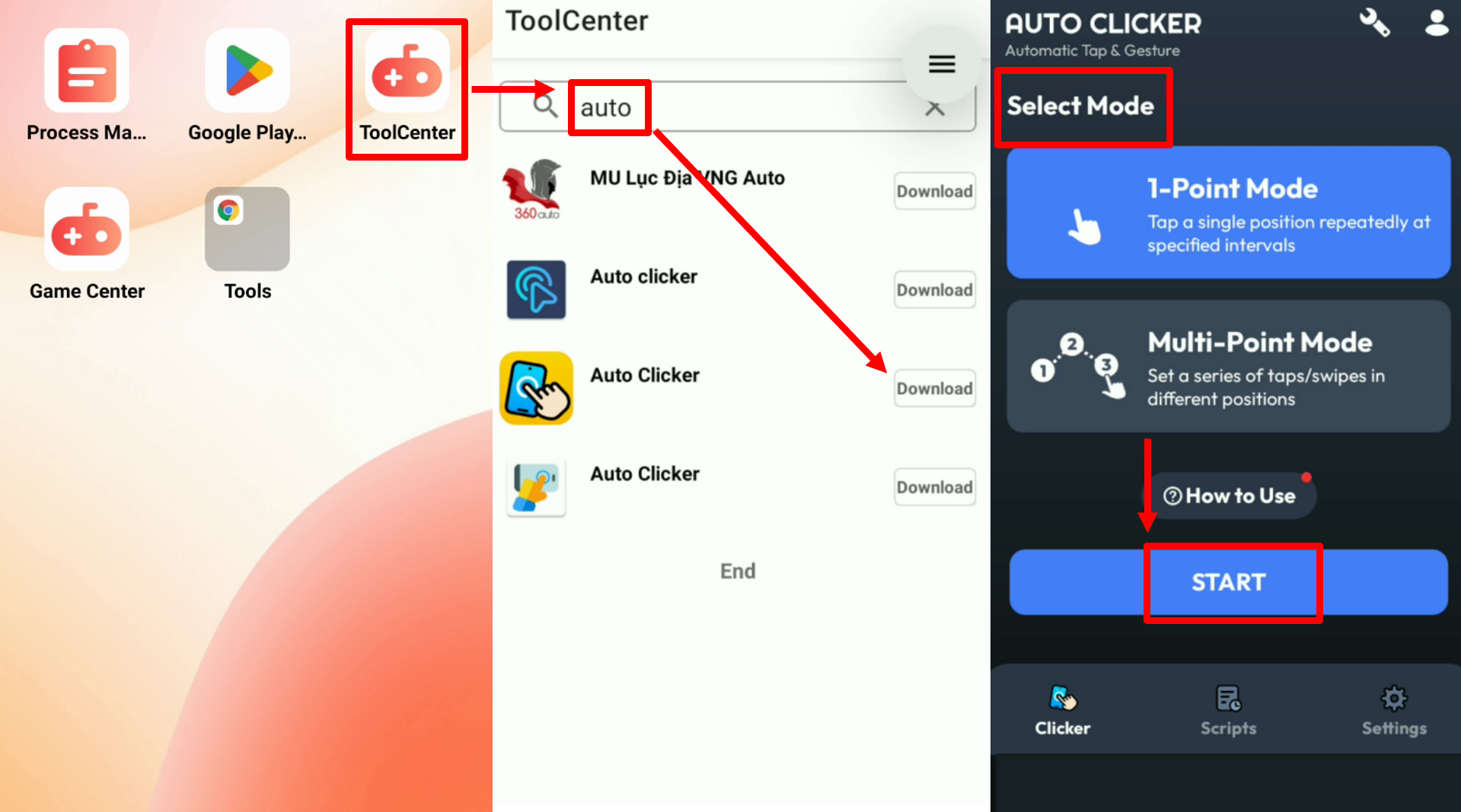
5.Run Multiple Accounts: Add more cloud devices for different accounts to double or triple your resource income.
Level Up Your Anime Rangers Journey with UgPhone
Anime Rangers is a must-play for anime and tower defense fans, but its AFK and resource limitations often frustrate players. With UgPhone Cloud Phone, you can break free from these restrictions, achieve true 24/7 automation, and manage multiple accounts effortlessly.
Stop wasting time on inefficient grinding — upgrade your setup with *UgPhone Cloud Phone*today, and make your Anime Rangers adventure smoother, faster, and far more rewarding!









