The Ultimate Anime Expeditions AFK Guide: How to Maximize Rewards in the AFK Chamber with UgPhone

In Roblox’s latest hit tower defense game, Anime Expeditions, massive amounts of Gems and Coins are essential for pulling powerful anime characters and upgrading core units. To make acquiring these items easier, the game thoughtfully introduced the AFK Chamber feature, allowing players to easily accumulate resources through idle farming.
However, the AFK mechanism only works while the game remains online. If you use your main device to AFK overnight, it will not only severely drain the battery but also easily lead to background disconnection. We will break down the strategy to maximize rewards in the AFK Chamber and teach you how to use the UgPhone cloud phone to achieve perfect, lossless, and uninterrupted cloud AFK!
I. What is the AFK Chamber?
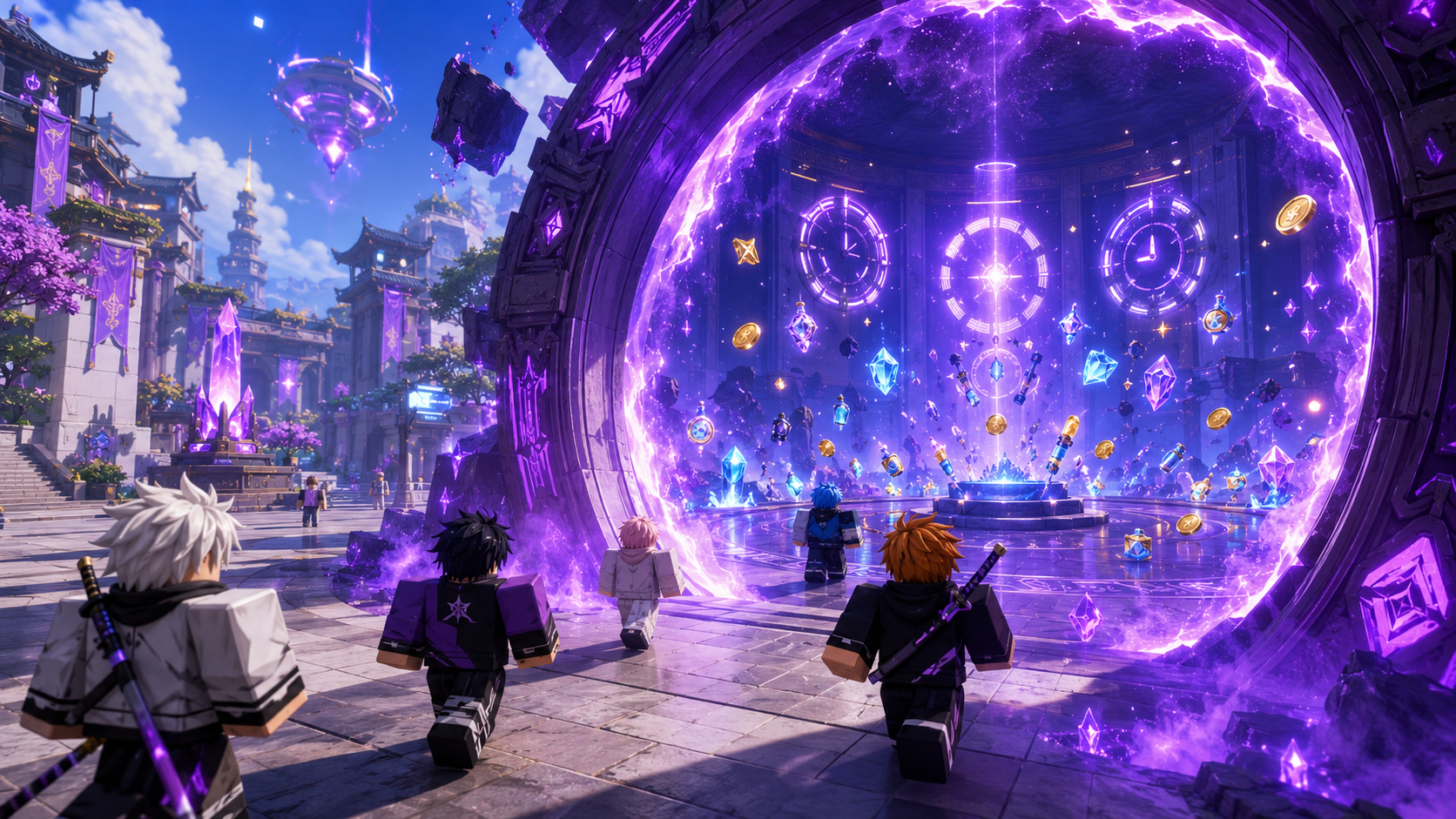
The AFK Chamber (also known as AFK World or AFK Mode) is a dedicated idle area for players in the main lobby of Anime Expeditions.
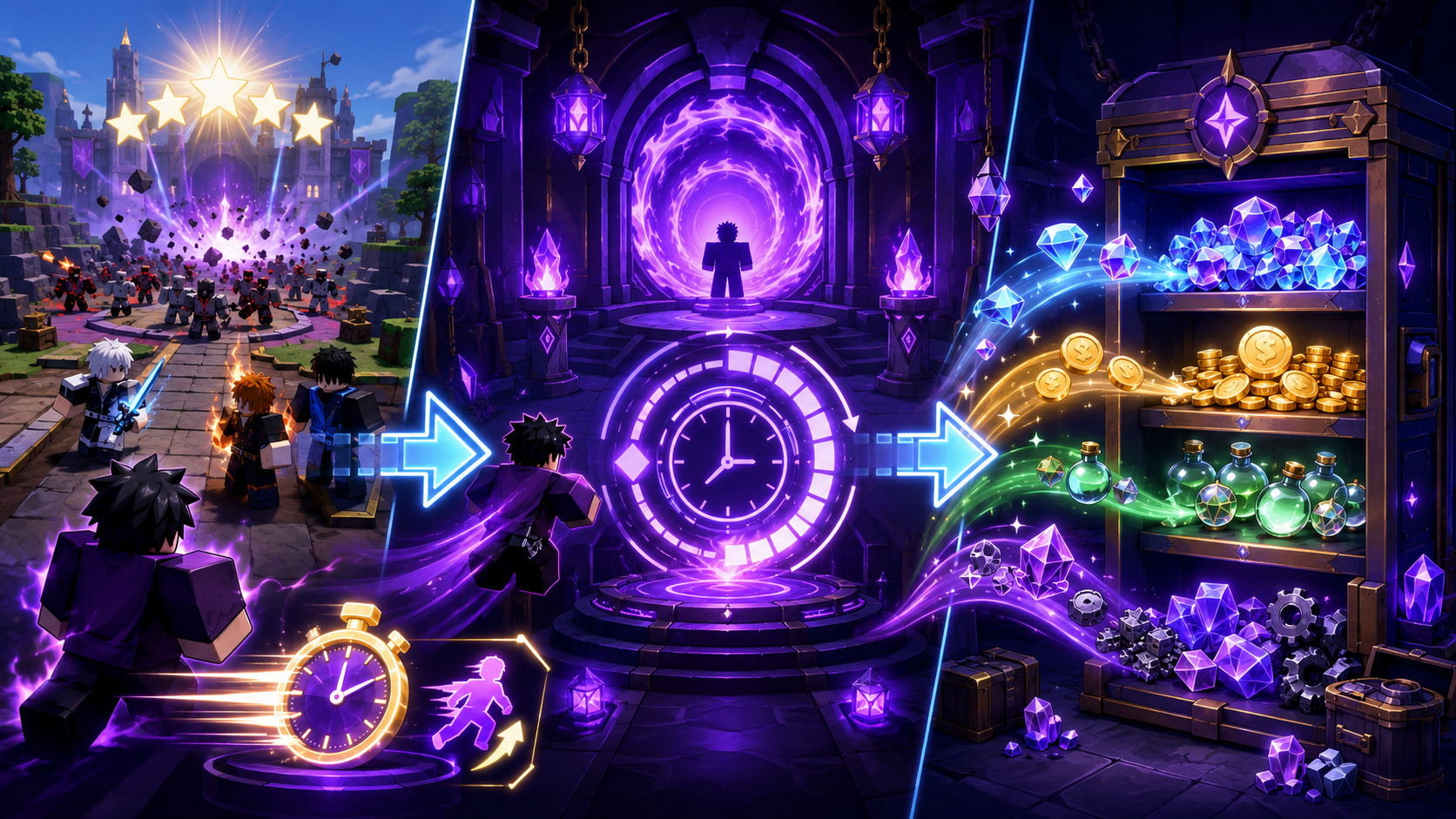
Its mechanics are unique: After entering the AFK Chamber, players can select one of the Story stages they have already cleared. The system will automatically simulate clearing the stage and start a countdown based on your fastest clear time for that stage. Every time the countdown ends, you receive a reward.
Core information on the AFK interface:
- Selected Stage: The target stage currently used for AFK rewards.
- Session Rewards: All loot accumulated during this AFK session.
What can you get? Through AFK, you can continuously acquire Gems, Coins, Consumable Items, and specific Crafting materials exclusive to that stage. You don’t need to rearrange units or perform any combat operations; just wait quietly for the countdown to end.
II. Core Strategy: How to Choose the Stage to Maximize Rewards for AFK?
Many beginners fall into a trap: thinking that the higher the stage level, the higher the AFK rewards. This is not true! The best AFK stage should be the one with the highest overall return per unit of time and the one that provides the resources you currently need most.
1. Pursuing Pure Gems: Calculate “Hourly Efficiency”
The frequency of AFK rewards depends entirely on your fastest clear time. You can use this formula to estimate your earnings:
- Number of rewards per hour = 60 ÷ Time related to your fastest clear time in minutes
- Theoretical Gems per hour = Gems reward per clear × Number of rewards per hour
Suppose a high-level stage gives 100 Gems per clear but takes 8 minutes; while a low-level stage gives 50 Gems but only takes 2 minutes. Obviously, the hourly return of the low-level stage (1500 Gems) far exceeds the high-level stage (750 Gems).
2. Pursuing Specific Materials: Choose Based on Need
If your goal is to evolve a specific unit, you can’t just look at Gems. You need to check the Coins, Consumable Items, and Crafting materials dropped by the stage. A stage with slightly lower Gems efficiency might have a higher overall value if it continuously produces the breakthrough materials you urgently need.
3. Advanced Tip: Set a Record First, Then AFK
Since the AFK reward time depends on your fastest record, it is highly recommended that you bring your strongest lineup and “speedrun” a low-level stage once before going AFK! Turn on Auto Skip Waves, optimize your deployment order, and refresh your fastest clear time. A successful speedrun will permanently boost your AFK efficiency for that stage!
III. Paid Boost: VIP and Roblox Plus Buffs
If you want to further widen the resource gap with other players, consider the game’s value-added services:
- VIP Gamepass (399 Robux): After purchasing, the player’s reward calculation speed in the AFK World will increase by 25%. This means you can get more reward batches in the same AFK time.
- Roblox Plus: You can also get a 25% AFK reward speed bonus.
(💡 Want to get Robux at a better price to buy VIP or Gamepass? Click to check UgShop’s Cheapest Robux for the most cost-effective top-up plans!)
IV. Pain Points of Traditional AFK vs. UgPhone’s Perfect Solution
Since the AFK Chamber is so important, why don’t we recommend using your own phone to AFK directly? Because running Roblox for a long time brings a series of fatal pain points:
❌ The phone is occupied by the game for a long time, making it impossible to reply to messages, watch videos, or handle work.
❌ The screen being constantly on causes the device to heat up severely, accelerating battery aging.
❌ Once switched to the background, Roblox is easily killed by the phone system, leading to background disconnection.
❌ During overnight AFK or network fluctuations, disconnections cannot be noticed in time, wasting time for nothing.
UgPhone cloud phone perfectly solves all this! It transfers the game’s running environment to a cloud server. You only need to set up AFK in UgPhone, then directly close the local App, and Anime Expeditions in the cloud will still run stably 24/7. No heating, no power consumption, and it doesn’t take up local memory!

V. UgPhone Practical Tutorial: 4 Steps to Start Fully Automated Cloud AFK
Step 1: Get and Open UgPhone Cloud Phone
Download and log in to UgPhone, select a cloud phone device suitable for running Roblox, and enter the cloud desktop. Since the AFK Chamber doesn’t require complex 3D rendering, the stable network environment of the cloud phone is the best guarantee for AFK.
Step 2: Install Roblox and Log In
Search for and install Roblox in the cloud phone’s built-in Game Center or Google Play Store. After installation, log in to your game account.
Step 3: Enter the Game and Find the AFK Chamber
Open Anime Expeditions in Roblox. After entering the main lobby, find the purple AFK Portal and walk in to enter the AFK World.
Step 4: Select a Stage and Keep Farming with the Device Closed!
In “Selected Stage”, based on the strategy we mentioned earlier, choose the stage with your shortest clear time and highest return.
Key Point: Stay on the interface and watch the first countdown end. After confirming that Gems and Session Rewards increase normally, you can directly exit the UgPhone app. Your main device is now free to use, while your character in the cloud will work endlessly to earn resources for you!
In Anime Expeditions, resource accumulation is a marathon. Smart players never rely on staring at the screen to get Gems, but know how to use the mechanics of the AFK Chamber and leverage cloud tools to maximize rewards.
Don’t let long AFK sessions burn out your phone battery anymore, and don’t miss out on massive resources because of background disconnection!
👉 Ready to experience the thrill of “waking up to overflowing Gems”? Click to download UgPhone now, claim your exclusive cloud phone, and start a new era of 24/7 lossless cloud AFK!