


Play “Welcome to Bloxburg” Smoothly on UgPhone: A Seamless Roblox Life-Sim Experience

As one of the most popular life-simulation games on Roblox, Welcome to Bloxburg has has garnered over 9 billion visits since its release in 2014. The game allows players to build homes, take on various jobs, and engage in rich social activities.
However, many players still face issues such as device performance issues, storage constraints, and unreliable connectivity. *UgPhone Cloud Phone*solves these problems and ensures a seamless Bloxburg experience for all players.
I. Core Gameplay of Bloxburg
Bloxburg simulates real-life activities and offers three major gameplay systems:
1.Building & Customization
Players begin with a 30×30 plot, where they have the freedom to construct their dream homes. The game offers a wide range of walls, floors, doors, windows, roofs, furniture, and decorations.
2.Jobs & Economy
The game offers 12 distinct professions, ranging from active roles such as pizza delivery to more passive positions like cashier. Players earn money to upgrade their homes and cover daily expenses.
3.Social Interaction & Role-play
Players can interact with others, host events, and manage needs such as hunger, energy, fun, and hygiene.
II. Common Issues with Traditional Play
Without cloud technology, players often encounter:
●Device performance limits – Bloxburg requires high rendering power, causing lag and frame drops on low-end devices.
●Storage pressure – Frequent updates consume large amounts of storage space.
●Cross-platform inconvenience – Transitioning seamlessly between mobile, tablet, and PC is often challenging.
●Network instability – Latency or sudden disconnections can disrupt social interactions and role-playing activities.
III. How UgPhone Solves These Problems
UgPhone Cloud Phone offers a comprehensive suite of enhancements designed for Bloxburg players:
1.24/7 Cloud Processing Removes Device Limits
All rendering and operations can 24/7 run on cloud servers, ensuring smooth, high-quality gameplay even on low-spec devices.
2.Instant Play, No Storage Needed
All data is cloud-hosted, eliminating concerns about local storage constraints.
3.Seamless Cross-Device Sync
iOS, Android, and PC progress stays synced, allowing players to continue the game anytime, anywhere.
4.Optimized Global Network
Worldwide server nodes reduce latency and ensure stable connections during social interactions.
IV. Quick Start Guide: Play Bloxburg on UgPhone
Step 1: Create an*UgPhone* account and log in.
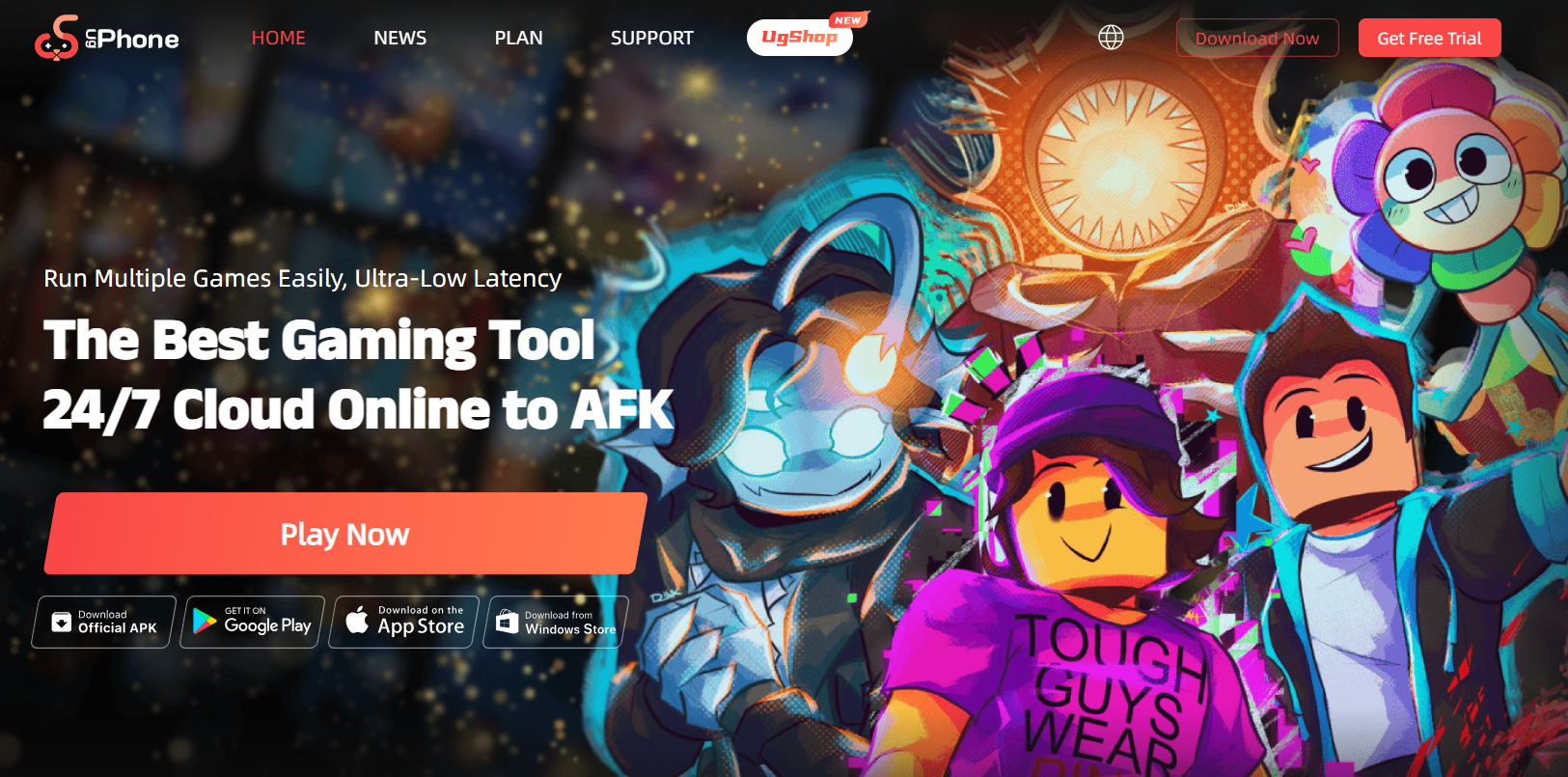
Step 2: Download Roblox on your UgPhone device, log into your Roblox account, and launch the game you want to level up in.
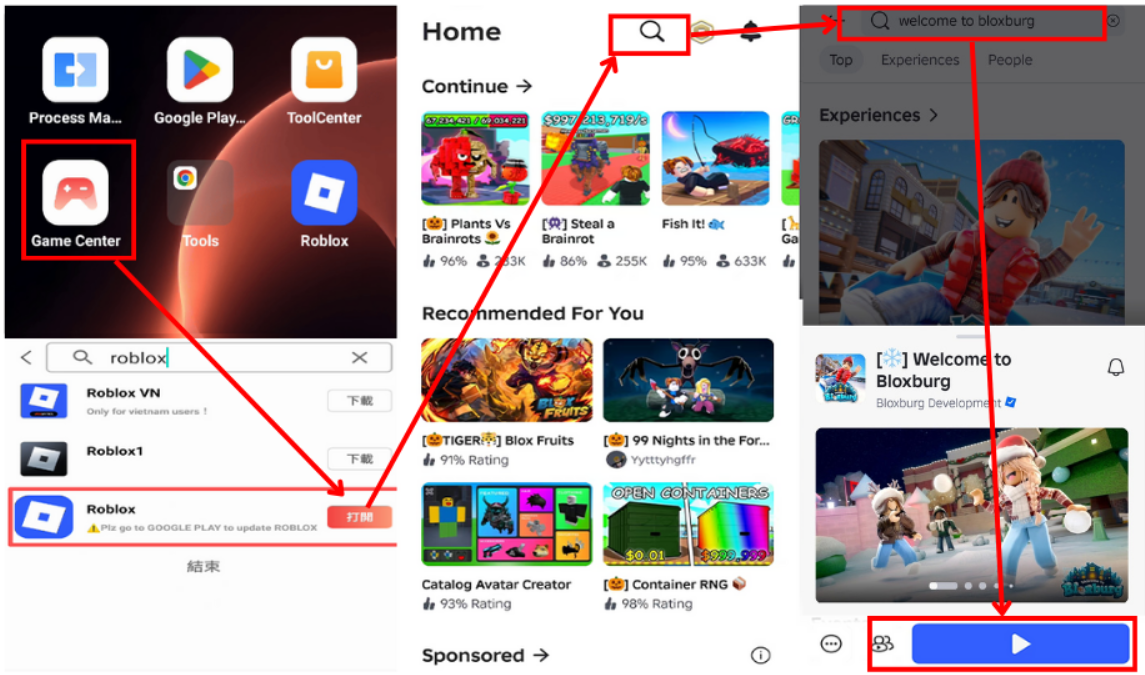
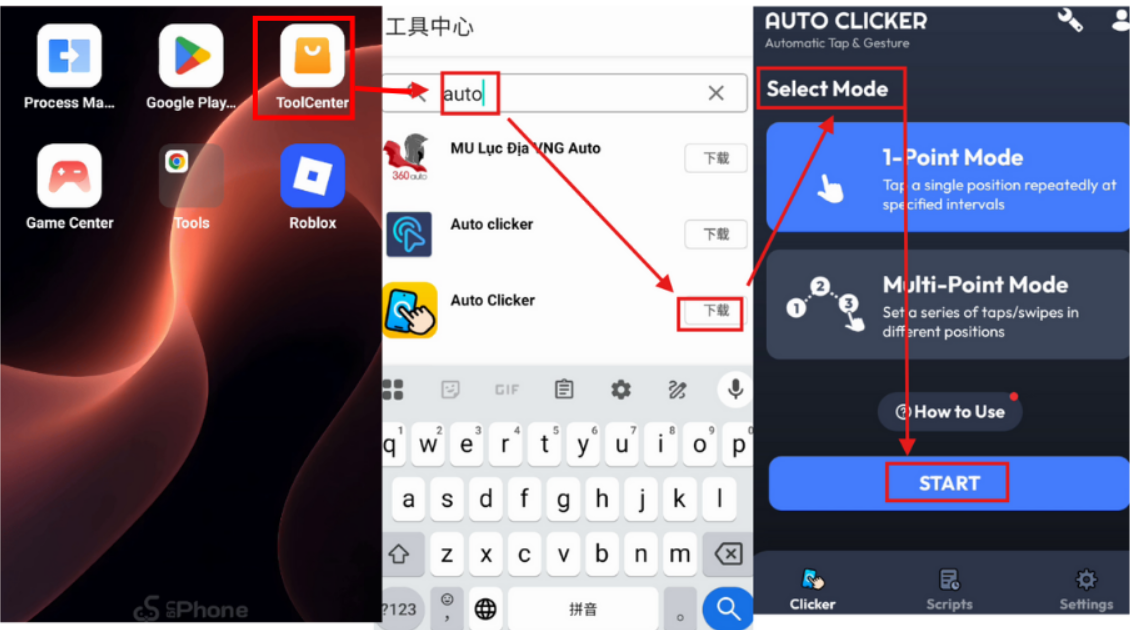
Step 3: Install a auto-clicker on UgPhone, configure it, and let it run inside your Roblox game.
UgPhone Cloud Phone revolutionizes the Bloxburg experience by offloading all performance demands to the cloud. Whether you love building, role-playing, or socializing, UgPhone offers an ideal environment for your virtual life.
Begin your Bloxburg adventure with*UgPhone Cloud Phone* today and enjoy a seamless, device-independent gaming experience!









